
Practical B2B guide
What to Put on a Digital Business Card: 7 Practical QR Ideas
A useful digital business card does one job after a conversation: it helps the other person take the next relevant step without guessing. That may be saving a contact, opening a product brief, checking a service area, or asking a question. It does not need to imitate a full website.
The short answer
Put a clear name and role, company, direct contact method, one sentence of context, and one primary next step behind the QR code. Add a visible URL beside the code, keep a non-QR contact option on the printed card, and test the destination on both iPhone and Android before printing.
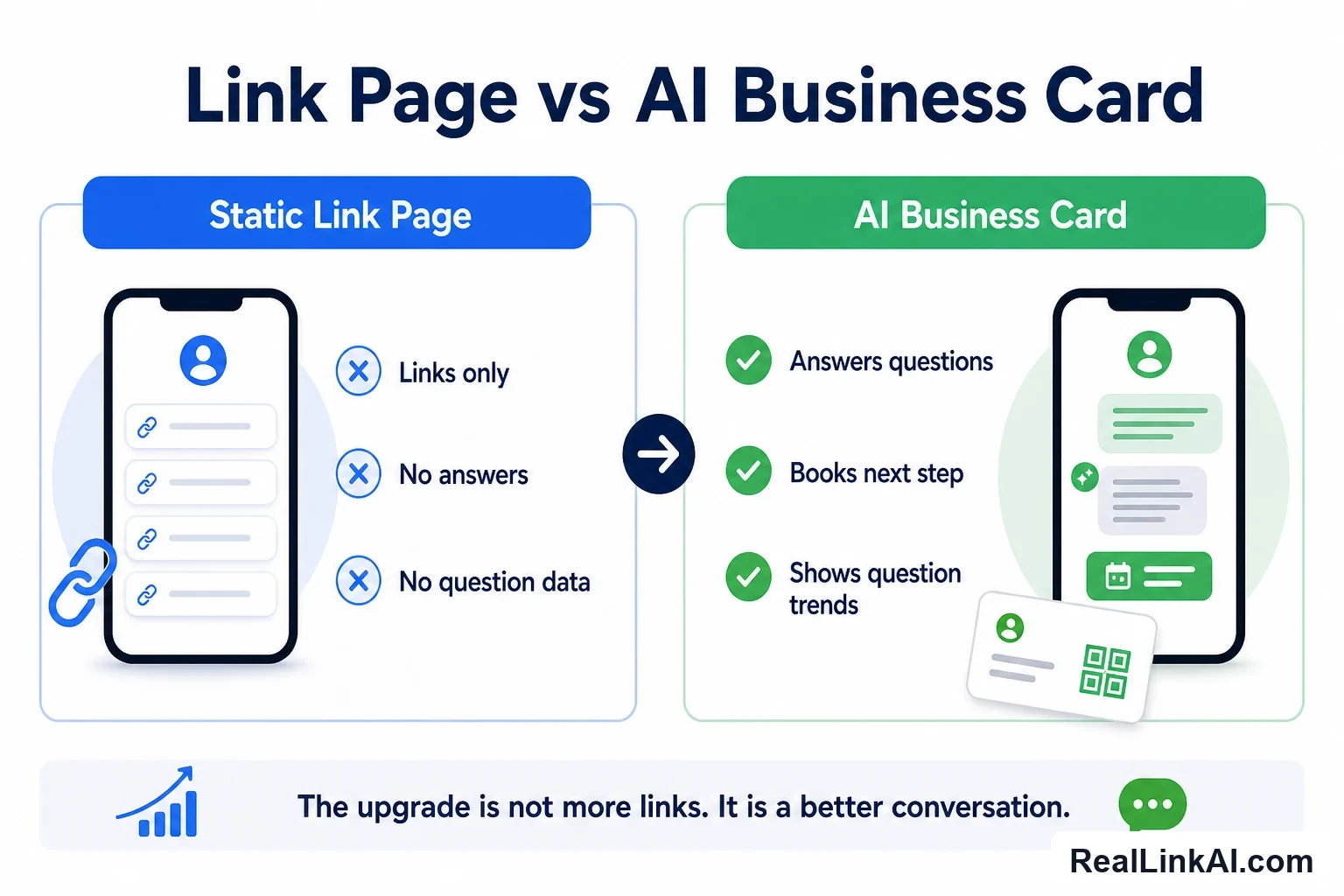
Choose the destination by task: use a vCard file when contact saving is the main job, a profile page when the person needs a small set of links, and an answer page when conversations usually create several predictable questions.
1. Give the card one primary job
The first design decision is not color, NFC, or QR size. It is what the recipient should be able to do in the first 30 seconds.
- Save the contact after a networking introduction.
- Review one product family after a trade-show conversation.
- Check fit before requesting a quote or meeting.
- Find the right document after an installation or sales visit.
- Ask a common question when the card may be shared with someone who did not attend the original conversation.
Pick one as the primary action and make everything else secondary. A page with twelve equally prominent buttons transfers the sorting work to the recipient. If the card is used in two very different situations, such as hiring and sales, use separate destinations or print separate cards.
2. Choose a vCard, profile page, or answer page
These destinations solve different problems. None is automatically the “smartest” option.
| Destination | Best when | Main limitation | Minimum test |
|---|---|---|---|
| vCard file | The recipient mainly needs to save a name, phone number, email, company, and role | It gives little context and field handling varies by contact app | Import on iOS and Android; check name order, company, phone, and email |
| Profile landing page | You need a short introduction plus two or three stable links | Too many links can hide the reason for the exchange | Open on cellular data and complete the primary action with one hand |
| AI answer page | Recipients regularly ask several approved, predictable questions | It must be maintained and must not invent live prices, inventory, or commitments | Ask supported, unsupported, outdated, and sensitive questions |
| Single task page | The card belongs to one campaign, product, event, or service | It can become irrelevant when the campaign ends | Set an owner and expiration review date before printing |
RFC 6350 is the current vCard 4.0 format specification. It defines structured properties such as formatted name, organization, title, telephone, email, and URL. A generated file still needs device testing: a technically valid file is not proof that every contact app will display every field exactly as intended.
A practical hybrid is a small profile page with a clearly labeled “Save contact” action. It preserves context while giving the recipient control over whether to download or import a contact.
3. Add context, not a miniature biography
The recipient may scan the card days later, or a colleague may receive a photo of it without meeting you. Give them enough context to reconstruct why the contact matters:
- your name and working role;
- the company and official domain;
- the customer or project type you handle;
- the geographic or operational scope, when relevant;
- the next task you can help with;
- a direct fallback contact method.
Use a specific sentence: “I help U.S. equipment distributors evaluate replacement-part and private-label inquiries” is easier to route than “Helping businesses grow through innovation.” Do not list markets, certifications, or partner status that cannot be verified on the destination page.
For a shared team card, explain who monitors the contact point and when a human reply can be expected. Do not make a shared inbox look like a personal direct line.
4. Link proof to a buyer task
A card can point to useful evidence, but every item should answer a likely decision question. Examples for a B2B equipment supplier include:
- a compatibility guide for someone checking fit;
- a current technical data sheet for an engineer;
- a service-area page for an operations manager;
- a short implementation overview for a buyer preparing an internal review;
- a case example with scope and limitations, not an anonymous claim;
- a document-request route when files should not be public.
Show the document title, revision date, language, and file type before download. Avoid automatically starting a download from the QR code. A web page with a clear choice is easier to understand, safer to inspect, and more usable on a phone.
If a source becomes outdated, replace it at a stable, controlled destination instead of changing the printed code. Keep a change log for specifications that influence buying or technical decisions.
5. Make the next step explicit and permission-based
A next step should describe what will happen, what information is needed, and whether a person will review it. Useful labels include:
- Request a compatibility review
- Send the two details needed for a quote review
- Choose a time on our external scheduling page
- Email the technical contact
- Save this contact
Do not say “Get an instant quote” if the destination only collects a request. Do not say “Book with me” if the link opens a general contact form. If scheduling is handled by a separate calendar service, identify that step and let the visitor decide whether to open it.
A business-card exchange also is not blanket permission for ongoing marketing email. The FTC's CAN-SPAM guidance says the U.S. law covers commercial messages and makes no business-to-business exception. Commercial email requirements include accurate headers and subjects, a valid postal address, a clear opt-out method, and honoring opt-out requests. A promised one-to-one follow-up and a recurring campaign should therefore be handled as different workflows. Get legal advice for the exact messages and jurisdictions involved.
6. Add a fallback for people who cannot or do not want to scan
A QR code is an optional shortcut, not the only door. The U.S. government's Section508.gov QR implementation guide identifies barriers for people with visual, mobility, and cognitive disabilities and for people without suitable devices or connectivity. Its implementation advice is written for federal accessibility work, not as a universal private-business compliance ruling, but the usability practices are broadly useful:
- label what the code opens instead of showing an unexplained square;
- print a readable short URL next to the code;
- keep essential phone or email information in text on the card;
- use strong visual contrast and adequate quiet space around the code;
- avoid automatic calls, messages, or downloads;
- test the web destination with keyboard navigation, zoom, VoiceOver, and TalkBack where practical.
On a digital PDF or online card, give the QR image purpose-based alt text and a normal clickable link. In print, the visible URL helps someone type the destination, verify the domain, or use another device.
7. Plan for security, ownership, and change
People are increasingly cautious about QR codes for good reason. The FTC warns that malicious codes can lead to spoofed sites or malware and advises people to inspect a QR destination before opening it. A business card should make that inspection easy.
- Use a domain the recipient can recognize as belonging to the company.
- Print the destination or a clear domain beside the QR code.
- Do not use an unfamiliar shortener when the official domain will fit.
- Make the page use HTTPS and avoid unexpected redirects.
- Do not request passwords, payment details, or sensitive documents from the card page.
- Name a staff owner who can update or retire the destination.
- Review the page when a person changes role, a product is retired, or a campaign ends.
For cards displayed in public racks or booths, check periodically that a sticker has not covered the printed QR code. For an NFC card, verify both the tap destination and the printed fallback; one should not silently point somewhere different.
Field-test the card before ordering a full print run
Print a small batch and run this test with someone who did not build the page:
- Scan with the native camera on a current iPhone and Android phone.
- Test in normal office light, lower light, and at the likely hand-held distance.
- Open on cellular data, not just fast office Wi-Fi.
- Check that the domain shown before opening is recognizable.
- Complete the primary action with one hand.
- Import the vCard and inspect name order, company, role, phone, email, and URL.
- Increase text size and zoom the destination page.
- Try the visible URL without scanning.
- Ask a colleague what they believe will happen before they tap the main button.
- Change one destination item and confirm the printed card still works as planned.
Record the card version, QR destination, page owner, last test date, and next review date. This small register prevents an old employee card or discontinued product link from remaining in circulation indefinitely.
Worked example: a U.S. industrial equipment supplier
A regional equipment supplier gives cards to plant managers at maintenance events. The old QR code opens the corporate home page. Visitors must search for the right equipment family, the service territory, and the representative they met.
The company changes the card's primary label to “Scan to check parts and service fit.” The destination shows the representative's name and territory, a contact-save option, three equipment families, a service-area link, and a route to request a compatibility review. It does not claim that parts are in stock or that a technician is available in real time.
A buyer selecting “compatibility review” sees the exact information a human reviewer needs: model, serial-number format, site ZIP code, required date, and a description of the issue. Sensitive plant documents are not requested. The confirmation says who will review the request and when the buyer should expect a response.
The supplier measures completed compatibility requests, missing model information, failed document links, and requests sent to the wrong territory. It does not treat every scan as a qualified lead. After three months, repeated questions about discontinued models become a reason to improve the destination page and printed label.
Sponsored tool note
Where RealLink AI can fit
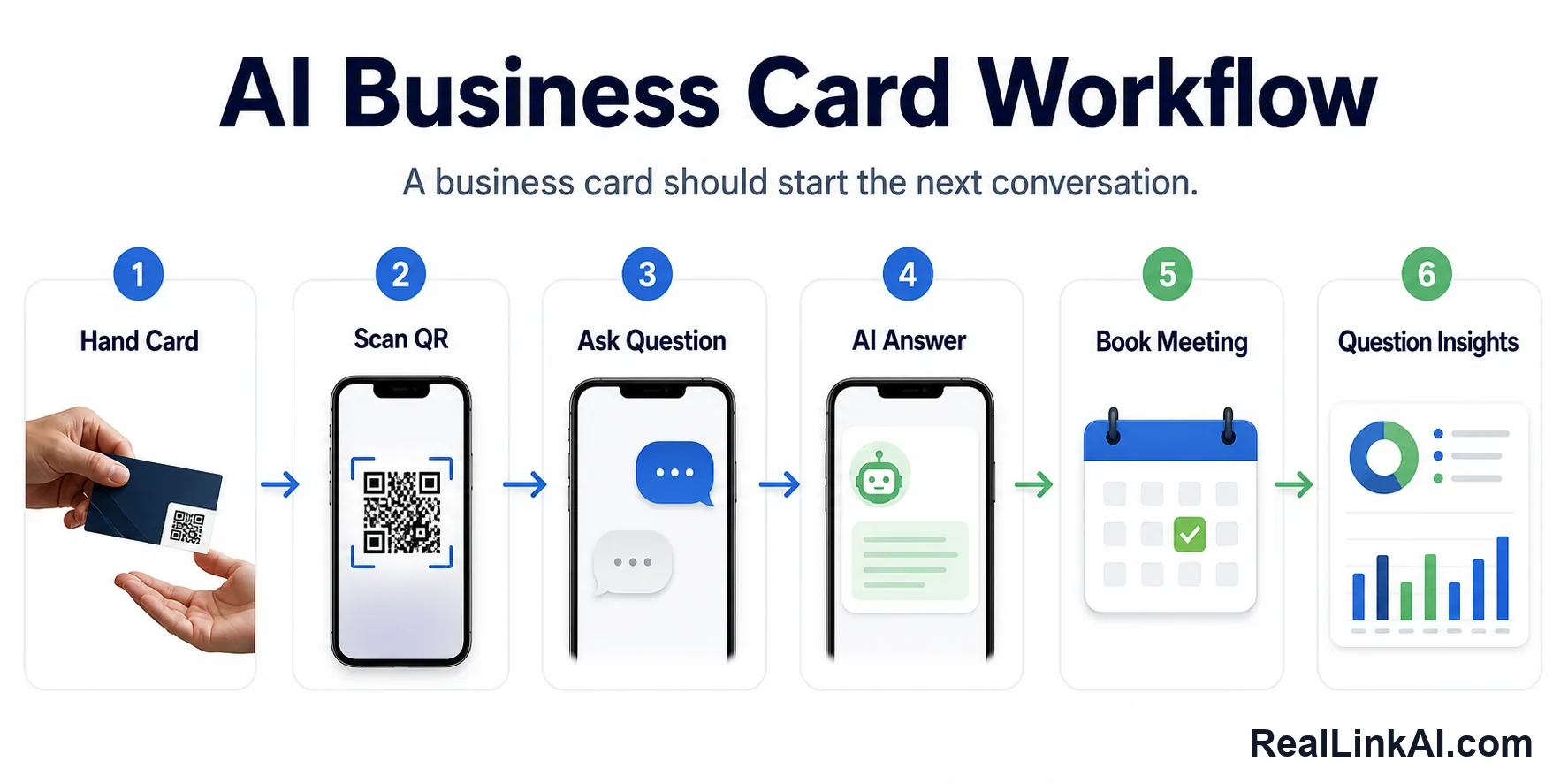
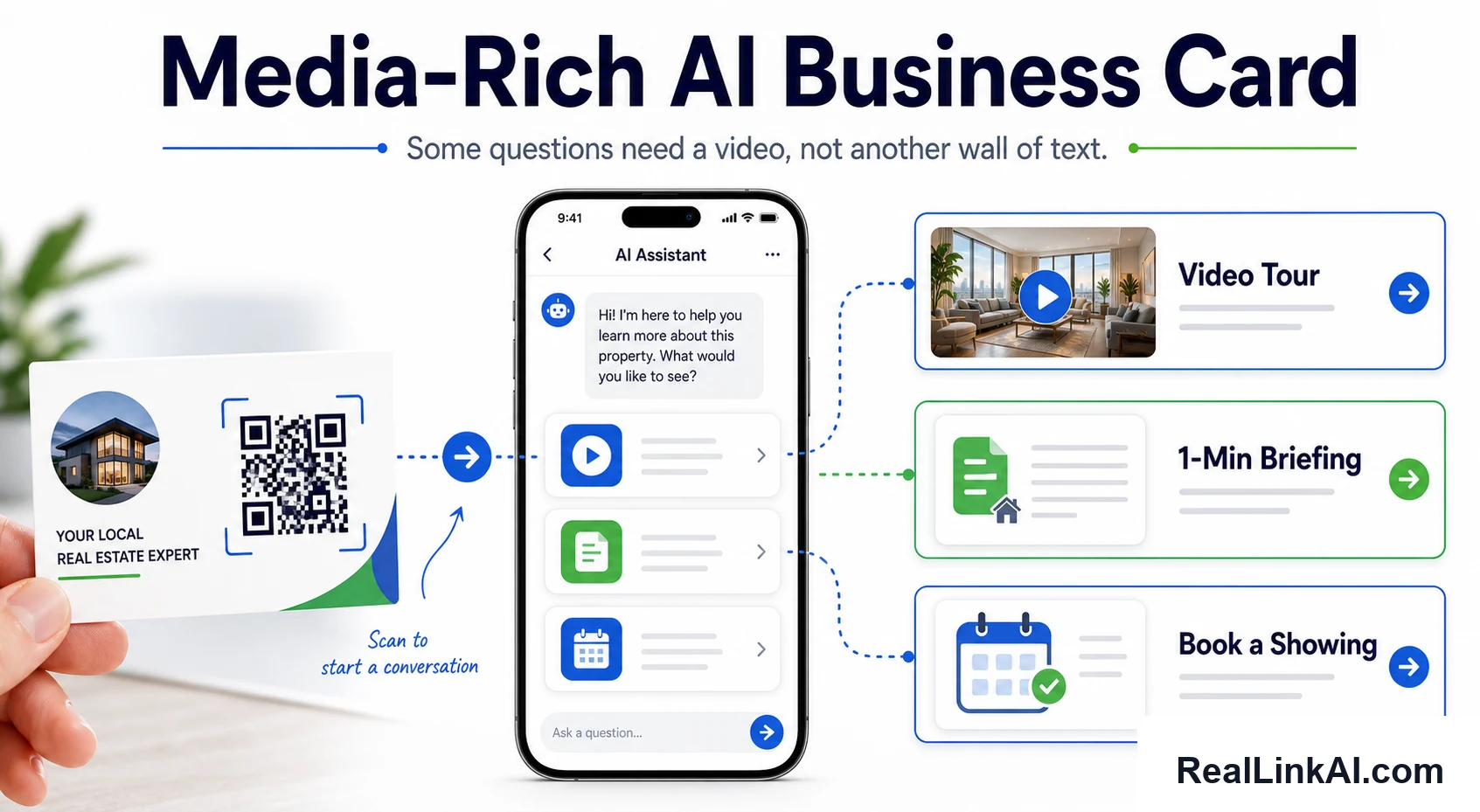
RealLink AI can provide a public answer page based on information the business has approved. A business-card QR can open that page so a visitor can ask about supported product categories, service areas, document locations, or the preparation needed for a human review. Question-topic insights can show which approved explanations need improvement.
It is not a CRM, contact scanner, quote generator, inventory system, live availability service, or built-in booking engine. A scheduling, contact, document, or quote step should be presented as a clearly labeled external or human-owned path.
Official sources
- RFC Editor: RFC 6350, vCard Format Specification
- Federal Trade Commission: CAN-SPAM Act compliance guide for business
- Section508.gov: Accessible QR code implementation
- Federal Trade Commission: Scammers hide harmful links in QR codes
This guide is general operational information, not legal, accessibility, privacy, security, or compliance advice. Verify the requirements that apply to your business, audience, medium, and jurisdictions.
Frequently asked questions
What is the best thing to put behind a business card QR code?
The best destination completes the primary task created by the conversation. Use a vCard for contact saving, a small profile for a few stable links, a task page for one campaign, or an answer page for several recurring approved questions.
Should the QR code open a vCard directly?
Only when immediate contact import is the expected action. A small page with a labeled save-contact button can provide context and give the visitor control before downloading or importing.
Can a digital business card collect leads?
It can link to a permission-based contact or request form, but a scan alone is not a qualified lead and should not silently enroll someone in marketing. Explain what information is collected and what response will follow.
What should be printed next to the QR code?
Print a short purpose label and a readable URL, such as “Scan for the MX-40 product brief” followed by the official domain. Keep a phone number or email on the card when it is an essential fallback.
How often should the destination be reviewed?
Set a review date based on how often roles, products, and documents change. Also review immediately when a person changes role, a linked product is retired, or a campaign ends.
A question-ready destination
Make the scan useful after the introduction
Publish approved answers behind a stable link, then keep human ownership for quotes, inventory, scheduling, and technical commitments.
Create an AI answer page