
Trade show preparation
Essential Trade Show Preparation Checklist: 15 Things to Check Before the Booth Opens
A practical plan for deadlines, booth services, staff, demos, lead capture, claims, QR links, and post-show ownership.
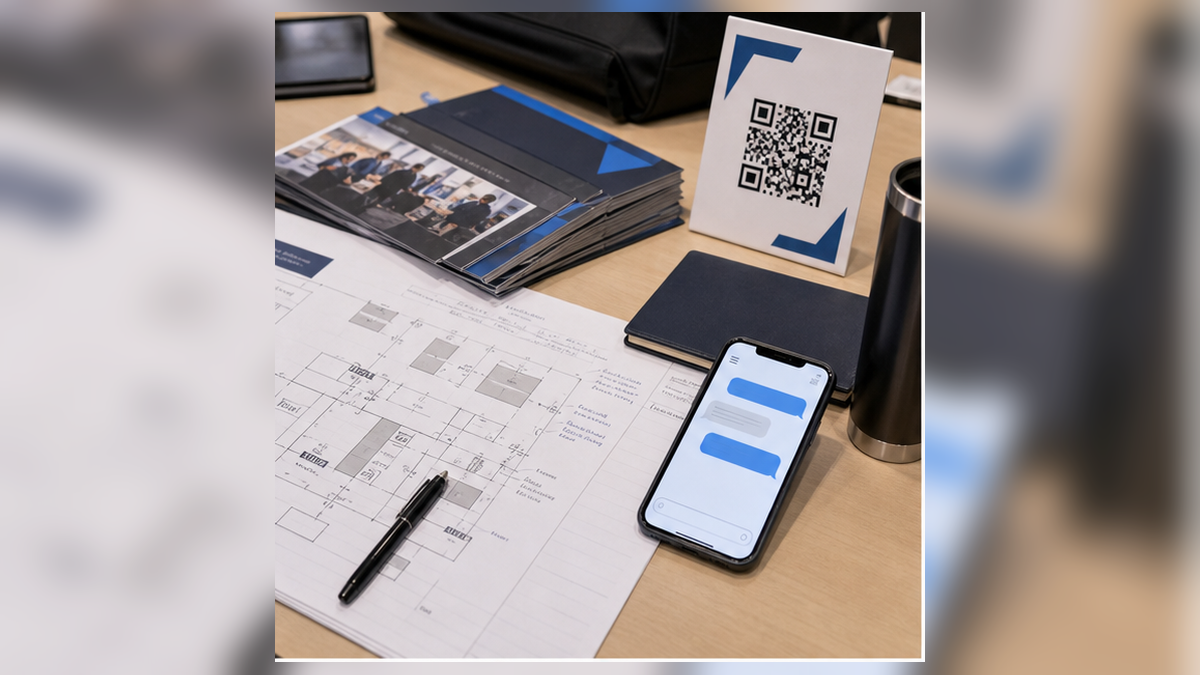
Direct answer
A complete trade show preparation checklist covers five systems before the booth opens: the event goal, organizer deadlines and services, the visitor experience, staff ownership, and the post-show workflow. Put every task under a named owner and due date. Test the actual booth, demo, lead form, QR destination, and follow-up handoff rather than marking them complete because a file or order exists.
Key takeaways
| Decision | What good preparation looks like |
|---|---|
| Goal | One primary outcome, one target visitor, and a measurable definition of success. |
| Operations | Organizer deadlines, service orders, freight, labor, setup, teardown, and contingencies have owners. |
| Visitor path | Signs, demos, staff questions, printed material, and digital links all support the same next step. |
| Data and follow-up | The team collects only useful information, records promises, and assigns every next action before the show. |
Table of contents
15-point trade show preparation checklistEight-week preparation timelineBooth services and freightMessage, demo, and proofStaff coverage and handoffLead capture and data boundariesQR and digital destination QAShow-day operating rhythmPost-show follow-up planInternational exhibits and temporary importsOfficial sourcesFAQ15-point trade show preparation checklist
Use this as the master list, then turn each item into a dated task in the team's project system.
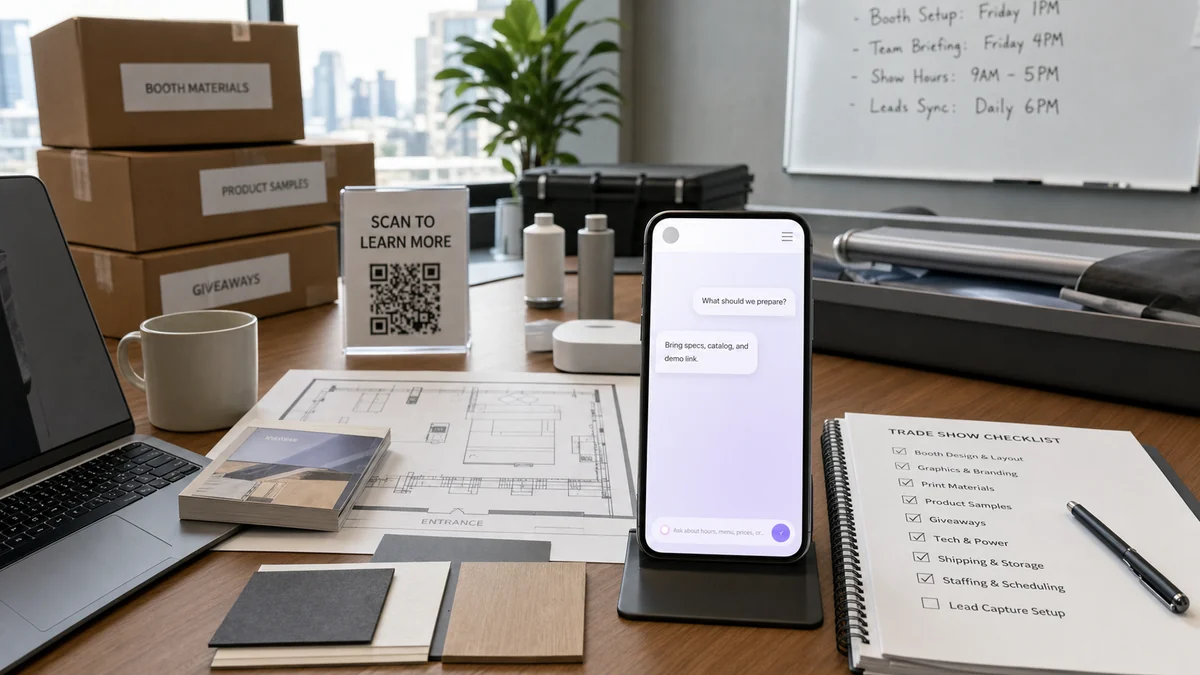
- Choose one primary business outcome. Decide whether the show is mainly for qualified meetings, distributor conversations, samples, demos, product education, or partner development. Secondary goals are allowed, but they should not compete with the main one.
- Define the target visitor. Write the company type, role, use case, geography, and disqualifying conditions. This determines the booth message and which conversations deserve follow-up.
- Build the full event budget. Include space, booth production, organizer services, freight, labor, travel, lodging, equipment rental, drayage where applicable, internet, lead retrieval, insurance, giveaways, and follow-up work. The U.S. Commercial Service recommends setting a draft budget and ROI benchmarks before attending.
- Copy every organizer deadline into one calendar. Track registration, badges, exhibitor-appointed contractors, certificates, artwork, freight, service discounts, material handling, move-in, move-out, and cancellation dates. Use the current exhibitor manual as the authority.
- Order booth services against the final layout. Confirm power drops, internet, lighting, rigging, furniture, cleaning, waste, compressed air, water, and labor only after the equipment positions are known.
- Plan freight and return freight together. Label every case, photograph contents, name the receiver, keep tracking details accessible, and decide who can authorize a replacement or emergency purchase.
- Write the five-second booth message. The right passerby should understand who the booth is for, what problem it addresses, and what useful action to take next.
- Script and rehearse each demo. Prepare a normal version, a two-minute version, and a no-internet fallback. Define what a staff member should never promise without checking.
- Approve proof and claims before printing. Match performance, savings, certification, origin, compatibility, and comparison claims to current evidence. Remove stale numbers and unsupported superlatives.
- Prepare answers to real buyer questions. Start with recent sales calls and support requests. Cover fit, price context, implementation, technical limits, samples, lead time, proof, and next steps.
- Assign staff roles and coverage. Name an opener, qualifier, demo owner, technical escalation contact, operations owner, and lead-review owner. Schedule breaks so the booth is never staffed only by people who cannot answer or route questions.
- Design the lead record. Collect the minimum details needed for the promised follow-up. Add fields for the visitor's question, fit, requested action, owner, and due date. A badge scan alone is not a usable handoff.
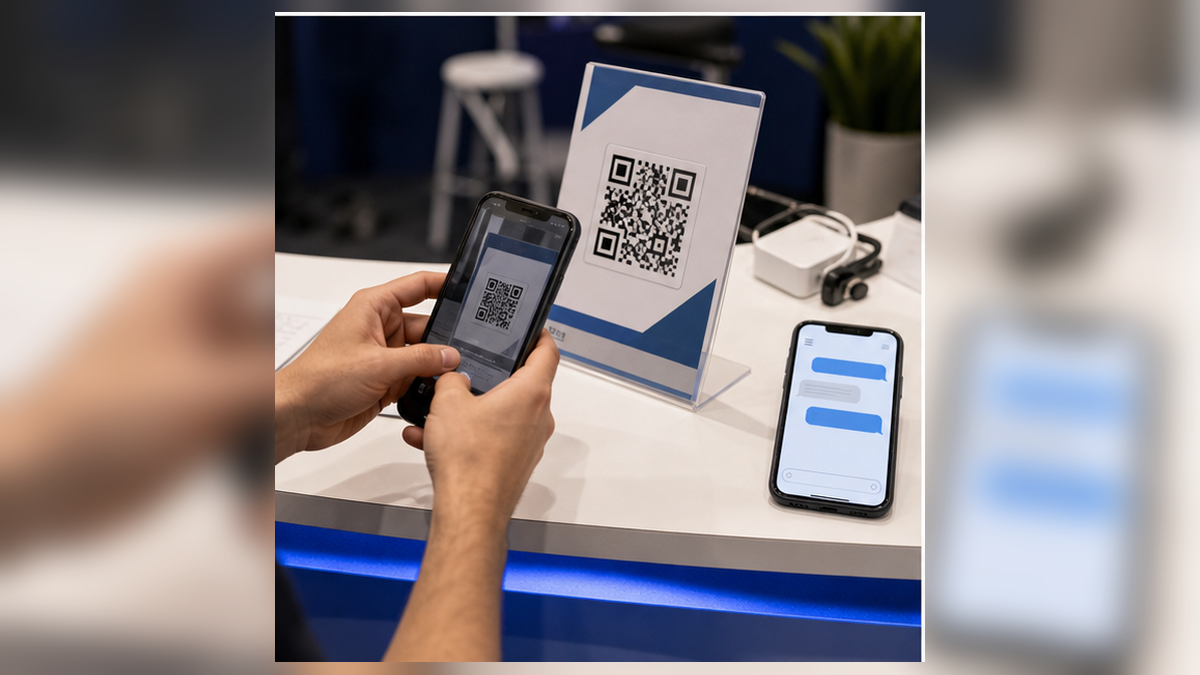
- Test every visitor-facing link and QR code. Use final printed size, realistic distance, multiple phone cameras, event lighting, mobile data, and a guest browser. Confirm the destination does not require an employee login.
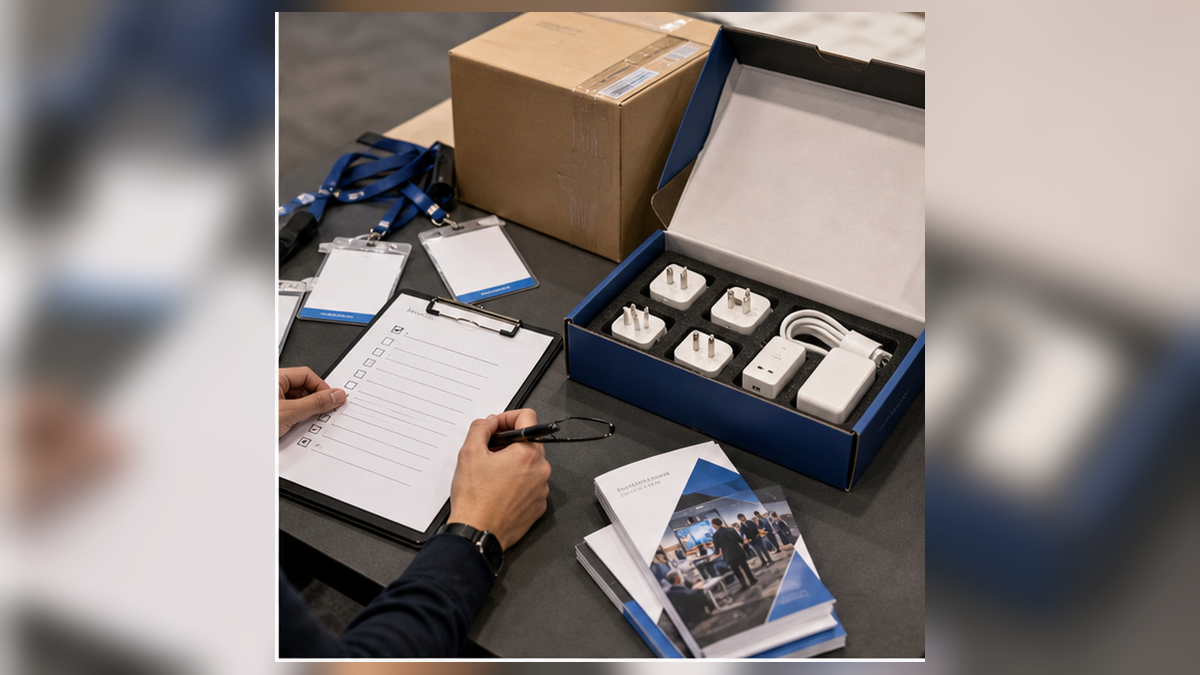
- Pack operational backups. Include chargers, adapters, extension solutions allowed by the venue, spare cables, printed demo screens, tape and tools permitted by the organizer, cleaning supplies, replacement QR signs, and an offline contact method.
- Pre-assign follow-up. Decide which requests get same-day action, which receive a personal response, which enter a longer nurture path, and who closes incomplete records before the team leaves the venue.
An eight-week preparation timeline
Start with the organizer's actual dates. This sample sequence is a planning aid, not a substitute for the exhibitor manual.
| When | Decisions to close | Evidence of completion |
|---|---|---|
| 8+ weeks before | Goal, target visitor, budget, booth layout, major services, freight path, staffing | Approved brief, budget owner, deadline calendar, floor plan |
| 6 weeks before | Message, artwork, demo flow, proof library, lead fields, travel | Print-ready copy, demo script, claim approvals, test lead record |
| 4 weeks before | Service confirmations, equipment list, QR destinations, follow-up categories | Order confirmations, asset list, tested URLs, owner matrix |
| 2 weeks before | Full rehearsal, backup plan, shipment check, staff schedule | Timed demo, packed backup kit, tracking file, coverage grid |
| Move-in day | Physical inspection, power and internet, lead capture, signs, safety | Photo record, completed test submission, scan tests, issue log |
| Each show day | Open promises, high-fit leads, repeated questions, stock and supply gaps | 15-minute closeout note with owners and due times |
Booth services and freight: verify the physical reality
A confirmation email is not proof that a service works at the booth. During move-in, test each service at the point of use.
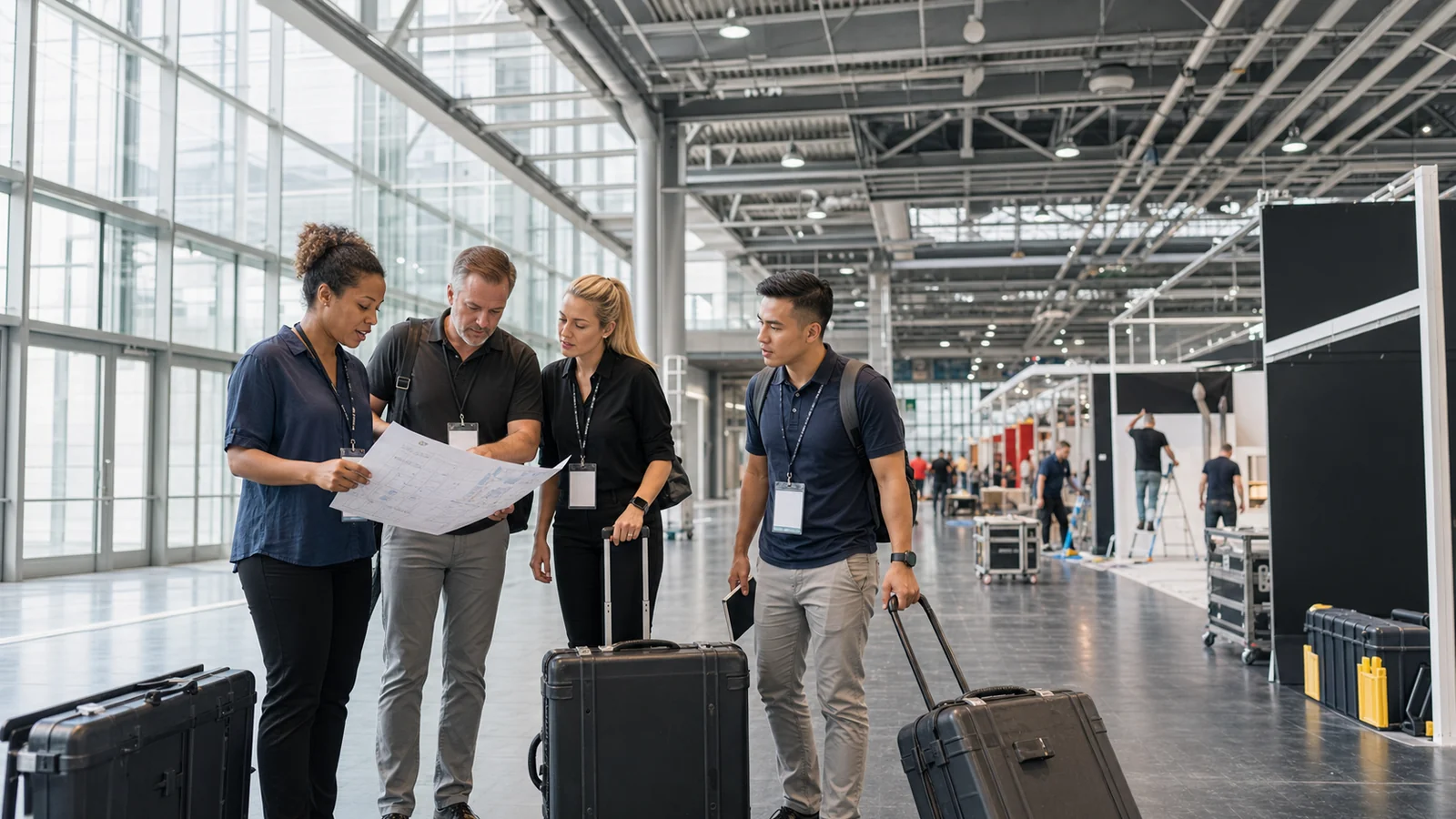
Mark the power outlet, network drop, lighting direction, storage space, waste route, and equipment footprint on the same floor plan. Measure cable runs and door clearance. Confirm who may perform electrical, rigging, material handling, and installation work under the organizer and venue rules. Photograph cases before opening them and again before return freight is sealed.
Create one issue log with four fields: problem, current impact, owner, and decision time. For example, "demo monitor has no power; blocks scheduled demos; show services desk owner; escalate at 3:00 p.m." is much more actionable than "power issue."
Message, demo, and proof: prepare what the visitor will evaluate
The booth message should help the right visitor self-identify; the demo should prove one useful outcome; the proof should support every objective claim.
Write a plain sentence using this structure: "For [specific audience] who need [job], this helps [concrete outcome] without [important constraint]." Then test it with someone outside the project. If they cannot identify the audience and next action after five seconds, simplify it.
For each demo, prepare a setup sentence, the action the visitor will see, the result, and one qualifying question. Keep a separate evidence file for performance claims, certifications, compatibility, customer quotations, and comparison statements. The FTC says advertising claims must be truthful, non-deceptive, and supported by evidence. That standard applies to booth signs, brochures, spoken claims, and digital follow-up, not only conventional ads.
Staff coverage and handoff: make ownership visible
A strong booth does not rely on every employee knowing everything. It makes routing fast and honest.
| Role | Owns | Escalates when |
|---|---|---|
| Opener | Welcoming and identifying why the visitor stopped | The visitor has a specific use case or request |
| Qualifier | Fit, role, timing, need, and next-step clarity | Technical, commercial, or partner review is needed |
| Demo owner | Safe, repeatable demo and accurate limitations | The request is outside the approved scenario |
| Technical contact | Specifications, integration, materials, or evidence | A written commitment or custom evaluation is requested |
| Operations owner | Services, supplies, schedule, safety, and issue log | A problem threatens opening, demos, or move-out |
| Lead-review owner | Complete notes, assign next actions, close gaps | A promise has no owner or due date |
Rehearse the handoff sentence: "This is Morgan from operations; she can confirm the delivery process. I have noted that you need an answer by Friday." That protects accuracy and tells the visitor what happens next.
Lead capture and data boundaries
Collect enough information to complete the promised next step, not every field the software offers.
A useful record contains the visitor's role and company, the problem or product discussed, the exact question, fit or disqualifier, requested action, consent or expectation for follow-up, owner, and due date. Use a separate controlled process for sensitive or confidential information. Do not put passwords, payment data, identity documents, or confidential technical files in ordinary booth notes.
Test the full flow before opening: submit a record, confirm it is stored once, verify the owner can find it, and send a sample handoff. If the team cannot continue the conversation from the record, improve the fields before collecting hundreds of incomplete scans.
QR and digital destination QA
A QR code is ready only when the final printed code and its destination work in the conditions where visitors will use them.
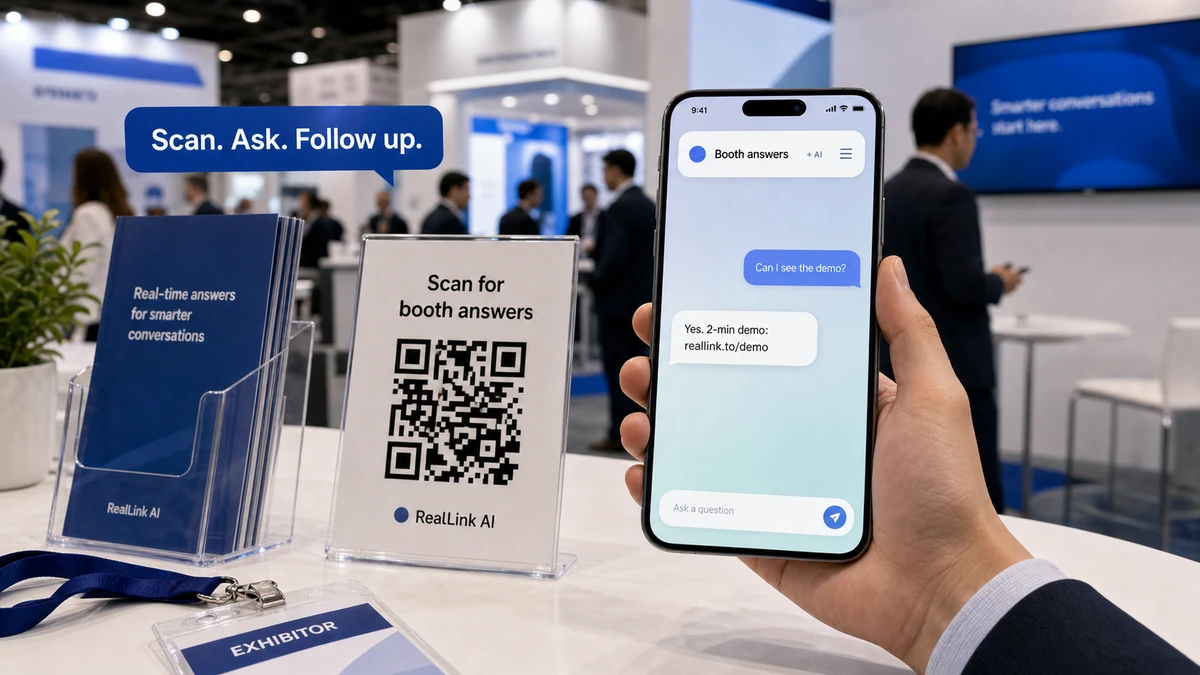
Label the outcome instead of writing "Scan me." Useful labels include "Compare specifications," "See the two-minute demo," "Request the sample guide," or "Ask product questions." Test from the expected distance and angle, with iPhone and Android cameras, under booth lighting, on mobile data, and after clearing the browser session.
The destination should answer the promise near the code. Keep the most relevant information near the top, use readable mobile text, offer a clear next step, and avoid sending every scan to a general homepage. If the URL may change after printing, use a controlled redirect and document who owns it.
A show-day operating rhythm
Use short operating checks so small problems do not become next-day surprises.
Before opening: test the demo, lead form, QR links, supplies, staff coverage, and scheduled meetings. Midday: review unanswered technical questions, staffing pressure, and recurring visitor confusion. Before closing: assign every promise, correct incomplete records, photograph the booth condition, and list the three changes needed tomorrow.
Do not rewrite the entire booth overnight because one visitor was confused. Look for repeated evidence. If several qualified visitors ask the same question, add the answer to the staff script, sign, product sheet, or digital destination where it belongs.
Prepare the post-show follow-up before the event
Follow-up should continue the specific conversation and fulfill the commitment made at the booth.
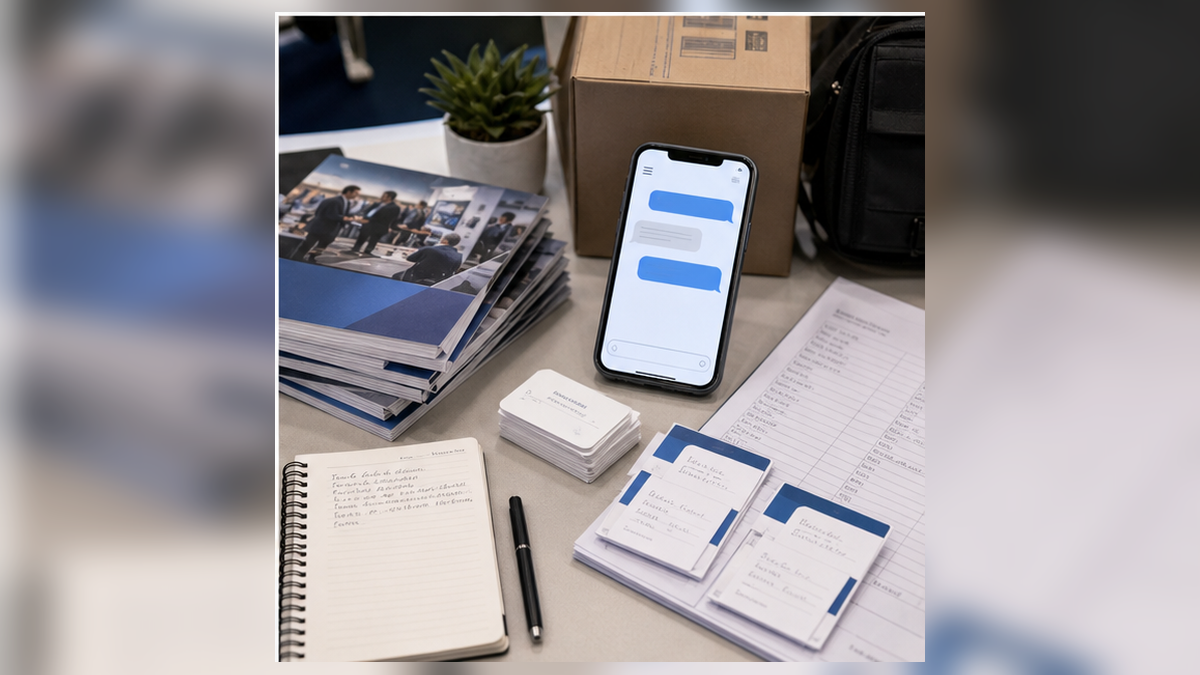
Create categories before the show: promised document, technical answer, quote or sample review, meeting request, distributor or partner review, longer-term education, and no action. Give each category an owner and service target. A record such as "send brochure" is incomplete; specify which brochure, why it is relevant, who sends it, and when.
For marketing email, review whether the message is commercial and what rules apply. The FTC's CAN-SPAM guide notes that the law also covers business-to-business commercial email and requires accurate headers, non-deceptive subject lines, a valid postal address, a clear opt-out path, and prompt handling of opt-out requests.
International exhibits and temporary imports
If equipment or samples cross a border, confirm the customs path before shipping and distinguish temporary demonstration goods from items that will be consumed or given away.
U.S. Customs and Border Protection explains that an ATA carnet is primarily for goods temporarily imported and then re-exported. Samples intended to be consumed or given away at a trade show are not covered in the same way. Product categories may also require permits or review from other agencies. Work with the event organizer, customs broker, carrier, and relevant authorities early; do not assume a normal parcel shipment is sufficient for demonstration equipment.
Three practical preparation examples
B2B software booth
The team rehearses a two-minute offline demo, approves a short security-answer sheet, tests a QR link to product and implementation information, and assigns one owner for every promised technical follow-up.
Industrial components exhibitor
The shipment file separates display units, samples, tools, and consumables. The lead record captures part family, application, volume range, required evidence, destination country, and who will check feasibility.
Distributor recruitment booth
The message names the target territory and partner profile. Staff use a consistent qualification sequence, provide approved program details, and route promising conversations to a scheduled review rather than promising territory at the booth.
Official sources and current checks
This guide was reviewed on August 13, 2026 against the U.S. Commercial Service guide to preparing for a business trade show and its current trade show preparation series. International exhibitors should check CBP's ATA carnet guidance and the rules for their specific goods and route. Booth claims and commercial follow-up should be reviewed against the FTC advertising guidance and CAN-SPAM compliance guide. Organizer manuals and service deadlines change by event, so verify the current exhibitor kit before ordering or shipping. This article provides general operational information, not legal advice.
What should you read next?
Use these guides to connect preparation, booth questions, and follow-up. Start with the trade show success checklist, then plan lead capture and qualification before the event.
Related guide
Messe Frankfurt Exhibitor Tips
Practical Messe Frankfurt exhibitor tips for hall planning, booth setup, documentation, staffing, buyer meetings, logistics, and mistakes to avoid.
Related guide
Trade show planning vs strategy
Use these guides to connect preparation, booth questions, and follow-up.
Related guide
Trade show lead follow-up
Use these guides to connect preparation, booth questions, and follow-up.
Related guide
Trade show booth questions
Use these guides to connect preparation, booth questions, and follow-up.
FAQ
What should be on a trade show preparation checklist?
Include event goals, organizer deadlines, booth services, freight, demos, staff roles, lead capture, QR destinations, claim approval, contingency supplies, and follow-up ownership.
How many questions should a booth prepare to answer?
Start with the questions heard in recent sales calls, then cover fit, price context, proof, implementation, technical details, samples, and next steps. Quality matters more than an arbitrary count.
Should a booth QR code link to the homepage?
Usually not. Link to the smallest useful destination for the scan context, such as an event FAQ, product guide, demo page, or approved answer page.
How soon should exhibitors follow up?
Set the deadline before the show and honor the expectation given to the visitor. Prioritize promised actions and high-fit conversations instead of sending one generic blast.
What should exhibitors test before printing a QR code?
Test the exact final URL on multiple phones, from the intended scan distance, under realistic lighting and connectivity, and confirm that the destination works without an employee login.
What should be reviewed after each show day?
Review unresolved promises, high-fit conversations, repeated questions, weak signage, missing proof, demo failures, supply gaps, and the next day's staffing plan.
Last updated
Reviewed and substantially updated August 13, 2026.
Event-specific deadlines, labor rules, service options, and shipping instructions can change. Treat the current organizer manual and service confirmations as the operational authority.
Sponsored tool
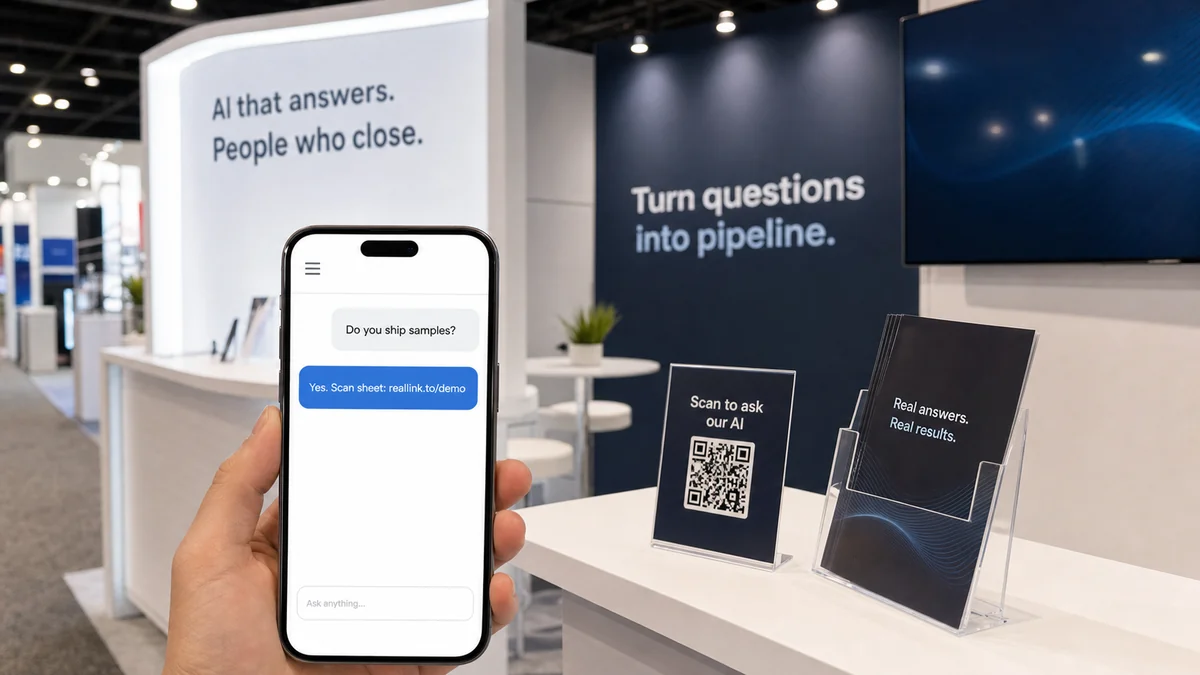
Make your booth QR code answer questions
RealLink AI lets a business publish a public AI answer page through a QR code or public link, using information the business provides. It can support multilingual answers and surface recurring question themes. It does not replace booth staff, receive phone calls, confirm bookings, reserve stock, or run your CRM and follow-up workflow.