
Packaging QR strategy
QR Code on Product Packaging: What Should It Link To?
A practical guide for small brands using QR codes on product packaging for setup help, product FAQs, care instructions, warranty, reorders, reviews, and customer questions.
Summary
A QR code on product packaging should usually link to help that matters after the customer has the product in hand. That may be setup, care, ingredients, materials, sizing, warranty, safety notes, returns, reorders, videos, reviews, or a simple way to ask product questions. The goal is not to make the package look modern. The goal is to reduce uncertainty at the exact moment the printed package cannot say enough.
The best packaging QR destinations are specific. A food product may need storage, allergen, recipe, and sourcing information while still keeping required label information on the package itself. A skincare, home goods, tool, craft, or electronics accessory brand may need care instructions, compatibility, assembly help, warranty limits, or troubleshooting. A small brand can start with a focused FAQ page and later add an AI answer page if questions vary.

Why a product packaging QR code matters after purchase
Packaging is often the last printed touchpoint before the customer needs help.
A customer may scan a package while standing in a store aisle, opening a box at home, trying to assemble a product, checking care instructions, comparing ingredients, deciding whether to reorder, or figuring out what to do when something does not work as expected. In each case, the package is present but the staff member is not.
That makes the QR code different from a campaign QR code. It is not just a marketing shortcut. It is a support, trust, and repeat-purchase touchpoint. If the QR code only opens a generic homepage, the customer still has to search for the specific product, correct version, setup step, return rule, or care instruction.
The package also has limits. You cannot print every FAQ on a small label. You should not replace legally required label, warning, safety, or compliance information with a QR code. But you can use the QR destination to add depth, examples, videos, translations, updated instructions, and question paths that do not fit on the physical surface.
What should a product packaging QR code link to?
Link to the help a customer needs while holding that exact product, not to a broad brand page by default.
The right destination depends on the product category and the customer's likely question. A reorder link is useful for consumables. A setup guide is useful for equipment. A care guide is useful for apparel, home goods, beauty, and handmade products. A warranty or registration path is useful when ownership and support history matter.
You can combine several of these jobs on one product help page, but the first screen should still make the scanner feel oriented. Use the product name, product photo or clear description, and the top three actions. If the customer must search again after scanning, the QR code did not finish its job.
| Customer moment | Better QR destination | Include | Avoid |
|---|---|---|---|
| Before purchase | Product details or comparison page | Materials, sizing, compatibility, proof, use cases | Unverified claims or tiny-print disclaimers |
| First use | Setup or getting-started guide | Steps, video, common mistakes, contact path | A PDF that is hard to read on mobile |
| Care and maintenance | Care guide | Cleaning, storage, lifespan, what not to do | Burying care instructions under brand content |
| Safety or warnings | Expanded safety help | Plain-language explanation and official required label kept on pack | Replacing required package information with a scan only |
| Ingredients or materials | Ingredient, sourcing, or material explainer | Plain definitions, supplier notes when appropriate, allergen context | Making medical or regulated claims without review |
| Warranty or returns | Warranty boundary and return process | What is covered, time limits, proof needed, support link | Hiding exclusions after purchase |
| Reorder | Reorder or subscription page | Exact product, variants, bundles, shipping notes | Sending to a crowded catalog page |
| Customer questions | Product FAQ or AI answer page | Top questions, version-specific answers, human support path | Pretending automation solves every support issue |
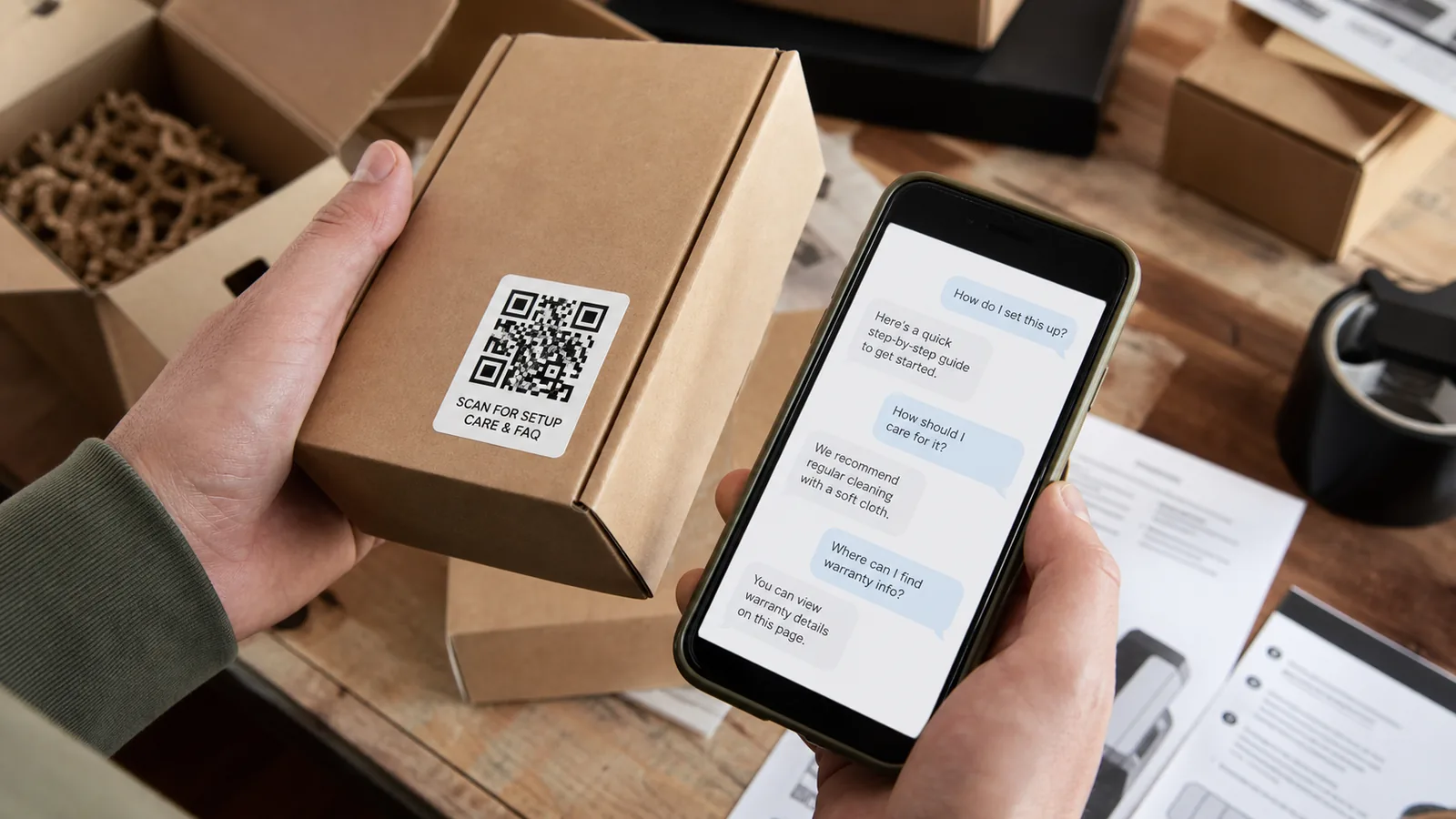
A question-first workflow for packaging QR codes
Start with the questions customers ask, then decide what the QR code should open.
List the questions that already happen after purchase. They may come from support email, reviews, returns, social comments, retail staff, marketplace messages, or wholesale buyers. Sort them into categories: setup, care, compatibility, sizing, ingredients, replacement parts, returns, warranty, reorder, and troubleshooting.
Next, decide what must stay on the package. Required label information, warnings, material disclosures, or safety notices should not disappear behind a QR code. The QR destination can expand and explain, but it should not become a way to hide critical information.
Then build the smallest useful destination. For many small brands, that is a mobile product help page with top questions, product-specific instructions, a short video, return or warranty rules, and a contact path. If the same package serves multilingual customers, include language options or answer paths that support those customers clearly.
Packaging QR planning checklist
- Name the product and exact variant the QR code supports.
- List the top post-purchase questions from real customer channels.
- Separate legally required label information from expandable help.
- Put the top three customer actions above the fold.
- Use mobile-readable steps, not only PDFs.
- Include human support for safety, complaint, return, or warranty issues.
- Track scans and questions by product or packaging batch when possible.
Product packaging QR examples for small brands
Packaging QR codes work best when the destination reflects the product's real support burden.
Small brands often think the QR code should open a store page. Sometimes that is correct, especially for reorder-heavy products. But many packaging scans happen because the customer is uncertain, not because they are ready to buy again.
Use these examples to match the QR destination to the customer moment.
| Product type | Likely customer question | Useful QR destination |
|---|---|---|
| Specialty food | How do I store it, serve it, or check allergens? | Storage, recipes, sourcing, allergen context, reorder |
| Skincare or cosmetics | How should I use it and what should I avoid? | Usage steps, ingredient explanation, patch-test guidance, support link |
| Home goods | How do I clean or maintain it? | Care guide, materials, warranty, replacement parts |
| Tools or accessories | Is this compatible and how do I set it up? | Compatibility, setup video, troubleshooting, warranty |
| Craft or handmade goods | What makes this product different? | Materials, maker story, care, gift note, reorder |
| Electronics accessory | Why is it not working? | Setup steps, compatibility, troubleshooting, support escalation |
| Subscription product | How do I reorder or change cadence? | Reorder, subscription options, flavor or variant guide |
| Wholesale product | What should retail staff tell customers? | Retail staff FAQ, product talking points, shelf support |
Compliance, safety, and privacy boundaries
A QR code can add helpful context, but it should not hide required information or collect unnecessary personal data.
For regulated products, labels and claims need review. Food, supplements, cosmetics, children's products, medical-adjacent products, electronics, and safety-sensitive items can have rules that a simple marketing page does not solve. Use the QR destination to explain and support. Do not use it to remove required label information from the package.
Be careful with claims. If the printed package cannot honestly claim a result, the QR destination should not imply it either. The same discipline applies to environmental, health, safety, performance, and warranty language. Keep promises plain, supportable, and consistent with the product.
Privacy also matters. If the QR destination asks for email, warranty registration, order number, photos, or issue details, explain why you need them. Do not collect sensitive information just because the form makes it easy.
Measure questions before the next print run
The value of a packaging QR code grows when customer questions shape the next label, insert, and product page.
Packaging changes slowly. A website page can be edited in minutes, but printed boxes, labels, inserts, and retail displays may sit in inventory for months. That is why the QR destination should become a learning loop. It can reveal which instructions are unclear, which claims create confusion, which variants are hard to tell apart, and which support issues keep recurring.
Track more than scans. Scans tell you the code was noticed. Questions tell you what the package failed to answer. A spike in care questions may mean the label needs clearer care language. Repeated warranty questions may mean expectations are unclear. Repeated compatibility questions may mean the product page or package needs stronger fit guidance.
Before the next print run, review the top questions and update three things together: the printed copy, the insert, and the QR destination. That keeps the physical and digital experience aligned.
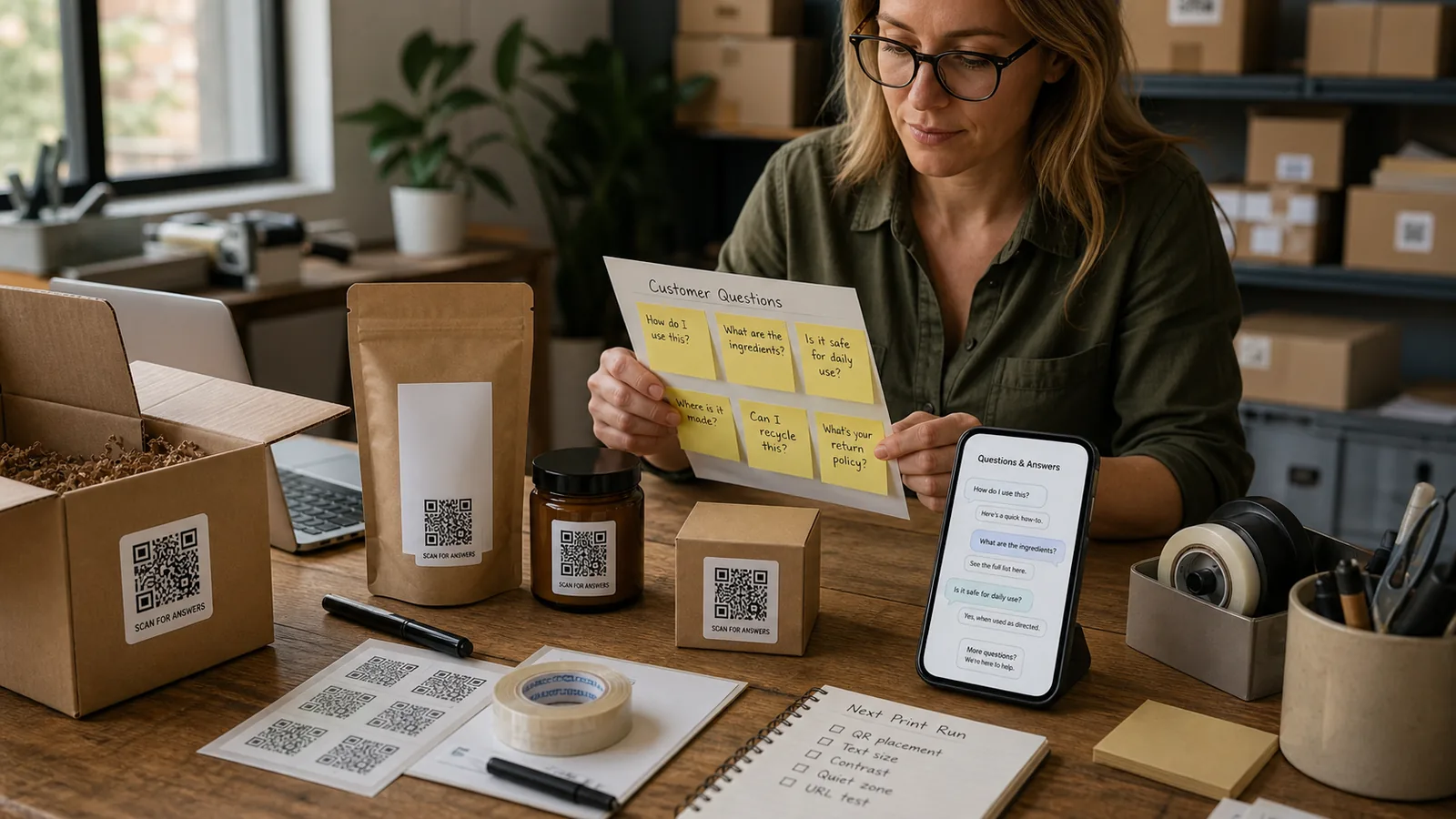
How to do this without AI
Start with a product help page, not a complex automation project.
A strong packaging QR setup can be simple. Create a mobile page for each product or product family. Put setup, care, warranty, returns, reorder, and support at the top. Add a short video only when it genuinely explains something better than text. Use a clear support email or form for issues that need a person.
If you sell through retailers or marketplaces, consider what the customer will know at the moment of scanning. They may not know your brand story, account system, or product lineup. Make the page product-first, not company-first.
Where an AI answer page fits
An AI answer page can help when product questions vary but should still stay inside clear product boundaries.
For a simple product, a static FAQ may be enough. For a product line with many variants, use cases, care questions, compatibility questions, and multilingual customers, a public AI answer page can be useful. It lets customers ask the question in their own words instead of forcing them to scan a long FAQ.
The boundary is important. An AI answer page should not invent medical, legal, safety, or warranty promises. It should answer from approved product information, guide customers to official links, and escalate issues that need human review. Used this way, the QR code becomes a product support layer rather than a gimmick.
FAQ
Should a product packaging QR code link to my homepage?
Usually no. A product-specific help, setup, care, reorder, warranty, or FAQ page is more useful because the customer is holding a specific product.
Can a QR code replace required label information?
No. Required warnings, disclosures, safety information, and regulated label content should remain on the package when required. Use the QR destination to expand and clarify, not to hide essentials.
What is the best first destination for a small brand?
Start with a mobile product help page that answers setup, care, returns, warranty, reorder, and support questions. Add more advanced features only after you see real customer questions.
Should packaging QR codes be dynamic?
Dynamic QR codes are useful because packaging is printed in batches and the destination may need updates after the label is already in circulation.
When does an AI answer page make sense for packaging?
It makes sense when customers ask many different product questions, when the product line has variants, or when multilingual support is useful. Keep the AI trained on approved product information.
Last updated
Last updated: 2026-07-06.
Next guide
If packaging is one touchpoint, business cards are another. The same strategy applies: match the QR destination to the customer's next question.