
Business card QR strategy
QR Code on a Business Card: What to Put Behind the Scan
A practical guide to choosing the best QR code destination for a business card, from contact saving and portfolios to FAQs, booking links, and AI answer pages.
Summary
A QR code on a business card is useful only if the page behind it matches the moment after the handoff. The recipient has met you, heard a short explanation, and now needs one clear next step. That next step may be saving your contact details, reviewing your services, seeing proof, booking a call, sending a referral, or asking a question they did not have time to ask in person.
The weakest destination is usually a generic homepage because it makes the recipient restart the conversation. A better destination answers the post-meeting question: Who are you? What do you do? Is this relevant to me? What should I do next? A great business card QR code can also reveal which questions people ask after meeting you, so your follow-up, website copy, and next print run improve over time.
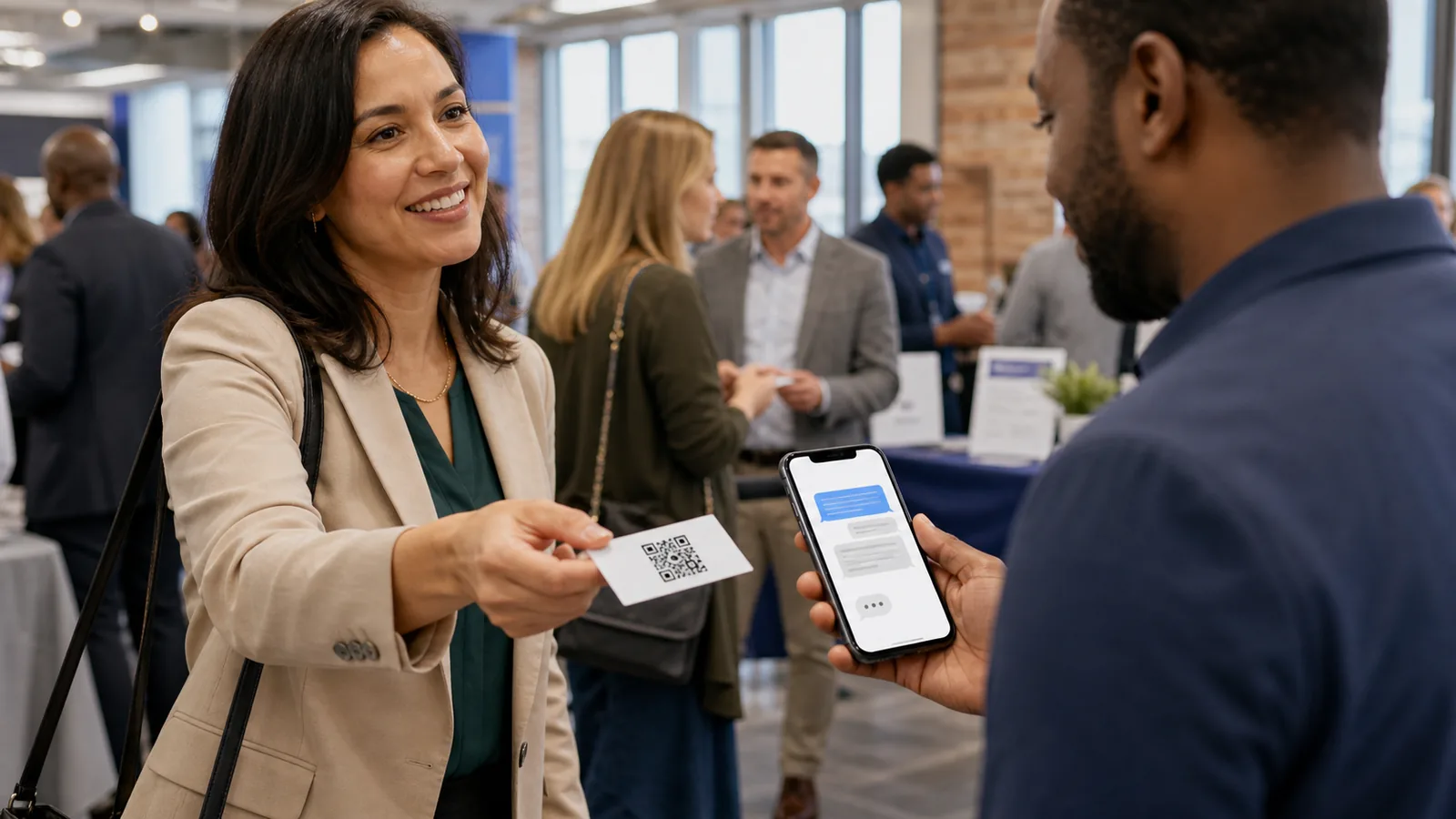
Why a business card QR code needs more context than a homepage
The person scanning your card is not a cold website visitor. They are continuing a conversation.
A business card is a follow-up object. It is usually handed over after a short conversation, left at a counter, attached to a proposal, placed in a welcome packet, or exchanged at a local event. That means the scanner already has some context. They are not asking, 'What is this company?' in the abstract. They are asking, 'Was this person relevant to my problem, and what should I do now?'
A homepage has to serve many people at once. It may talk to new visitors, existing customers, job seekers, partners, and search traffic. That broadness can be useful, but it often creates friction after a business card scan. The recipient may have to hunt for the service you discussed, the correct calendar link, a portfolio example, a price range, or the best way to ask a follow-up question.
The card itself is also small. It cannot carry every credential, proof point, service boundary, booking instruction, or FAQ. The QR code should extend the card in a focused way. Treat it as the second half of the handoff, not as a decoration.
Start with the post-meeting question
Before choosing a QR destination, write the question the recipient is most likely to ask after meeting you.
For a consultant, the question might be, 'What problems do you solve, and can I see examples?' For a realtor, it may be, 'Can you help in my neighborhood, and how do I book a conversation?' For a contractor, it might be, 'Do you serve my area, what jobs do you take, and how do I request an estimate?' For a maker or product seller, the question may be, 'Where can I buy, reorder, or ask about care instructions?'
This question should drive the scan promise printed near the QR code. Instead of 'Scan me,' use a specific promise such as 'Scan for services and booking,' 'Scan to ask a follow-up question,' 'Scan for portfolio and pricing notes,' or 'Scan to save my contact and see examples.' The clearer the promise, the easier it is to choose the destination.
If you do not know the question yet, start with the last ten conversations that led to a card exchange. What did people ask next by email, text, or phone? What did they forget? What made them hesitate? Those patterns are more useful than guessing from inside the business.
What to put behind a business card QR code
The best destination depends on what the recipient needs to do after the scan.
Do not force every business card QR code into one format. A vCard is helpful when the main goal is contact saving. A portfolio is better when proof matters. A booking page is better when the sales motion is consultation-led. A focused FAQ or answer page is better when prospects ask many different questions before deciding.
Use the table below to match the destination to the job of the card. If one card serves several audiences, consider separate cards or separate QR destinations for events, referrals, counter pickup, and sales meetings.
| Destination | Best when | What to include | Common mistake |
|---|---|---|---|
| vCard contact save | The relationship is already warm and the goal is recall | Name, role, phone, email, website, social or calendar link | Stopping at contact save when people still need proof |
| Focused landing page | You offer one clear service or package | Who you help, problem, proof, next step, basic FAQ | Sending people to a broad homepage |
| Portfolio or examples | Visual proof or past work drives trust | Before/after, case examples, industries, service boundaries | Showing pretty work without explaining fit |
| Calendar or booking page | The natural next step is a call or appointment | Meeting type, prep notes, time zone, cancellation expectations | Forcing booking before answering basic questions |
| Quote request page | Customers need pricing or scope review | Service area, project type, photos needed, response time | Collecting too much information too early |
| Referral page | Cards are passed between people | Who to refer, when to refer, how to introduce you | Making referrers explain your offer from memory |
| FAQ page | People ask the same pre-sale questions | Pricing range, timing, process, limitations, service area | Burying the answer below navigation |
| AI answer page | Questions vary by person and context | Trained answers, plain next-step links, business boundaries, handoff path | Pretending the AI replaces human judgment |
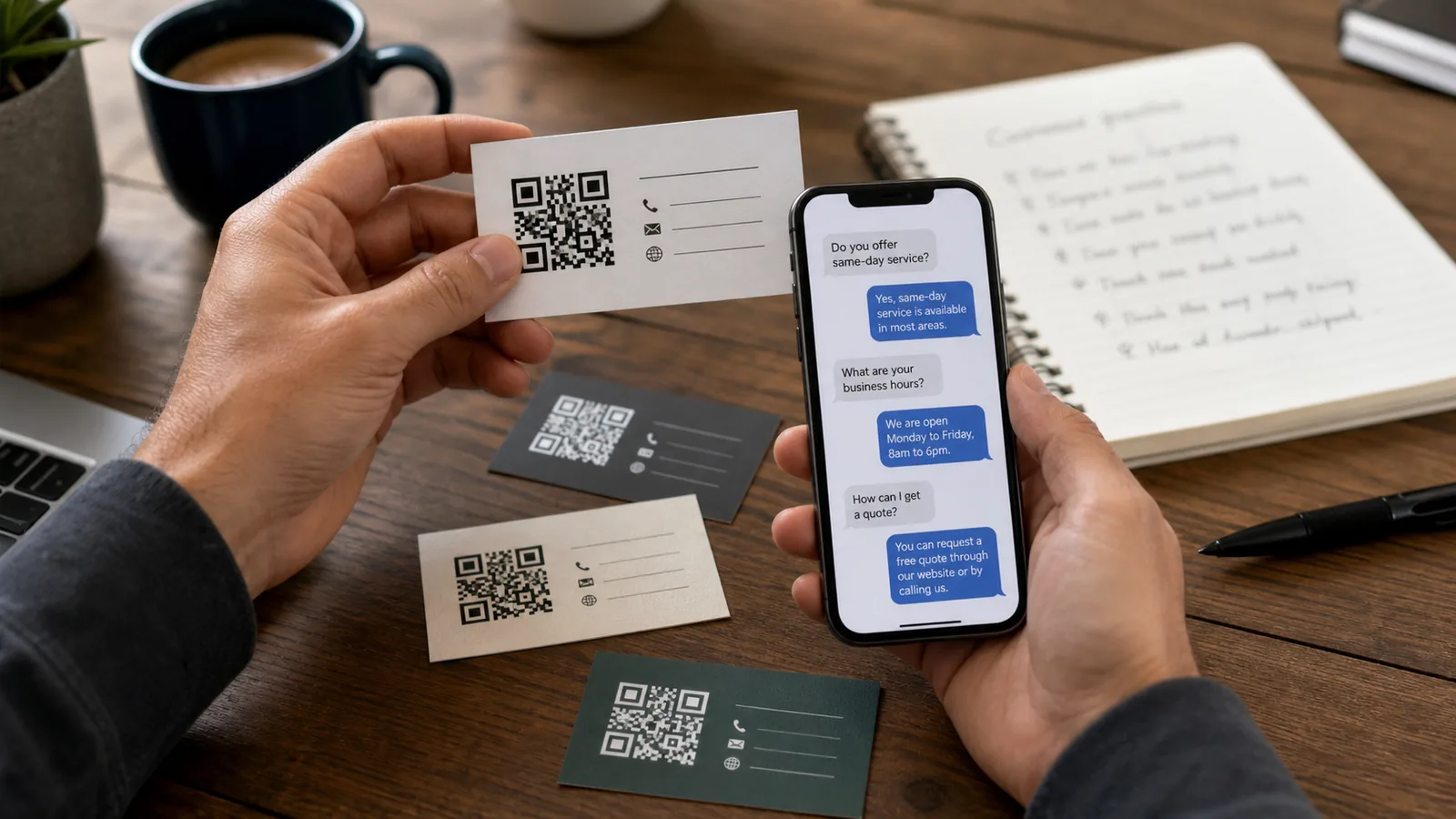
A practical workflow for business card QR codes
Design the card, QR destination, and follow-up as one system.
Start with the card role. Is it for networking, local walk-ins, referrals, trade shows, estimates, real estate showings, restaurant catering, clinic information, or product sampling? A card used at a networking event needs a different destination from a card handed to someone after a home-service estimate.
Next, write a one-screen mobile page that confirms the scanner is in the right place. The first screen should explain who you help, what problem you solve, and the most useful next action. Then add proof, a short FAQ, a contact or booking path, and any legal or privacy notes that are relevant to your business.
Finally, measure the destination. Use a unique URL or UTM-tagged link for the business card QR code so scans are not mixed with website, flyer, or social traffic. Google Analytics' campaign URL builder is a simple way to structure those links consistently. If people ask questions after scanning, review those questions before the next print run.
Business card QR checklist
- Print a clear scan promise beside the QR code.
- Make the QR code large enough and leave quiet space around it.
- Send scanners to a mobile-first destination.
- Answer the question they are likely to have after meeting you.
- Include one clear next step: save, book, ask, quote, review, or refer.
- Track the card separately from flyers, signs, and website links.
- Update the destination when repeated questions reveal confusion.
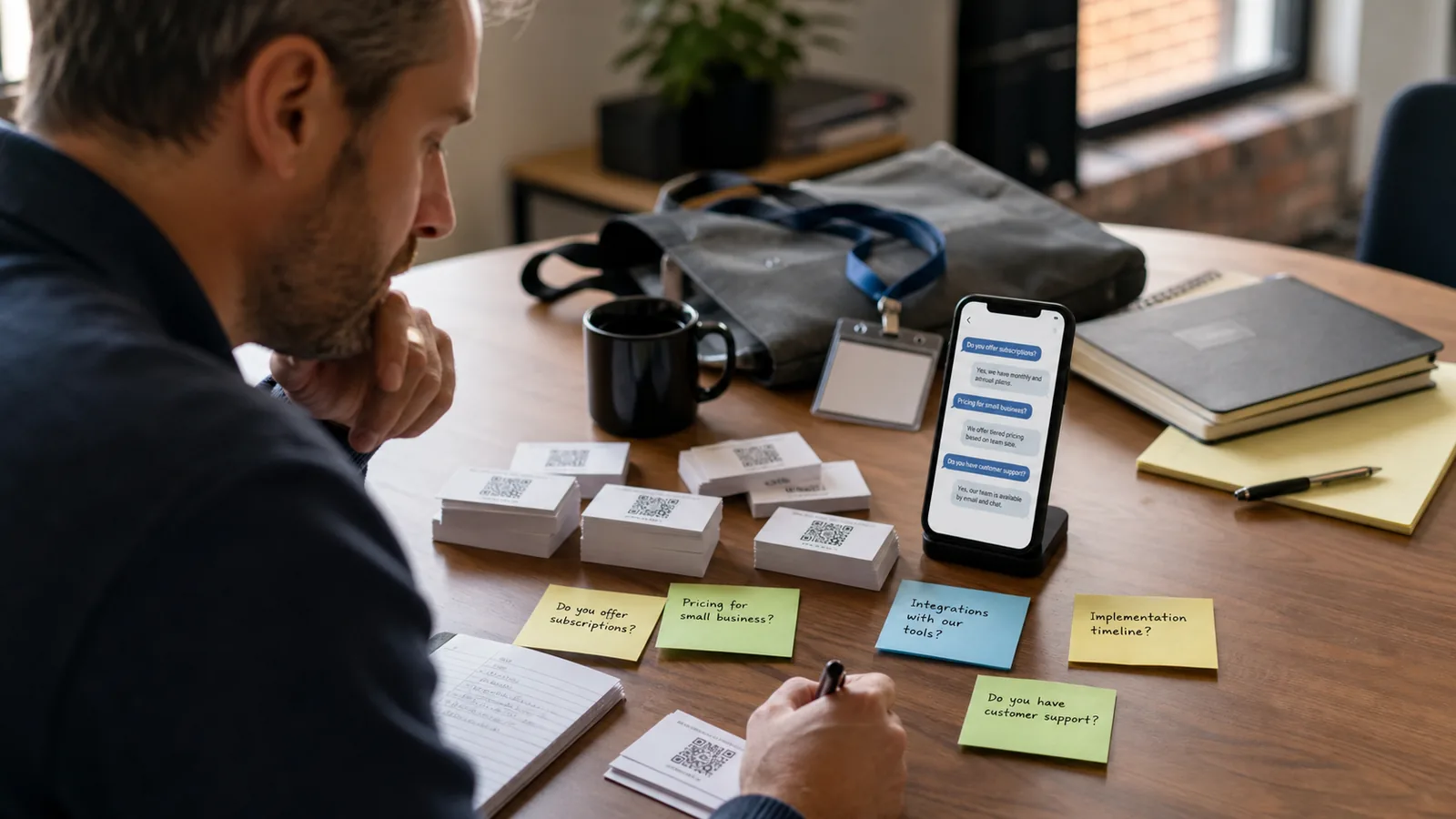
Business card QR examples by profession
The same QR code format can serve very different post-meeting jobs.
A good card QR strategy is specific to the buying motion. A lawyer, realtor, photographer, home-service operator, restaurant caterer, and consultant do not need the same destination. The scanner's next question changes by profession.
These examples are not templates to copy blindly. Use them to decide what your card should help the recipient do immediately after scanning.
| Business type | Likely post-meeting question | Useful QR destination |
|---|---|---|
| Consultant | Can this person solve my specific problem? | Services, examples, diagnostic questions, booking link |
| Realtor | Do they know my area and situation? | Neighborhood focus, buyer/seller FAQ, showing request, contact save |
| Contractor | Can they handle my job and location? | Service area, project types, estimate request, photo upload instructions |
| Photographer | Do I like their style and packages? | Portfolio by use case, package guide, booking inquiry |
| Restaurant or caterer | Can they handle my event or dietary needs? | Catering menu, event FAQ, inquiry path, response time |
| Clinic or wellness practice | What should I know before contacting them? | Services, insurance/payment notes, appointment prep, privacy note |
| Product seller | Where do I buy or ask product questions? | Catalog, care guide, reorder link, product FAQ |
| B2B founder | What does the product do and who is it for? | Short product explanation, demo video, FAQ, meeting link |
How to do this without an AI answer page
A useful business card QR code does not require AI. It requires a focused destination.
You can improve most business card QR codes with a simple mobile page. Put the recipient's next question at the top, answer it directly, then offer one action. For example: 'Need help deciding if we are a fit? See three examples, check service area, and book a 15-minute call.' That is far stronger than a QR code that opens a generic homepage with five navigation choices.
You can also create separate destinations for separate card roles. A card used at a trade show can lead to product questions and follow-up context. A card used for local referrals can explain who is a good referral. A card used at a retail counter can answer service, pickup, returns, or appointment questions. The important principle is focus.
Where an AI answer page fits
An AI answer page is useful when the recipient may ask different follow-up questions after scanning.
A static page is usually enough when the next step is obvious. If the only goal is saving contact details or booking a single appointment type, keep it simple. But when prospects ask many variations of the same questions, an AI answer page can reduce friction. It can answer in plain language, point to the right link, and keep the business card useful even when the person scans it weeks later.
The product boundary matters. RealLink AI does not need to be described as a phone receptionist or a full CRM. In this workflow it is simply one optional destination behind the business card QR code: a public answer page trained on the business's services, hours, policies, examples, and next-step links. The body of the card strategy still comes first.
Accessibility, privacy, and trust checks
A QR business card should be easy to scan, honest about what opens, and careful with personal information.
Test the card in real conditions before printing hundreds of copies. Scan it under office light, event light, and phone shadow. Check it from the distance people naturally hold a card. Make sure the QR code has enough contrast and quiet space, and provide a short printed URL or clear contact fallback when the scan fails.
Do not hide the purpose of the scan. If the QR code opens a booking page, say so. If it opens a question page, say so. If you collect names, emails, project details, or other personal information, collect only what you need and explain how the information is used. Small-business marketing still needs basic privacy discipline.
For measurement, track the card separately from other channels. Use a unique campaign URL, QR management tool, or analytics tag. The goal is not just counting scans. The more useful signal is what people do or ask after scanning.
FAQ
Should a business card QR code go to my homepage?
Only if the homepage is truly the best next step. In most cases, a focused contact, portfolio, booking, FAQ, quote, or answer page is more useful because the scanner is continuing a specific conversation.
Is a vCard enough for a QR business card?
A vCard is enough when the main goal is saving contact details. If the recipient still needs proof, service details, pricing context, booking instructions, or answers, add a richer destination.
What should the text near the QR code say?
Use a scan promise, not a vague label. Examples: 'Scan for services and booking,' 'Scan to ask a follow-up question,' or 'Scan for portfolio and pricing notes.'
Should I use a dynamic QR code?
A dynamic QR code can help when you expect to change the destination after printing. If the card will be printed in volume, the ability to update the destination is usually worth considering.
Can I put an AI answer page behind a business card QR code?
Yes, if it helps the recipient ask practical follow-up questions. Keep the page trained on accurate business information and include human handoff paths for questions that need judgment.
Last updated
Last updated: 2026-07-06.
Next guide
If your card QR strategy is clear, the next step is deciding what every business QR code should open across flyers, signs, packaging, receipts, and profiles.