
QR customer questions
QR Code for Small Business: How to Turn Scans Into Customer Questions
A practical guide to using QR codes for small business customer questions, including scan prompts, physical touchpoints, answer workflows, measurement, and when an AI answer page helps.
Summary
A QR code for a small business is most useful when it turns a physical moment into a clear question path. The scan should not only open a page. It should help the customer ask what they already need to know: Do you serve my area? Is this product right for me? What should I bring? Can I book later? How do I set this up? What happens after closing? Where do I get support?
The goal is not to replace staff or hide behind automation. The goal is to remove repeat friction before it becomes a call, message, abandoned visit, or confused customer. A good QR question workflow starts with the touchpoint, names the likely question, gives a direct answer, offers the next step, and reviews the questions customers actually ask.

Why QR scans should become questions, not just visits
A scan count tells you that someone noticed the code. A customer question tells you what they needed.
Many QR campaigns stop at the wrong metric. They count scans, then assume scans equal interest. But a scan can happen because the sign was confusing, the printed copy was incomplete, or the customer could not find a simple answer. The more useful signal is the question behind the scan.
Customer questions reveal buying friction. A restaurant may learn that people ask about parking and allergy notes before they ask about specials. A home service business may learn that service-area questions happen before quote requests. A retailer may learn that customers need size, material, care, or return information before buying. Those questions are operational data, not just support work.
A QR code is useful because it connects offline attention to a mobile action. If that action is only 'visit our website', the business loses a chance to understand the moment. If the action is 'ask a question here', the business can answer the customer and learn what the physical touchpoint failed to explain.
Map the QR code to the physical touchpoint
The same QR code should not do the same job on a receipt, flyer, counter sign, package, and business card.
Start with the place where the question begins. A flyer creates a pre-purchase question. A counter sign creates an in-store question. A package creates a post-purchase question. A receipt creates a review, return, loyalty, or support question. A business card creates a follow-up question after the conversation ends.
Once the touchpoint is clear, define the likely questions. Do not write them like internal categories. Write them the way a customer would ask: Do you come to my neighborhood? How much does this usually cost? Is this safe for pets? Can I pick up tomorrow? What if I bought the wrong size? Can I speak to someone if this does not help?
That list becomes the content plan. The QR destination can be a short page, a structured FAQ, a guided form, a booking link, a support page, or an AI answer page. The right format depends on how predictable the questions are and how much flexibility customers need.
Build a question-first QR workflow
A good QR workflow has five parts: placement, scan promise, first answer, next step, and review loop.
Placement is the physical trigger. Put the QR code where the question naturally appears. The scan promise is the short line that tells customers why to scan. The first answer is what they see immediately after the scan. The next step is the action that follows the answer. The review loop is how the business learns from repeated questions.
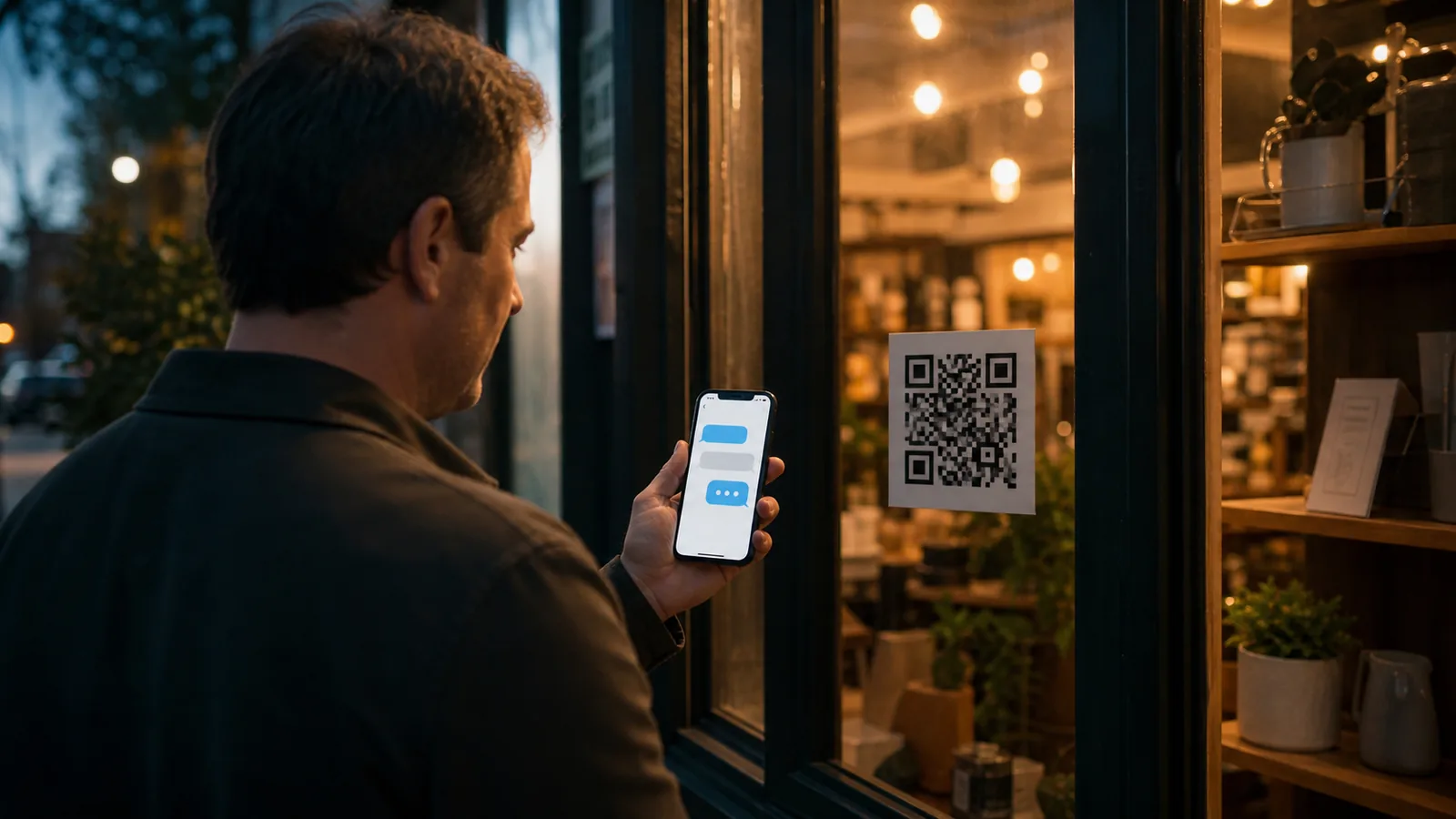
For example, a window sign might say 'Scan for after-hours questions.' The first screen answers hours, parking, booking, service area, and next available contact path. A flyer might say 'Scan to check if this service fits your home.' The first screen asks or answers service area, property type, price range, and quote readiness. A package insert might say 'Scan for setup and care help.' The first screen covers the setup steps and common mistakes.
Do not skip the review loop. If customers keep asking the same question, move that answer higher. If customers scan but do not act, the promise may be wrong. If staff still hears the same question repeatedly, the QR code may be too small, too vague, or attached to the wrong touchpoint.

Question types worth collecting from QR scans
The best QR questions help customers act and help the business improve the physical touchpoint.
Not every question should become a form field. Start with categories that reduce repeated work or reveal buying barriers. Keep the path short enough that customers still get value immediately.
The table below shows the kinds of questions that often matter for small businesses. Use it as a planning list, then adapt it to the actual touchpoint.
| Question type | Customer example | Useful answer | Business insight |
|---|---|---|---|
| Fit | Is this service right for my situation? | Explain who it is for and who should choose another path. | Clarifies positioning and qualification. |
| Availability | Can I come today or book later? | Explain posted hours, appointment rules, and official booking link. | Shows demand by time and urgency. |
| Service area | Do you serve my ZIP code or neighborhood? | Give coverage rules and next contact path. | Reveals location demand. |
| Price context | How much does this usually cost? | Give ranges, factors, or quote requirements without fake precision. | Shows pricing friction. |
| Preparation | What should I bring or do first? | Give a short checklist. | Reduces no-shows and confusion. |
| Product use | How do I set this up or care for it? | Show steps, video, care notes, or support escalation. | Reveals documentation gaps. |
| Trust | Can I see examples, reviews, or policies? | Link to proof, terms, warranty, returns, or staff handoff. | Shows proof gaps. |
| Multilingual help | Can I ask in my language? | Offer same-language answers where supported. | Reveals language demand. |
| After-hours | Can I get an answer while you are closed? | Answer simple questions and show the next human handoff. | Shows off-hour demand. |
| Support boundary | What if this does not solve my problem? | Show when to contact a person. | Prevents automation frustration. |
Write scan prompts that invite the right question
A QR code without a clear prompt asks customers to guess. A good prompt tells them what question they can answer.
Use plain language. 'Scan to ask a question' is better than 'digital experience'. 'Scan to check service area' is better than 'learn more'. 'Scan for setup help' is better than 'product resources'. The prompt should describe the customer's task, not the business's technology.
Match the prompt to the physical object. On a flyer, use a pre-purchase prompt. On packaging, use a post-purchase prompt. On a window sign, use after-hours or visit-planning language. On a business card, use follow-up language. On a counter sign, use immediate help language.
Avoid promises that the destination cannot deliver. Do not say 'instant quote' if the business still needs photos or review. Do not say 'book now' if live availability is not connected. Do not say '24/7 support' if the page only answers common questions and routes sensitive cases to a person.
Prompt examples
- Scan to ask a question before you call.
- Scan to check if we serve your area.
- Scan for setup, care, and warranty help.
- Scan for after-hours answers.
- Scan to compare service options.
- Scan before your appointment.
- Scan to ask about this product.
Measure the questions, not only the scans
The best QR analytics show which customer moments create confusion, interest, urgency, or buying friction.
Separate major QR placements. If every code points to the same untagged URL, you cannot tell whether questions came from a flyer, receipt, counter sign, product label, or window sign. Use separate pages, QR codes, source labels, or campaign parameters where appropriate.
Review both action and language. Actions tell you whether customers clicked, booked, called, reviewed, requested a quote, or left. Questions tell you why. If many customers ask about service area before pricing, service-area clarity should move higher. If package scans repeatedly ask about setup, the printed insert is not enough. If after-hours scans ask about booking, the closed-window sign should mention booking directly.
Do not treat AI summaries as exact accounting records. They are useful for patterns: repeated meanings, likely barriers, missing information, language demand, time-of-day patterns, and content gaps. Keep human review for sensitive, unusual, financial, medical, legal, safety, refund, or complaint topics.
How to do it without RealLink AI
You can start with a focused FAQ page, a short form, and a simple spreadsheet of repeated questions.
Create one QR destination for one physical touchpoint. Put the top five questions on the page. Add a short form or contact path for anything not answered. Use a short URL or campaign label so you know where the scan came from. Review submissions weekly and update the printed material before the next run.
This low-tech approach works when questions are predictable and the business has time to update the page. It is also a good way to learn before adding automation. The important step is to collect the wording customers use, not only the answer the business wishes they had read.
If you add a form, keep it short. Ask for the question and the minimum contact detail needed for follow-up. Do not collect sensitive details unless there is a clear reason and a safe process.
Where RealLink AI fits
RealLink AI is one way to put a question-ready answer layer behind the QR code without building a full help desk.
For small businesses, the practical value is not that the QR code exists. It is that the customer can ask in the moment and receive an answer based on the business's trained information. That can happen from a flyer, sign, card, package, menu, receipt, website link, Google Profile link, or trade show booth.
RealLink AI also helps the owner see question patterns. If customers keep asking about parking, sizing, service area, preparation, warranty, menu details, or after-hours booking, that is a sign to improve the printed material, website copy, staff script, or offer. Customer questions are not just interruptions. They are buying signals and operations data.
The product should still stay within its boundary. It can explain saved business information, answer repeated questions, support multilingual visitors when configured, and guide people to official links. It should not pretend to answer live phone calls, check live stock, confirm live reservations, or make final sensitive decisions without a real human or integration.
Sources and quality note
This guide uses official references for customer research, local action measurement, campaign labels, privacy, accessibility, and responsible AI boundaries.
SBA guidance supports beginning with customer and market research. Google Business Profile performance documentation is useful because local customers take actions such as calls, website visits, directions, bookings, and menu views. Google Analytics campaign tools help label QR sources. FTC, W3C, and NIST references help frame privacy, accessibility, and AI risk boundaries.
This guide is operational content, not legal, privacy, accessibility, or compliance advice. Adapt it to your industry and customer risk.
FAQ
How can a QR code collect customer questions?
The QR code can open a focused page, form, FAQ, support path, or AI answer page where the customer asks the question that fits the physical touchpoint.
Is a QR question page better than a contact form?
It depends. A form is enough for predictable requests. A question page is better when customers need answers before they are ready to call, book, or submit contact details.
What should a small business put next to the QR code?
Use a scan prompt that names the task: scan to ask a question, scan to check service area, scan for setup help, scan before your appointment, or scan for after-hours answers.
Can QR questions reduce phone calls?
They can reduce simple repeated calls when the QR is visible, the answer is useful, and the human handoff remains clear for urgent or unusual issues.
What should be reviewed after launch?
Review questions asked, source placement, next actions, repeated topics, unanswered topics, language demand, and whether staff still hears the same questions.
Last updated
Last updated: 2026-07-05.
Previous useful guide
If you have not decided what your business QR code should open yet, start with the destination guide.