
How to Answer Customer Questions After Hours
To answer customer questions after hours, identify the questions people ask before they buy, visit, book, or request help, then give clear approved answers with one next step. You do not need to be awake all night. You need a reliable answer point for simple questions and a clear handoff path for anything urgent.

What is the TL;DR?
The best way to answer customer questions after hours is to create a small answer system, not a bigger inbox. Start with the questions customers already ask: hours, pricing, service area, booking, delivery, cancellations, preparation, and emergency boundaries. Publish short approved answers, attach the right next-step button, and clearly route anything urgent to a person. Use website links, QR codes, receipts, signs, menus, cards, and packaging to send customers to the same answer point. Then review repeated questions weekly, because repeated questions are business data.
What are the key takeaways?
After-hours customer service is not only about speed. It is about giving the right level of answer at the right moment. Simple questions need immediate clarity. Sensitive, urgent, regulated, or account-specific questions need a safe handoff.
What is the short answer?
Answer customer questions after hours by publishing the answers customers need before they act: hours, location, price range, service area, booking steps, policy basics, and what happens next. Give each answer one next step and clearly explain which issues must wait for a person.
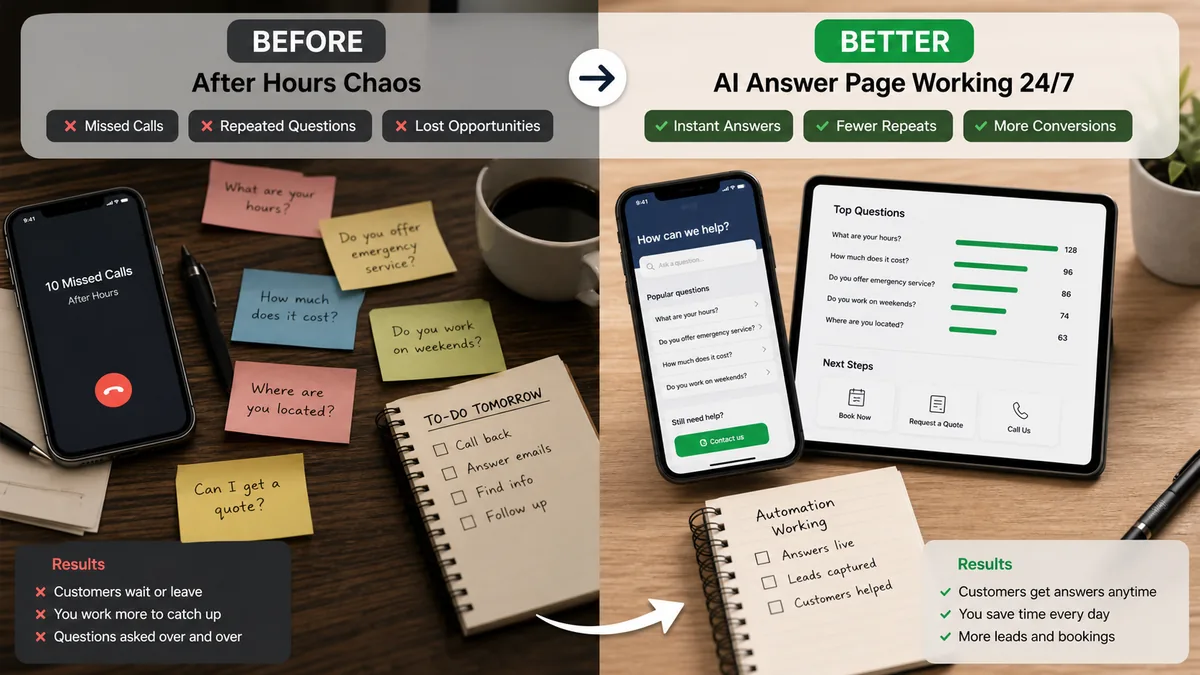
Most customers are not expecting a full human conversation at midnight. They usually want to know whether they can book, visit, buy, prepare, cancel, reschedule, request a quote, or get help later. If they cannot find that answer, they may leave a voicemail, send a vague message, compare another business, or decide to wait and forget.
The strongest after-hours setup has three layers: a public answer point for common questions, routing rules for urgent or sensitive topics, and analytics that show which questions repeat. That combination protects the customer experience and the business owner's time.
Why do customers ask important questions after hours?
Customers ask after hours because their decision moment often happens outside your working hours. They may research after work, compare options at night, scan a QR code from a flyer, check a menu at home, or remember a business card after an event.
The question is not always urgent to you, but it can feel urgent to the customer. A parent may check class availability after a child is asleep. A homeowner may compare contractors at 9:30 p.m. A traveler may need check-in instructions after a delayed flight. A restaurant customer may want allergy or catering information after the phone line is closed.
If the answer is easy, the customer keeps moving. If the answer is missing, the customer either waits, calls later, or chooses a business that gave enough clarity. When the question starts from a QR code on a sign, menu, flyer, card, or package, remember the RealLink AI principle: a QR code is not the strategy. The answer after the scan is.
What do most after-hours customer service guides miss?
Most guides focus on channels: voicemail, live answering services, email autoresponders, forms, or chat widgets. Channels matter, but the missing layer is answer design. A customer does not need another place to leave a message if the simple answer could be available now.
The real problem is usually not that the business lacks a contact option. It is that the customer has to translate a question into a message, wait for a reply, and then continue the decision later. That delay is expensive because the customer's attention is already fragile.
A better guide starts with answer mapping: what can be answered safely, what needs a human, what next step belongs after each answer, and what repeated questions tell you about your website, signage, offer, pricing, and operations.
What questions do customers actually ask after hours?
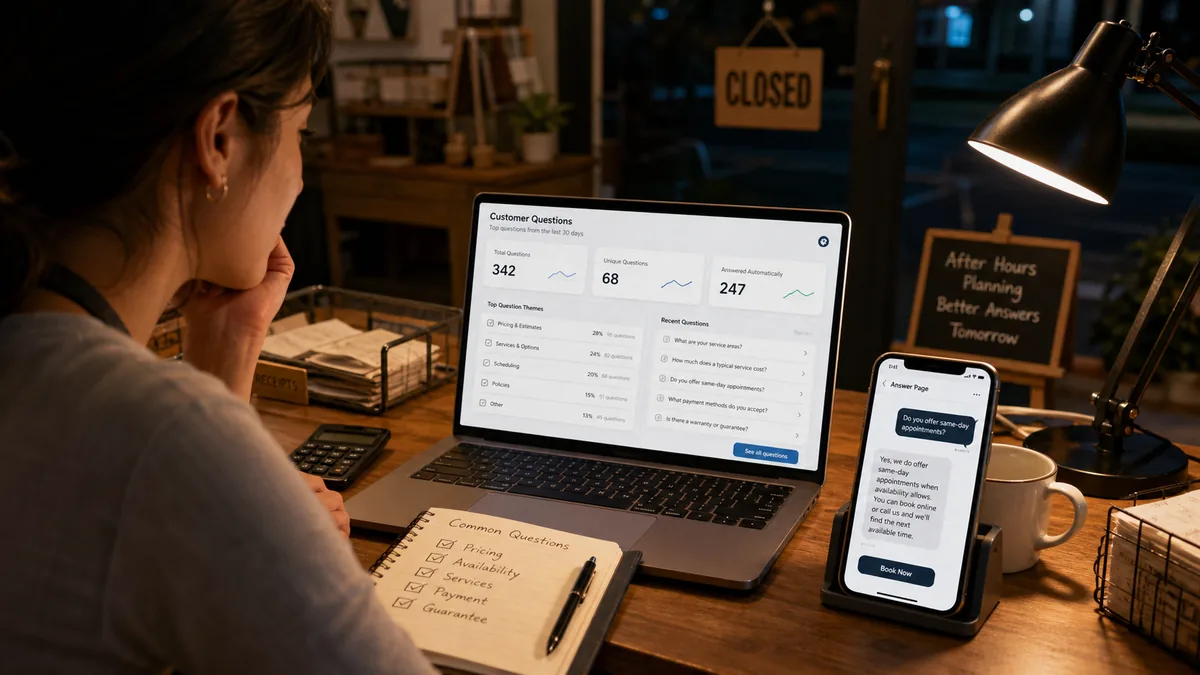
After-hours questions are usually practical and decision-shaped. Customers ask about time, money, availability, fit, location, preparation, policy, proof, and next steps. The best answer system makes those topics easy to find and easy to act on.
Which after-hours solutions are weak, and what is better?
A weak after-hours solution only collects messages. A better solution answers simple questions, routes urgent issues, and captures patterns. The goal is not to make every interaction automatic. The goal is to prevent simple uncertainty from becoming lost demand.
Which after-hours answer workflow fits your business type?
The right after-hours workflow depends on what customers need to decide. A clinic, restaurant, home service company, store, property manager, and consultant all need different boundaries, next steps, and escalation rules.
How do you build an after-hours question workflow step by step?
Build the workflow from actual questions, not guesses. Review what people ask, group those questions, write approved answers, attach next-step buttons, set escalation rules, place the answer point where questions happen, and review patterns every week.
- Collect real questions.Use missed calls, emails, texts, DMs, reviews, forms, staff notes, and front-desk questions.
- Group repeated themes.Use categories like hours, price, availability, location, policy, preparation, and urgent help.
- Decide what can be answered safely.Simple facts can be answered. Regulated, urgent, account-specific, or final decisions need a person.
- Write direct answers.Use plain language and make each answer work without extra context.
- Add one next step.Book, call, request a quote, get directions, send details, view menu, or read policy.
- Place it where customers ask.Website, Google Business Profile link, signs, doors, menus, flyers, business cards, receipts, packaging, and follow-up emails.
- Review patterns weekly.Repeated questions show what to fix in your website, staff script, signage, pricing, or operations.
What are concrete examples of after-hours answers?
Good after-hours answers are short, specific, and action-oriented. They answer the likely question, set a boundary, and send the customer to the next useful step without pretending that every situation can be solved automatically.
1. Home repair service
Question: Do you handle leaks after hours? Better answer: Explain what qualifies as urgent, show the emergency phone number, and route non-urgent jobs to a quote form with photos.
2. Restaurant
Question: Are you open tomorrow and do you take pickup orders? Better answer: Show hours, pickup instructions, menu link, allergy boundary, and ordering link.
3. Salon
Question: Which appointment should I book? Better answer: Explain service differences, timing, preparation, cancellation policy, and the booking page.
4. Local retailer
Question: Can I return this item? Better answer: Show the return window, receipt requirement, condition rules, and the best time or method to contact the store.
5. Consultant
Question: Do you work with companies like mine? Better answer: Explain fit criteria, common projects, examples, starting process, and consultation link.
How can you do this without RealLink AI?
You can build a solid after-hours answer workflow without RealLink AI by creating a focused website page, short FAQ, contact form, booking link, voicemail message, and printed QR code that all point to the same approved answers.
Start with a page called "After-hours questions" or "Need help after we close?" Put the most common answers at the top. Use clear headings, short answers, and one primary action per answer. Add a fallback phone number or email for anything that cannot be handled automatically.
This manual setup works when your questions rarely change and customers are willing to read. The limitation is maintenance. Someone has to update the page, notice repeated questions, and connect question patterns back to operations.
How does RealLink AI make after-hours answers easier?
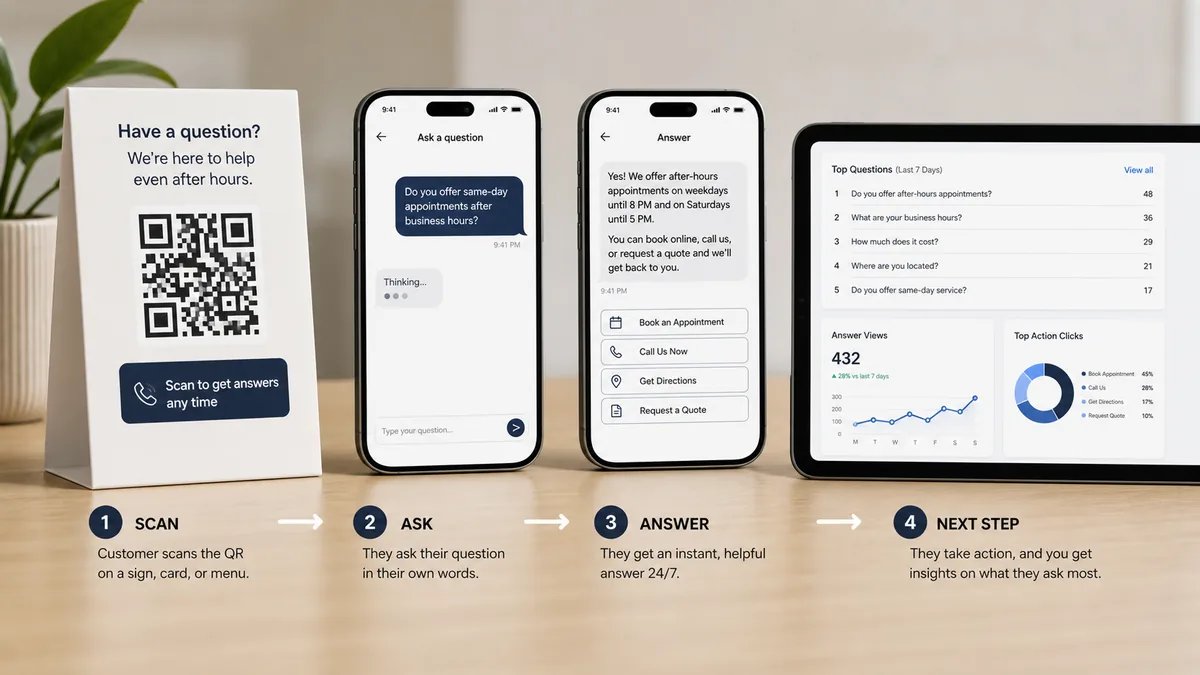
RealLink AI makes after-hours answering easier by turning repeated questions into a public AI answer page. Customers ask in a message bubble, receive an approved answer, and tap shortcut buttons such as booking, phone, directions, quote request, menu, website, or email.
The practical value is not just answering. It is learning. If customers keep asking about pricing, availability, same-day service, parking, cancellation, or service area, those questions become signals. They show what should be clearer on your website, signs, flyers, menus, business cards, packaging, and staff scripts.
RealLink AI should not replace every human conversation. It is better used as an after-hours answer point for simple questions and a pattern engine for the owner. If the question is urgent, sensitive, regulated, or specific to a customer account, the page can route the person to the right human handoff.
What should you read next?
Use internal links to connect after-hours customer service with repeated questions, missed calls, QR support, and affordable automation.

Cluster
Browse customer service guides
See more customer service workflows for small businesses.
Guide
After-hours customer service for small businesses
Keep customers moving after closing.
Missed calls
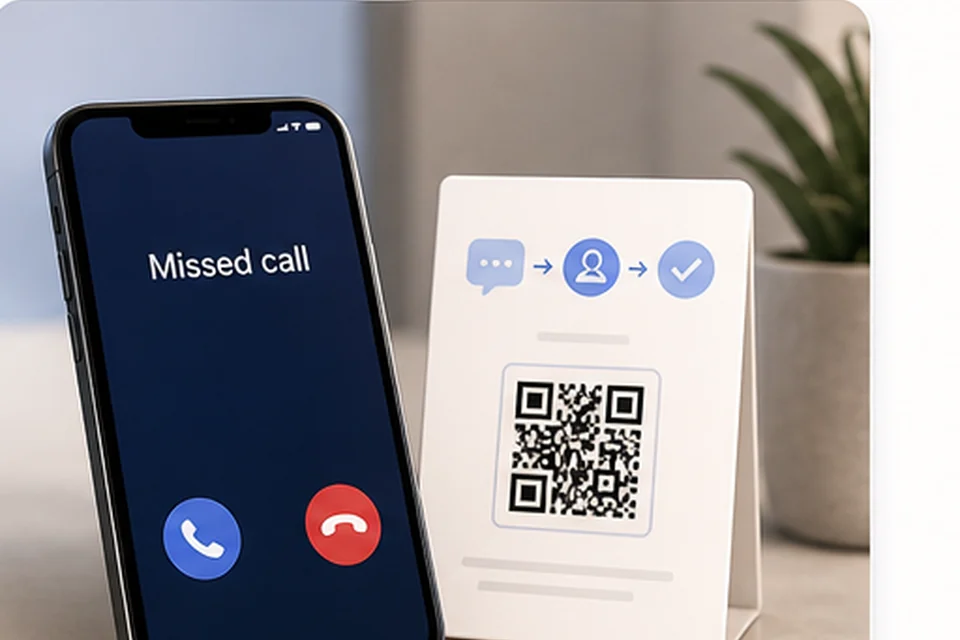
Reduce missed calls at a local business
Use phone, QR, and answer workflows together.
QR support
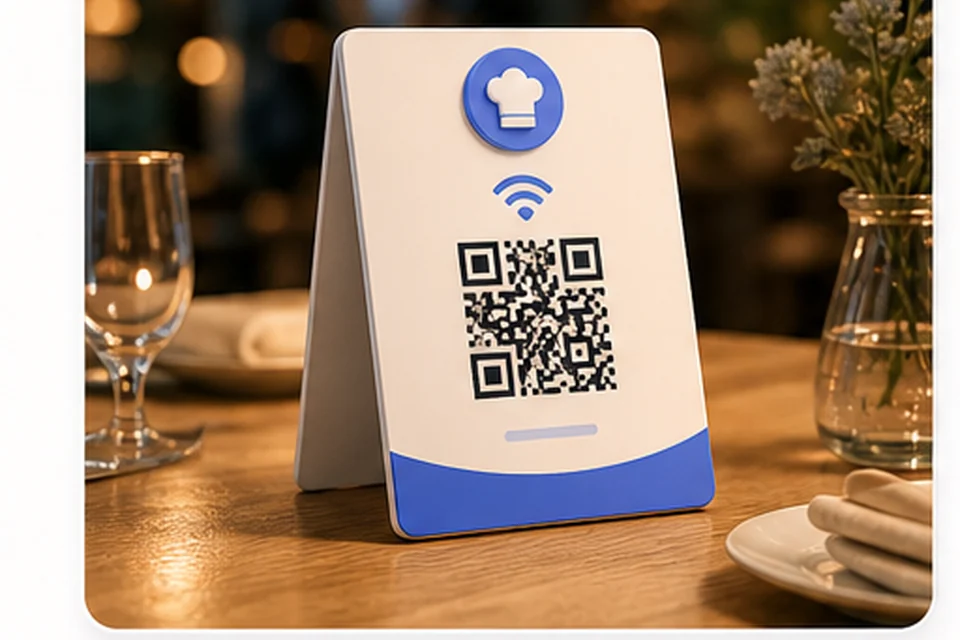
Use QR codes for customer service
Let customers ask from signs, menus, packaging, and cards.
Automation
Customer service automation for small businesses
Automate simple answers without losing the human handoff.
FAQ: Answering customer questions after hours
How can a small business answer customer questions after hours?
Start by listing the questions customers already ask, write approved answers, publish them in one easy destination, add next-step buttons, and route urgent or sensitive issues to a person.
Do I need 24/7 live customer support?
Not always. Many small businesses only need 24/7 answers for simple questions and clear handoff rules for urgent issues.
What questions should I answer after hours?
Answer hours, location, service area, price range, booking, cancellation, preparation, delivery, parking, emergency boundaries, and what happens next.
What should not be answered automatically?
Do not automatically handle final quotes, regulated advice, account-specific issues, safety issues, or emergencies unless qualified staff and approved systems are involved.
Is a voicemail message enough?
A voicemail is useful for handoff, but it does not answer the customer's question. Pair it with a page that answers common questions and sets expectations.
Can a QR code help after hours?
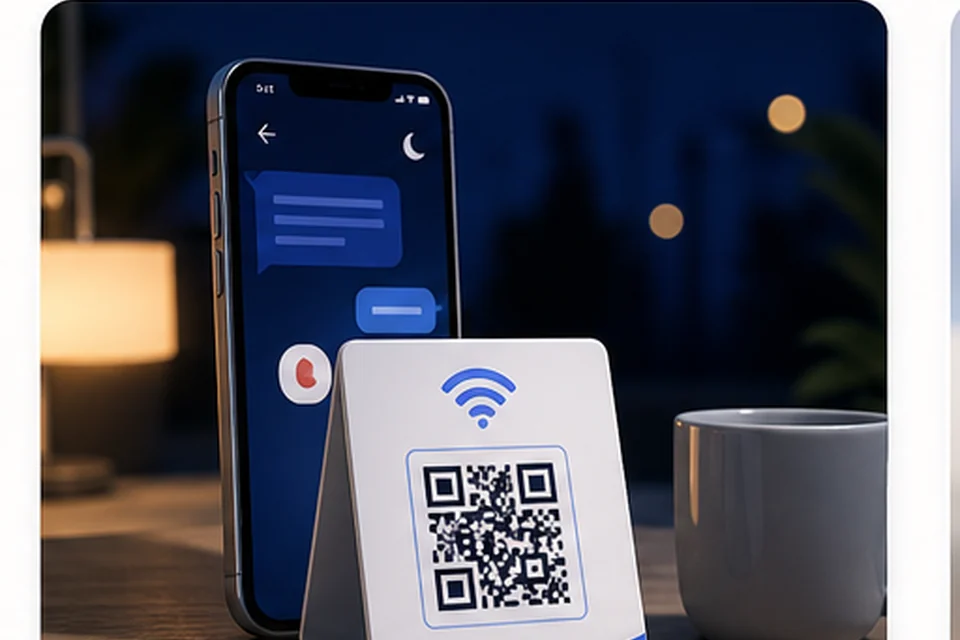
Yes. QR codes on doors, flyers, menus, receipts, packaging, signs, and cards can send customers to answers. The QR code is not the strategy. The answer after the scan is.
How do I know if my after-hours answers are working?
Track repeated questions, answer views, next-step clicks, quote requests, bookings, missed calls, and topics that still require manual follow-up.
How often should I update after-hours answers?
Review them weekly at first, then monthly once the workflow is stable. Update answers whenever hours, policies, pricing, availability, or services change.
How does RealLink AI help?
RealLink AI gives customers a public AI answer page for simple questions and shows the business which questions repeat most often.
Image manifest with exactly 4 raster images
All four images are WebP raster assets inserted with standard img or picture elements, width and height attributes, descriptive alt text, and lazy loading below the first screen.
Author/founder note
This guide is written from RealLink AI's customer-service operating view: small businesses do not need to automate every conversation. They need to answer simple questions clearly, protect human handoff for important issues, and learn from the questions customers repeat. The most useful support system is the one that helps the customer take the next step without making the owner chase the same question every morning.
Schema suggestions included
This page includes BlogPosting, FAQPage, HowTo, and BreadcrumbList structured data. The BlogPosting schema includes all four article images, and FAQPage mirrors the visible FAQ content.
Editorial metadata and self-check
Final CTA
If customers keep asking the same questions, those questions are trying to tell you something.
If customers keep asking the same questions, RealLink AI can answer the simple ones and show you what people ask most often.
Create AI