
Venue-based exhibitor question capture
Las Vegas Convention Center Exhibitor Guide: Capturing Buyer Questions Across Large Multi-Hall Shows
A practical LVCC exhibitor guide for capturing buyer questions across West, North, Central, and South Hall movement, product-line QR scans, hotel review, and high-volume follow-up.
Summary
The Las Vegas Convention Center is not a small booth environment. Official venue information describes LVCC as a 4.6 million-square-foot facility with approximately 2.9 million square feet of exhibit space, 225 meeting rooms, and large West and Central Hall lobby and registration areas. At that scale, an exhibitor can collect plenty of booth traffic and still lose the most useful signal: the buyer's question.
This guide treats the question as the lead signal. A badge scan tells you who paused. A product-line QR scan, catalog QR scan, or sample QR scan can tell you what the visitor wanted to understand, which proof they needed, and how urgent the follow-up should be.
Use this Las Vegas Convention Center exhibitor guide as a practical plan for LVCC booth QR placement, trade show lead capture, buyer question capture, catalog QR scans, and exhibitor follow-up. The goal is to connect every high-intent scan to a product line, proof asset, and next action before the visitor memory fades.
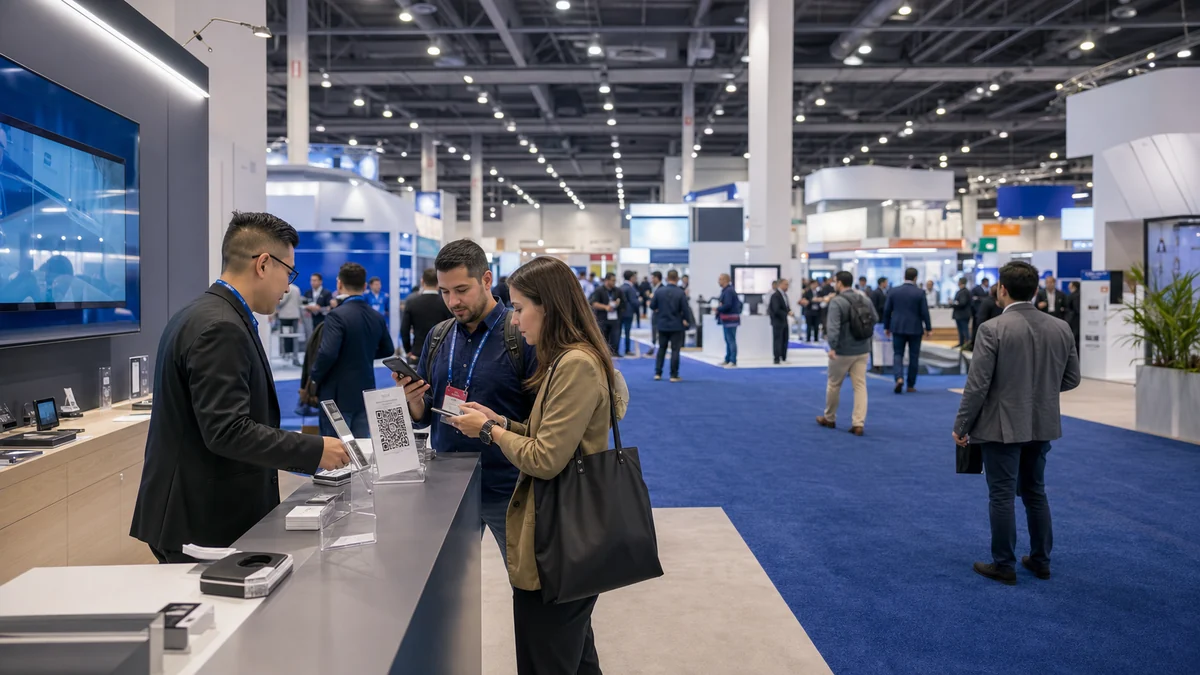
Why Las Vegas Convention Center exhibitors should think beyond booth traffic
At LVCC-scale shows, traffic volume can look impressive while the actual buying context disappears across hall changes, meeting schedules, and after-show review.
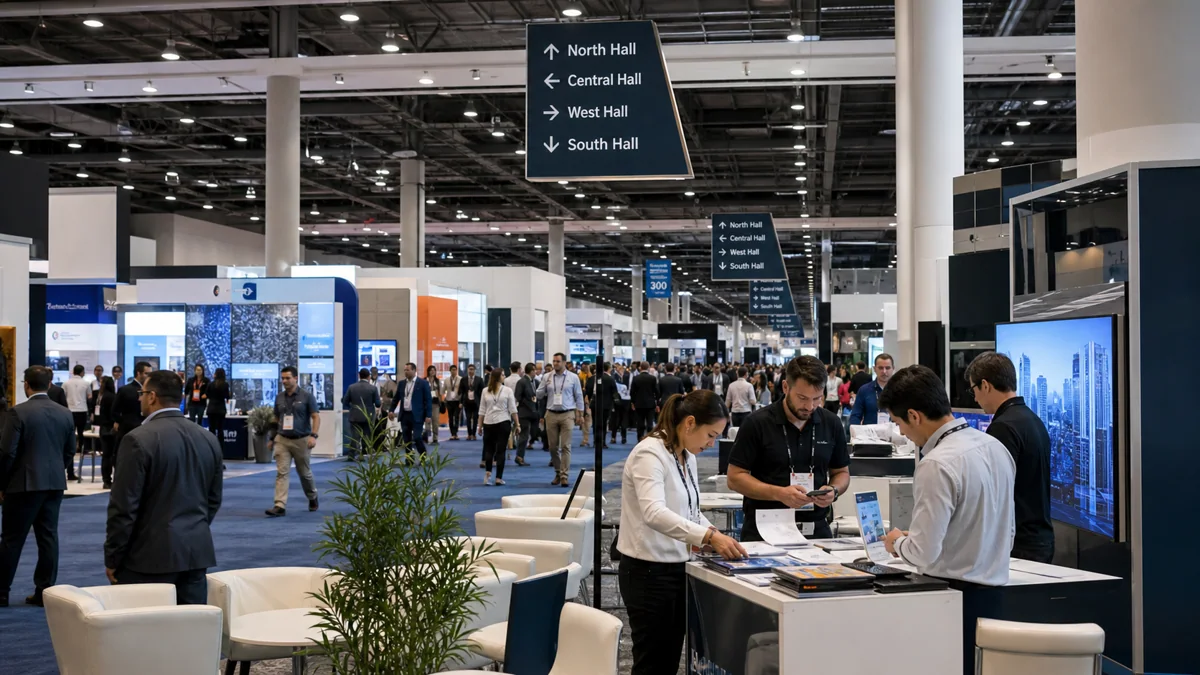
A visitor may start in West Hall, compare suppliers in Central Hall, meet a colleague in North Hall, and keep a catalog in a hotel room for later review. For a CES-style event, the official CES campus guide notes that all four halls, North, South, Central, and West, may be in use. That is good for discovery, but it makes memory fragile.
The common exhibitor mistake is to treat every scan as the same type of lead. A visitor asking about certification, a visitor asking about minimum order quantity, and a visitor asking for a product sample are not the same. If the follow-up system only records a name and email, the team has to guess what mattered.
The better operating question is simple: where can the visitor ask the next question without waiting for staff, and how will the team know which product or proof that question was about?
Where buyer questions disappear at Las Vegas Convention Center
Buyer questions disappear whenever the visitor moves faster than the team's note-taking system.
The size and movement pattern of LVCC creates several question leaks. Some happen inside the booth, especially when a product specialist is already busy. Others happen outside the booth, when the visitor checks the catalog later, compares two product lines, or prepares an internal recommendation after leaving the venue.
The goal is not to capture every casual comment. The goal is to preserve questions that reveal buying intent, technical concern, proof requirements, or follow-up timing.
| LVCC moment | Question that often disappears | Better capture move |
|---|---|---|
| Aisle traffic between halls | Which product was the visitor actually comparing? | Use a booth-level QR that routes to product choices instead of one generic homepage. |
| Crowded product demo | What detail did the visitor need after watching? | Place a QR beside each demo station and tag scans by product line. |
| Sample handoff | What will the buyer test, measure, or show internally? | Put a sample QR on the handout or label and ask one short intent question. |
| Meeting room conversation | What proof did the buying group request? | Use a meeting follow-up QR tied to documents, certifications, and next-step questions. |
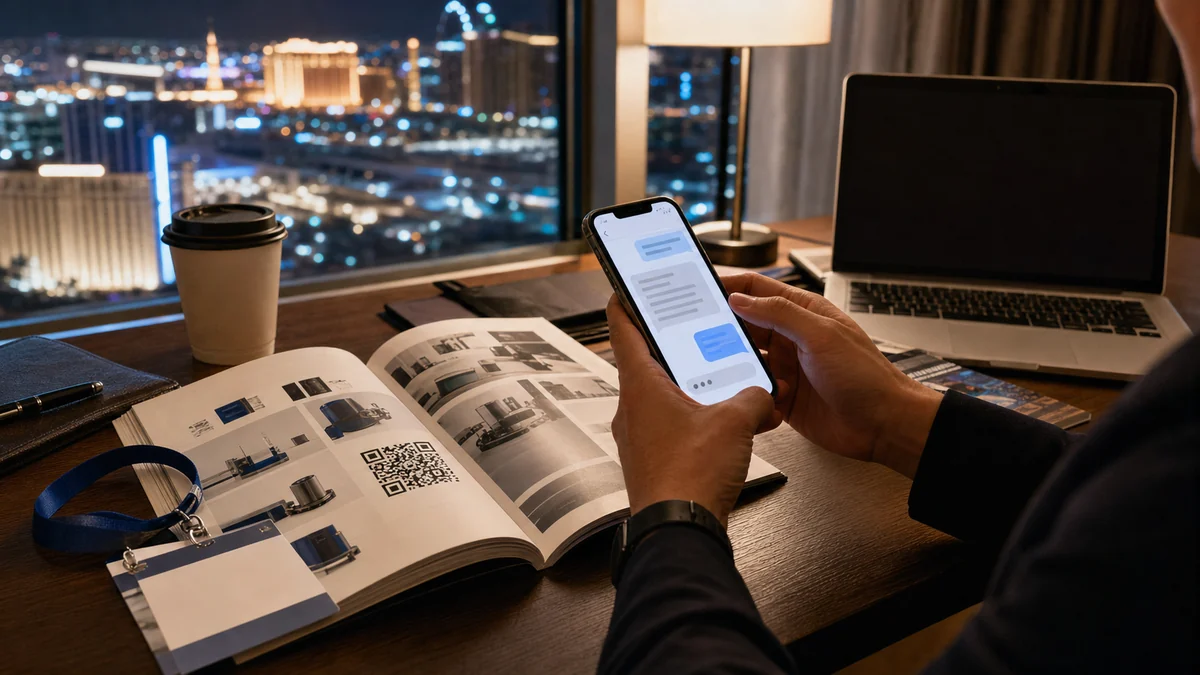
| Hotel-after-show catalog review | Which page or model did the visitor revisit after the day ended? | Add catalog QR codes by product section so later scans keep product context. |
Best QR placements for Las Vegas Convention Center exhibitors
The strongest LVCC QR strategy is not one big QR code. It is a product-line map.
A single booth QR code is easy to print, but it usually creates weak data. It cannot tell whether the visitor cared about a flagship product, a lower-cost model, a distributor program, a certification question, or a sample request.
For a large multi-hall show, use QR codes at the level where the visitor's intent changes. Put one QR on the booth entry sign for general navigation. Put product-line QRs beside product islands. Put a catalog QR in each product section. Put a sample QR on the physical sample or handout. Put a post-meeting QR on the slide, spec sheet, or follow-up card.
Each QR should open a useful answer point, not just a brochure download. The first screen should let the buyer ask a question, choose the product line, and see the most useful proof for that product.
Practical LVCC QR map
- Booth entry QR: route visitors to product categories, demo times, and common questions.
- Product island QR: capture model-specific technical, pricing, delivery, and proof questions.
- Catalog section QR: keep product context when visitors review the catalog later in a hotel room, restaurant, rideshare, or office.
- Sample QR: connect the physical sample to test instructions, warranty notes, certificates, and sample follow-up.
- Meeting QR: collect the buying group's requested proof and next-step timing after a meeting.
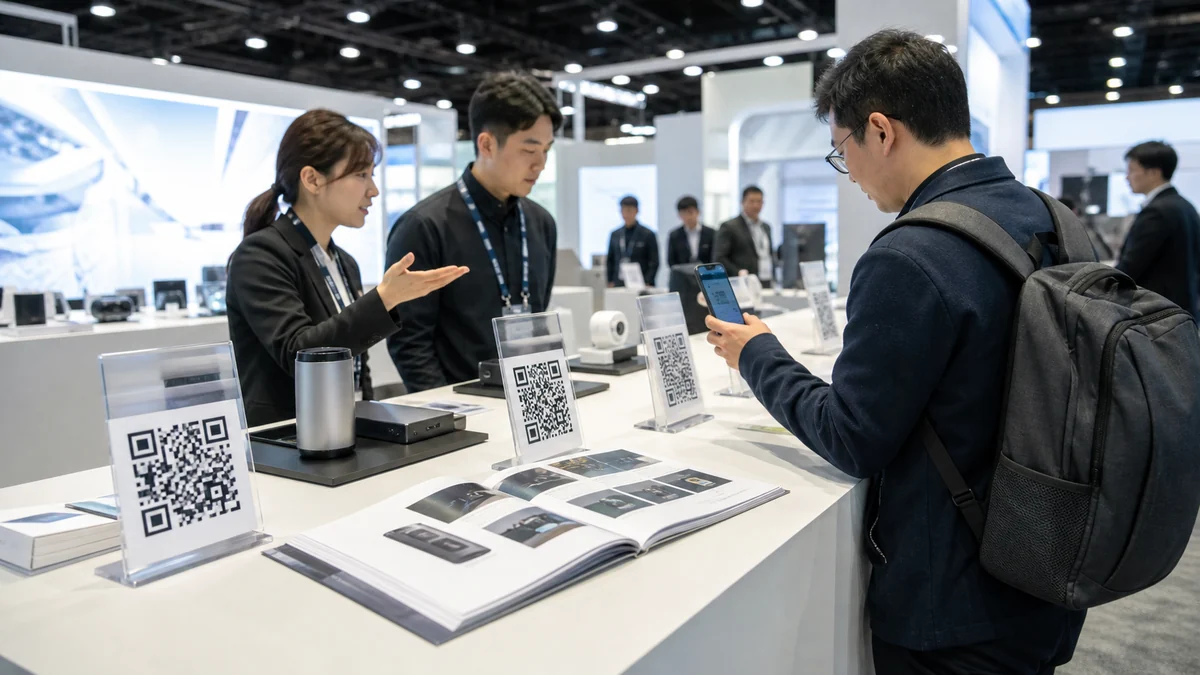
Buyer questions Las Vegas Convention Center exhibitors should capture
The best questions are not always the longest questions. They are the questions that reveal fit, timing, and proof needs.
For high-volume LVCC shows, the team should predefine question categories before the event. This makes follow-up faster because staff can sort leads by intent instead of trying to interpret scattered notes after the show.
The examples below are not a script to force on every visitor. They are the question families that deserve a place in the booth QR, product QR, catalog QR, and post-show follow-up workflow.
| Question category | Example buyer question | What it reveals |
|---|---|---|
| Product fit | Will this model work with our existing system or environment? | Technical compatibility and need for a specialist follow-up. |
| Proof | Do you have a case, certification, test result, or comparison sheet? | The visitor needs evidence before internal approval. |
| Commercial terms | What is the minimum order, lead time, distributor margin, or sample process? | The question may be closer to buying than browsing. |
| Timeline | Can this be delivered, tested, or presented before our target date? | Urgency and operational constraints. |
| Internal approval | What should I send to my manager, procurement team, or technical reviewer? | The buyer is preparing to carry the product inside their organization. |
| Market or channel fit | Do you support the U.S. market, regional distributors, or private-label requirements? | Potential partner, reseller, or localization path. |
Question-matched proof checklist
Every important buyer question should point to a matching proof asset.
At LVCC, visitors often compare many suppliers in a short window. A friendly conversation is not enough once the buyer starts reviewing options later. The proof has to travel with the question.
Before the show, prepare proof by question type. Technical questions need specifications, compatibility notes, certifications, and integration details. Commercial questions need sample process, lead-time ranges, distributor terms, and quote path. Internal approval questions need a short summary that a visitor can forward without rewriting your pitch.
Proof assets to prepare before shipping the booth
- One-page product-line spec sheet for each major product category.
- Certification, compliance, safety, warranty, and testing documents where relevant.
- Sample request workflow with expected timing and owner.
- Distributor or partner criteria for channel conversations.
- Comparison sheet that explains where the product fits and where it does not.
- A short internal-approval brief for buyers who need to explain the product to colleagues.
Post-show follow-up using buyer questions
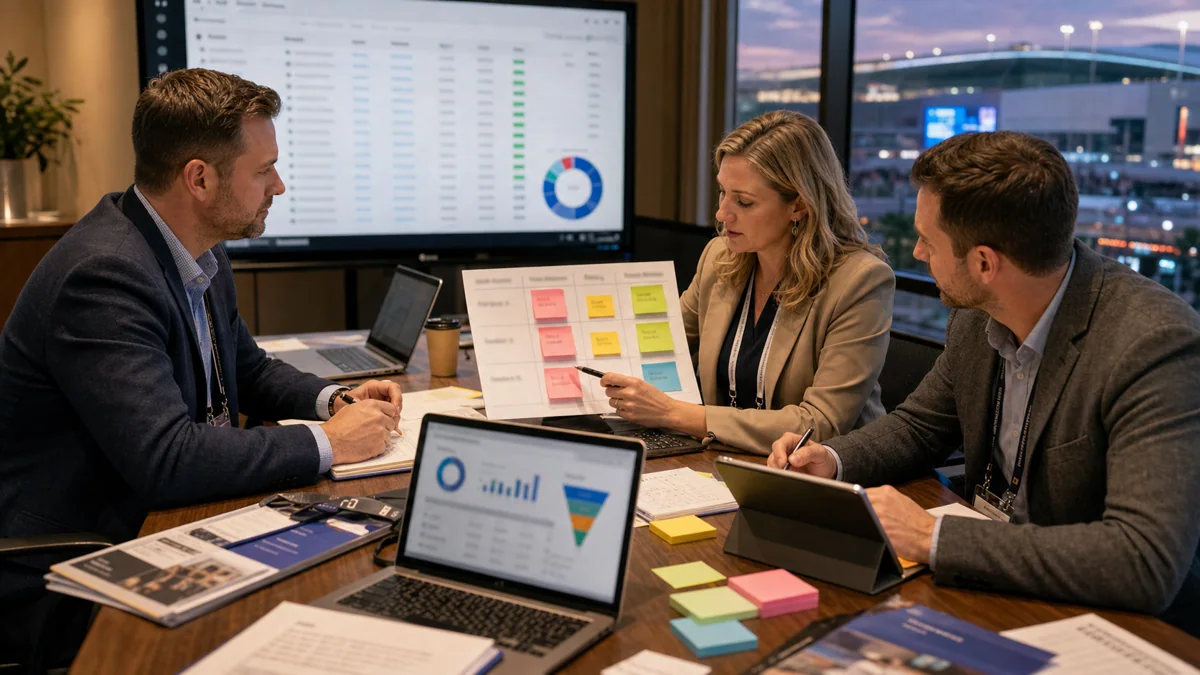
High-volume follow-up should be prioritized by question, product line, proof request, and timing, not by scan order.
After a large LVCC show, the lead list can feel like a win and a burden at the same time. If the team follows up in scan order, serious buyers may wait behind casual visitors. If the team sends the same thank-you email to everyone, the visitor has to reconstruct the conversation.
Use a simple priority model: first, buyers who asked for proof tied to a named product line; second, buyers who scanned a catalog or sample after the show and asked a specific question; third, buyers with timeline, procurement, distributor, or meeting requests; fourth, education-only visitors who should receive a useful resource.
Hotel-after-show scans are especially useful. A scan from a catalog after the floor closes may mean the visitor is reviewing options with a colleague, building a shortlist, or preparing an internal note. Treat that question as fresh intent, not as a leftover event interaction.
| Priority signal | Follow-up action | Owner |
|---|---|---|
| Specific product question plus proof request | Send the matching proof and offer a specialist review. | Sales plus product specialist |
| Catalog scan after show hours | Reference the exact product section and ask what comparison matters. | Event follow-up owner |
| Sample QR scan | Send sample use notes, test criteria, and timing. | Operations or sales |
| Distributor or regional question | Send partner criteria and schedule the territory conversation. | Channel owner |
| General education question | Send a useful guide and keep the contact warm. | Marketing |
How RealLink AI can help
RealLink AI turns booth, catalog, and product sample QR scans into multilingual buyer Q&A and product-level intent data.
A business card tells you who visited. A buyer question tells you what they care about. That is the difference this workflow is designed to preserve.
With RealLink AI, an exhibitor can create answer points for booth signs, catalog sections, product samples, and meeting materials. Visitors can ask questions during the show or after they leave the venue. The team can see which product lines and proof topics produced repeat questions, then use those patterns for follow-up and the next booth plan.
RealLink AI should not replace human sales judgment, pricing approval, legal review, or sensitive customer handling. It is the layer that keeps repeated answers available and keeps buyer questions from vanishing after the booth conversation.
Sources and quality note
This article uses official venue references and is written as a practical planning guide, not as a guaranteed performance claim.
Venue facts are based on the official Las Vegas Convention Center page from Vegas Means Business, including LVCC scale, exhibit space, meeting rooms, lobby areas, and map references. The multi-hall example uses the official CES LVCC campus page, which describes use of North, South, Central, and West Halls for a CES-style show.
Industry context is informed by UFI's Global Exhibition Industry Statistics report page. The operating recommendations are RealLink AI editorial guidance for capturing buyer questions; teams should adapt them to each organizer's rules, privacy requirements, and consent language.
Las Vegas Convention Center official page · CES LVCC Campus · UFI Global Exhibition Industry Statistics
Related strategy guides
Use these guides with the LVCC question-capture workflow.
LVCC planning
Las Vegas Convention Center Exhibitor Tips
Plan hall movement, booth setup, staffing, logistics, and LVCC mistakes before the show.
RealLink AI
Trade Show Strategy Case Study Part 3
A 72-hour follow-up system for booth questions.
RealLink AI
Trade Show Preparation Checklist
Prepare the booth, QR answers, and follow-up path.
RealLink AI
Trade Show Marketing Customer Questions
Plan for the questions buyers ask before they buy.
FAQ
Why should LVCC exhibitors use product-line QR codes?
Because LVCC shows can create very high traffic across multiple halls. Product-line QR codes preserve which product the buyer cared about, while one generic QR code often loses that context.
Where should an exhibitor place QR codes at LVCC?
Use a booth entry QR for navigation, product-line QRs beside product islands, catalog section QRs for later review, sample QRs on handouts, and meeting QRs after detailed conversations.
What buyer questions should be captured?
Capture questions about product fit, proof, commercial terms, delivery timing, internal approval, channel fit, samples, and technical review.
How should follow-up be prioritized after a large LVCC show?
Prioritize by question quality, product line, proof request, after-show catalog scans, and timeline rather than by badge-scan order.
Does RealLink AI replace the sales team?
No. RealLink AI keeps repeated answers and buyer-question data available. Human teams still handle negotiation, final pricing, sensitive accounts, and strategic judgment.
Last updated
Last updated: 2026-06-11.
Turn LVCC booth scans into buyer-question data
Want your booth, catalog, or product sample to answer buyer questions during and after the show? Create a RealLink AI answer point.