
United States | Home services
AI Customer Service for U.S. Home Service Businesses: A Practical Setup Guide
Build a customer-answer workflow around service-area, estimate, preparation, scheduling, and after-hours questions without pretending automation can replace live judgment.
Summary
AI customer service can help a U.S. home service business answer stable questions about service area, estimate preparation, appointment process, arrival expectations, product care, and normal response windows. It should not diagnose a safety problem, invent a price, promise a live appointment, confirm technician availability, or hide the route to a person.
The practical starting point is a ten-business-day question log. Group questions by customer moment, identify the approved source for each answer, and separate stable information from live or judgment-heavy decisions. Then assign each group to a focused FAQ, website answer path, QR destination, voicemail follow-up link, connected scheduling system, or human callback.

The quick answer
Automate the stable explanation around the job, not the live decision that only a dispatcher, estimator, or technician can make.
Home service businesses receive the same questions in many places. A homeowner may ask whether the company serves a ZIP code, what photos to send, how an estimate works, what to move before arrival, whether someone must be home, when the office will respond, or how to care for completed work. Those questions are repetitive, but they are not all equally safe to automate.
The most useful AI customer-service setup begins with a narrow promise. It can explain approved business information and point to an official next step. It cannot see a technician calendar, inspect a property, assess an emergency, approve an exception, or calculate a binding quote unless a reliable connected system and an authorised person support that action.
This distinction matters because customers do not grade automation on novelty. They grade it on whether the answer is current, whether the next step works, and whether they can reach a person when the situation falls outside the normal path.
Map questions by the moment they occur
A service-area question from a yard sign needs a different entry point from a private billing question from an existing customer.
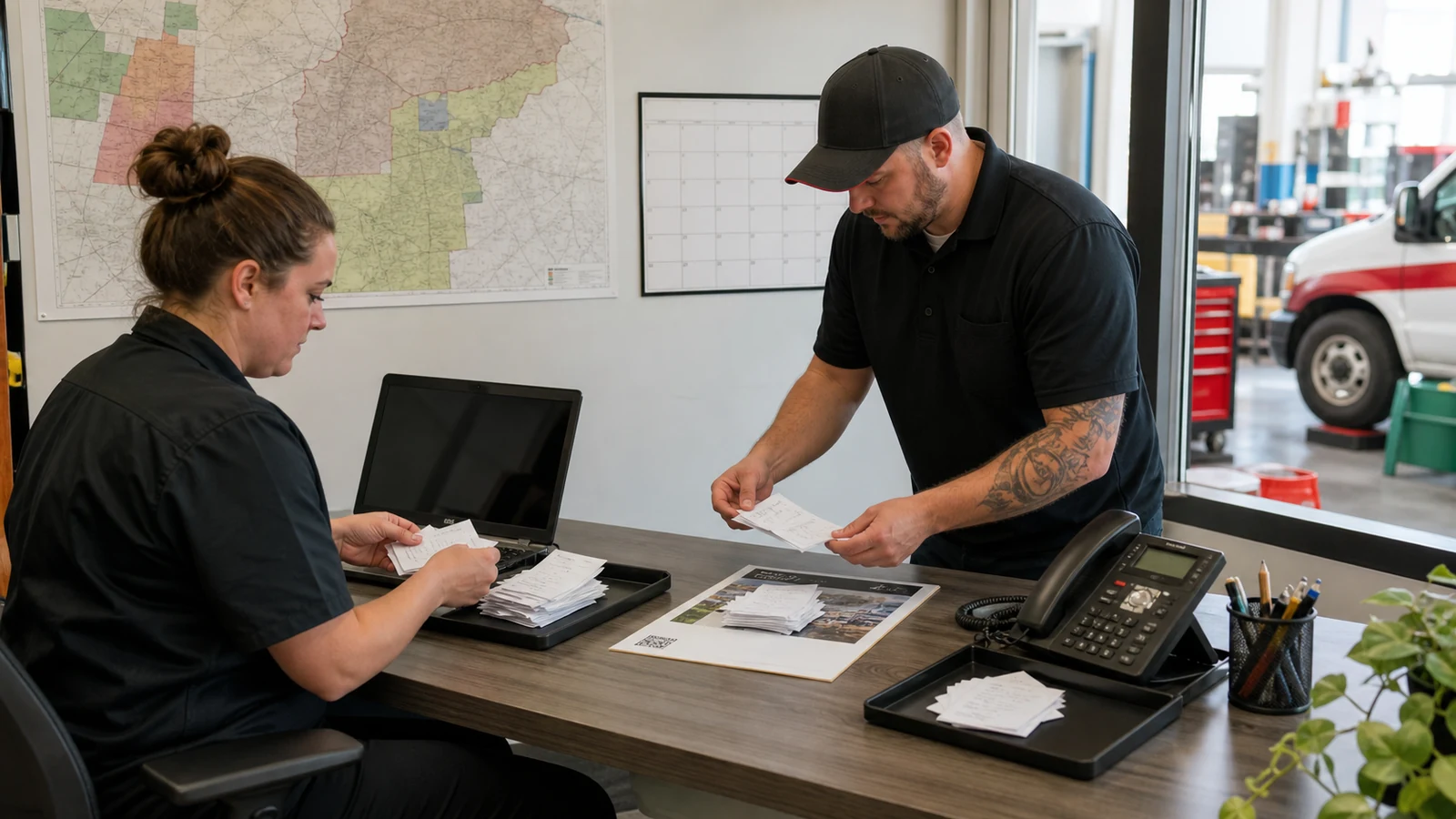
For ten business days, record the questions that arrive through calls, voicemail, contact forms, email, text, Google Business Profile, door hangers, estimates, invoices, equipment labels, and conversations with field staff. Keep the customer wording instead of rewriting every question in company language. The original phrasing reveals the terms people actually search and the uncertainty they are trying to resolve.
Add four columns beside each question: where it began, what approved source contains the answer, whether the answer changes in real time, and what the customer should do next. Group similar wording into one intent. Questions such as "Do you come to my neighborhood?" and "Is 75024 in your area?" belong to one service-area intent even if the words differ.
The channel becomes easier to choose after the moment is visible. A prospective customer on a service page may need a focused FAQ or interactive answer path. Someone holding a door hanger may need a short mobile page behind a QR code. A private dispute or account-specific issue needs authenticated or direct human support.
- Record the customer wording and the channel where it appeared.
- Name the owner and source for every answer that can change.
- Mark live facts such as schedule, route, stock, weather, and technician status.
- Mark safety, complaint, payment, identity, and exception questions for human handling.
- Write the intended next step before selecting a tool.
Choose what AI may answer
Stable, approved, low-risk information is the first automation layer; live status and professional judgment stay outside it.
Good first candidates include normal business hours, general service areas, the types of work offered, estimate preparation, what information helps a quote request, normal response windows, parking or access preparation, published warranty process, product care, and links to official booking or contact routes. These answers can be useful before a call and after hours.
Keep emergencies, safety diagnosis, code or permit interpretation, custom pricing, final scope, disputes, payment-card details, identity verification, live arrival estimates, and unusual property conditions with qualified staff. Automation can state the boundary and direct the customer, but it should not improvise around missing facts.
Write this boundary as an operating document. List approved sources, prohibited subjects, escalation phrases, staffed hours, and the person responsible for updates. A written boundary gives the team something concrete to test and prevents the answer system from expanding quietly into decisions it was never designed to make.
| Question type | Useful automated role | Keep human or connected |
|---|---|---|
| Service area | Explain the published coverage area and collect a ZIP code for follow-up | Approve border areas or unusual travel |
| Estimate preparation | List photos, measurements, access details, and normal steps | Set final scope and price |
| Scheduling | Explain the process and link to the official scheduler | Confirm live availability or technician assignment |
| After-hours enquiry | Answer stable questions and state the next staffed response window | Handle urgent, unsafe, private, or unusual situations |
| Completed work | Share approved care and warranty-process information | Assess damage, responsibility, or a dispute |
Build a small source of truth
The answer system should retrieve from maintained business facts, not from every document the company has ever produced.
Create one short approved answer for each recurring intent. Lead with the direct answer, add the condition that most often changes it, and end with the official next step. Long policy dumps make customers search inside the answer. A layered response is easier to read on a phone and easier for staff to maintain.
Assign ownership by subject. Operations can own service area, lead time, and arrival preparation. The estimator can own quote requirements. The office manager can own hours, cancellation language, payment methods, and response windows. The owner can approve warranty, complaint, and escalation wording. Every changeable answer should have a review date.
Do not upload private customer records, passwords, vendor credentials, employee files, internal pricing calculations, or unapproved notes into a public customer-answer system. The source library should contain only the information needed to answer the chosen public journey.
- One answer owner per topic.
- One maintained location for changing facts.
- A direct first sentence and a clear next step.
- A review date for hours, service areas, pricing context, and policies.
- No private records or confidential operating information.
Design after-hours coverage as a sequence
After-hours coverage should resolve routine uncertainty now and set a precise expectation for everything else.
Start with the questions that create avoidable calls after the office closes. Common examples include whether the company serves an address, whether a service is offered, what information to prepare for an estimate, how soon the office reviews requests, and what a customer should do before a scheduled visit. Put the same approved answers behind the website, voicemail link, printed QR code, and follow-up messages that customers actually use.
State the staffed response window in plain language. "We will get back to you soon" does not help a customer decide whether to wait. Give the normal review period and explain that live appointment times, technician arrival, final price, and exceptions require confirmation from the team.
If the company does not provide emergency service, say so clearly and provide the appropriate public emergency direction without attempting to diagnose the situation. If it does provide an emergency route, keep that route visible outside the AI answer flow. Customers should never have to prove that self-service failed before they can find urgent help.
Give each channel one clear job
FAQ, website chat, QR access, phone coverage, scheduling software, and human follow-up solve different parts of the customer journey.
Use a focused FAQ when customers know the topic and can browse. Use an interactive website answer path when visitors are comparing services and do not know which page contains the answer. Use a QR-linked mobile answer page when the question begins on a yard sign, truck card, door hanger, estimate packet, equipment label, or leave-behind. Use the official scheduler for live appointment data and a person for judgment-heavy conversations.
Avoid creating five disconnected answer stores. The website, printed materials, field scripts, voicemail, and automation should point back to the same approved facts. A change to the service area or response window should not require the owner to remember six unrelated systems.
Labels matter. "Scan me" asks the customer to take a risk. "Scan to check service area and estimate steps" explains the value. A voicemail link can promise routine answers and quote preparation, while clearly stating when a callback will occur.
| Customer moment | Best first path | Main risk to prevent |
|---|---|---|
| Researching a service | Service page plus focused FAQ or answer path | Generic answers that ignore local scope |
| Seeing a truck, sign, or door hanger | QR or short link to a mobile service guide | Sending the scan to a generic homepage |
| Calling after hours | Accurate voicemail plus optional self-service link | Implying that a live dispatcher is present |
| Ready to choose a time | Official connected scheduling system | Inventing availability from static information |
| Private or unusual issue | Direct human or authenticated support | Collecting sensitive details in a public page |
Make human handoff easy
Automation is useful only when customers can leave the routine path without starting over.
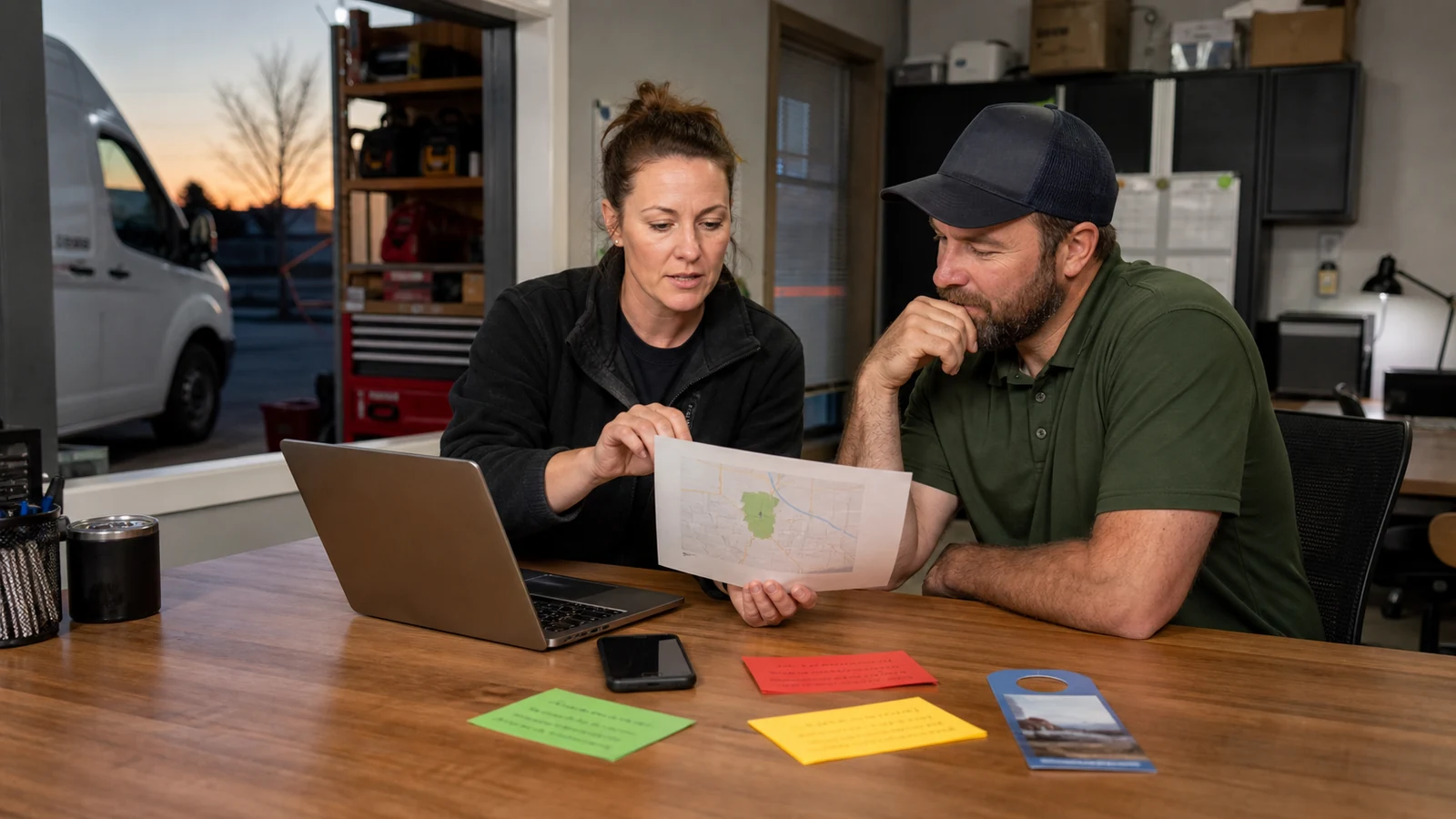
Define handoff triggers in customer language. "This depends on an inspection," "A team member needs to confirm the schedule," and "Please do not share payment or private details here" are clearer than a vague error message. The answer should explain what the person can do next and when the business normally reviews that route.
Collect only the context required for follow-up. A ZIP code, service category, and preferred contact window may be enough for an early enquiry. Property access codes, payment information, identity documents, and long private histories do not belong in a public question box.
When possible, carry the topic into the handoff so the customer does not repeat the entire story. Staff still need to verify the facts and make the decision. The goal is a prepared conversation, not an automated verdict.
Use practical privacy and AI safeguards
Collect less, promise accurately, restrict the source material, and test the answers customers are most likely to rely on.
The U.S. Small Business Administration advises small businesses using AI to start small, test whether a tool adds value, protect sensitive or proprietary information, and keep a person involved in reviewing customer communications. That is a sensible operating model for a home service company: begin with one journey, use approved information, review real outputs, and expand only after the first path is dependable.
The Federal Trade Commission tells businesses to know what personal information they hold, keep only what they need, protect it, dispose of it safely, and plan for incidents. Apply those questions to customer enquiry logs and vendors. Review what is collected, who can see it, how long it is retained, whether it is used for model improvement, and how deletion works.
Use a test set drawn from real wording. Include misspellings, vague addresses, out-of-area ZIP codes, price demands, emergency language, complaints, and questions the system must refuse or hand off. Re-run the test whenever important source information changes.
Measure customer effort and business learning
Count useful outcomes and corrected information, not just the number of automated messages.
Record a baseline before launch: repeated service-area calls, after-hours voicemail about routine topics, quote requests missing required details, website exits from key service pages, and field staff time spent repeating preparation instructions. Compare the same measures after the new path has been live for a full business cycle.
Review repeated question clusters weekly during the first month. A recurring question can be a buying signal, but it can also reveal unclear service pages, vague door hangers, missing estimate instructions, or an outdated voicemail. Improve the underlying information before trying to make automation sound more confident.
Useful evidence includes fewer avoidable repeat contacts, more complete estimate requests, appropriate human handoffs, customers reaching the official next step, and less time spent correcting stale answers. A high conversation count by itself does not prove customer value or labor savings.
| Measure | Useful interpretation | Misleading conclusion |
|---|---|---|
| Repeated question clusters | Shows demand or unclear information | Every repeated question is a sales-ready lead |
| Completed next steps | Shows whether customers reached quote, schedule, or contact routes | Every click became revenue |
| Human handoffs | Shows where live information or judgment is needed | Every handoff is a failure |
| Corrections and low-confidence topics | Prioritises source and workflow improvements | The system should guess more often |
| Staff time on routine explanations | Can reveal operational change when measured consistently | Message volume equals hours saved |
A 30-day rollout for a home service team
Launch one common customer journey, review it closely, and add channels only after the first path is accurate.
During week one, collect questions and choose one journey such as service-area qualification and estimate preparation. During week two, approve answers, owners, prohibited topics, handoff language, privacy notice, retention, and test cases. During week three, launch from one or two entry points. During week four, review customer questions, staff feedback, corrections, and completed next steps.
A narrow launch is easier to trust. A cleaning company might begin with service area, property size, access preparation, and estimate steps. A landscaping business might begin with service boundaries, site-photo guidance, consultation steps, and response windows. An appliance service business might begin with supported categories, model information to prepare, visit preparation, and the warranty process.
At day thirty, keep, change, pause, or expand based on evidence. Expand when the answers are current, the handoff works, staff can maintain the source, customers reach a useful next step, and the privacy burden remains proportionate. More channels are not the goal. A dependable customer journey is.
- Days 1-5: collect and group real customer questions.
- Days 6-10: approve sources, owners, answers, and boundaries.
- Days 11-15: test normal, vague, unsafe, private, and out-of-scope questions.
- Days 16-23: launch on one web, QR, or after-hours path.
- Days 24-30: review outcomes, corrections, handoffs, and maintenance effort.
Sources and official guidance
- U.S. Small Business Administration: AI for small business
- Federal Trade Commission: Protecting Personal Information, A Guide for Business
- NIST: AI Risk Management Framework
This article is operational guidance, not legal, privacy, safety, or compliance advice. Check current requirements and professional obligations for the business, location, and customer journey before implementation.
FAQ
What can AI customer service answer for a home service business?
It can answer approved stable questions about service area, normal process, estimate preparation, hours, response windows, visit preparation, care information, and official next steps.
Can it confirm a live appointment or technician arrival?
Not from static business information. Live availability, technician assignment, route status, and arrival estimates require a reliable connected system or confirmation from the team.
Which questions should always go to a person?
Emergencies, safety concerns, custom scope, final price, disputes, private account matters, identity checks, unusual properties, and policy exceptions should go to qualified staff.
How should a home service business start?
Log real questions for ten business days, choose one common journey, approve the source and handoff rules, test realistic wording, and launch from one or two entry points.
Does an AI answer page replace an answering service?
No. A public answer page can reduce routine questions before a call, but it does not receive live phone calls or replace human conversation for urgent, private, or complex situations.
What should the business measure?
Measure complete estimate requests, appropriate handoffs, repeated knowledge gaps, completed next steps, avoidable repeat contacts, corrections, and the work required to keep answers current.
Last updated
Last updated: 2026-07-14. Country, privacy, platform, and pricing details should be rechecked before implementation.
Continue with the country guide
Review the wider customer-service framework for United States before choosing the next workflow to automate.