
Australia | Product packaging QR codes
QR Code on Product Packaging in Australia: What Should It Link To?
A packaging QR code is a doorway after purchase. Use it for setup, care, model-specific help, public questions, documents, and support, while keeping compulsory and safety-critical information with the product.
Summary
A product-packaging QR code should open the shortest trustworthy route for the customer's post-purchase task. Strong destinations include model-specific setup, care and maintenance, troubleshooting, replacement-part identification, document downloads, warranty process, product registration, accessibility formats, recall or update notices, and a public question page based on approved information. The destination should recognise the product or variant where practical, state which information is current, and offer the correct human support route.
Treat the QR as supplementary. Check all product-specific Australian mandatory standards, information standards, warnings, instructions, warranty-against-defects wording, and consumer-law requirements before moving anything online. The ACCC states that required warranty information must be available with the product; a website reference alone is not enough. Print the expected domain and a short URL beside the code, avoid unnecessary data collection, protect redirect accounts, inspect public or long-lived codes, and run a production-material test plus a 30-day customer pilot before expanding.

Start with the customer task after the package opens
The best destination is determined by what the customer needs at that moment, not by which page the business already has.
List the moments when a customer reaches for help: checking what is included, identifying a model, assembling or setting up the product, understanding normal use, cleaning or maintaining it, finding a replacement part, troubleshooting, locating a document, understanding the support process, or preparing a warranty request. Record the physical context. The customer may be in a garage, workshop, warehouse, rental property, job site, or regional area with weak connectivity and one hand occupied.
Write the printed promise before creating the code: scan for model setup, scan for care and replacement parts, or scan to ask a product question. The first screen must fulfil that promise without making the customer search the main website. Avoid a vague scan me label. Show the expected business domain and provide a typed alternative so the customer can recognise and reach the destination without scanning.
Do not use the homepage as a default. A homepage is useful when broad brand exploration is genuinely the task. It is inefficient when the package already identifies the product and stage. A model-specific guide, focused document centre, structured support page, or approved public question route removes steps and gives the business a clearer maintenance responsibility.
- Record the product, variant, customer task, physical context, and likely connectivity.
- Write a specific scan promise before choosing the destination.
- Make the first screen complete that promise without another search.
- Print the expected domain and a short non-QR route.
- Use the homepage only when broad exploration is the actual task.
Keep mandatory and safety-critical information with the product
A QR code can add useful depth, but it should not be assumed to replace information that Australian law, a mandatory standard, or safe use requires on or with the product.
Product Safety Australia explains that mandatory standards can specify safety, performance, composition, packaging, labelling, warnings, instructions, or other information features for particular products. Determine which standards and bans apply to the exact product, model, supply activity, and date before packaging is approved. A supplier can include a manufacturer, importer, distributor, retailer, or hirer, and obligations are not removed by placing more information online.
Keep essential warnings, safe-use instructions, model and batch identification, mandatory labels, and other required information in the form and location required by the applicable rule. Physical information should remain usable when the customer has no phone, battery, signal, data plan, compatible device, or willingness to scan. The QR destination can add demonstrations, searchable detail, translations, larger text, updates, and questions, but the business should not rely on it as the only path to safe use.
Warranties against defects have specific information requirements. The ACCC states that mandatory warranty information must be available with the actual product and that referring a consumer to a website or store is not enough. Consumer guarantees are automatic rights and cannot be removed by a warranty or QR page. Review packaging, inserts, warranty wording, destination content, and customer-service scripts together so the online explanation does not narrow rights or contradict the material supplied.
| Information type | Physical treatment | Useful QR supplement |
|---|---|---|
| Mandatory label or warning | Provide exactly as the applicable rule requires | Accessible explanation and current supporting detail |
| Safety-critical instruction | Keep durable and available with the product | Demonstration, translation, searchable steps, updates |
| Model and batch identity | Keep on product or package where required and practical | Preselect the correct digital guide |
| Warranty against defects | Include mandatory information with the product | Claim steps, document checklist, contact route |
| Consumer guarantees | Do not exclude, restrict, or misrepresent rights | Plain-language explanation linked to official information |
| Optional product help | Use physical summary where useful | FAQ, care, parts, troubleshooting, public questions |
Choose from ten useful packaging QR destinations
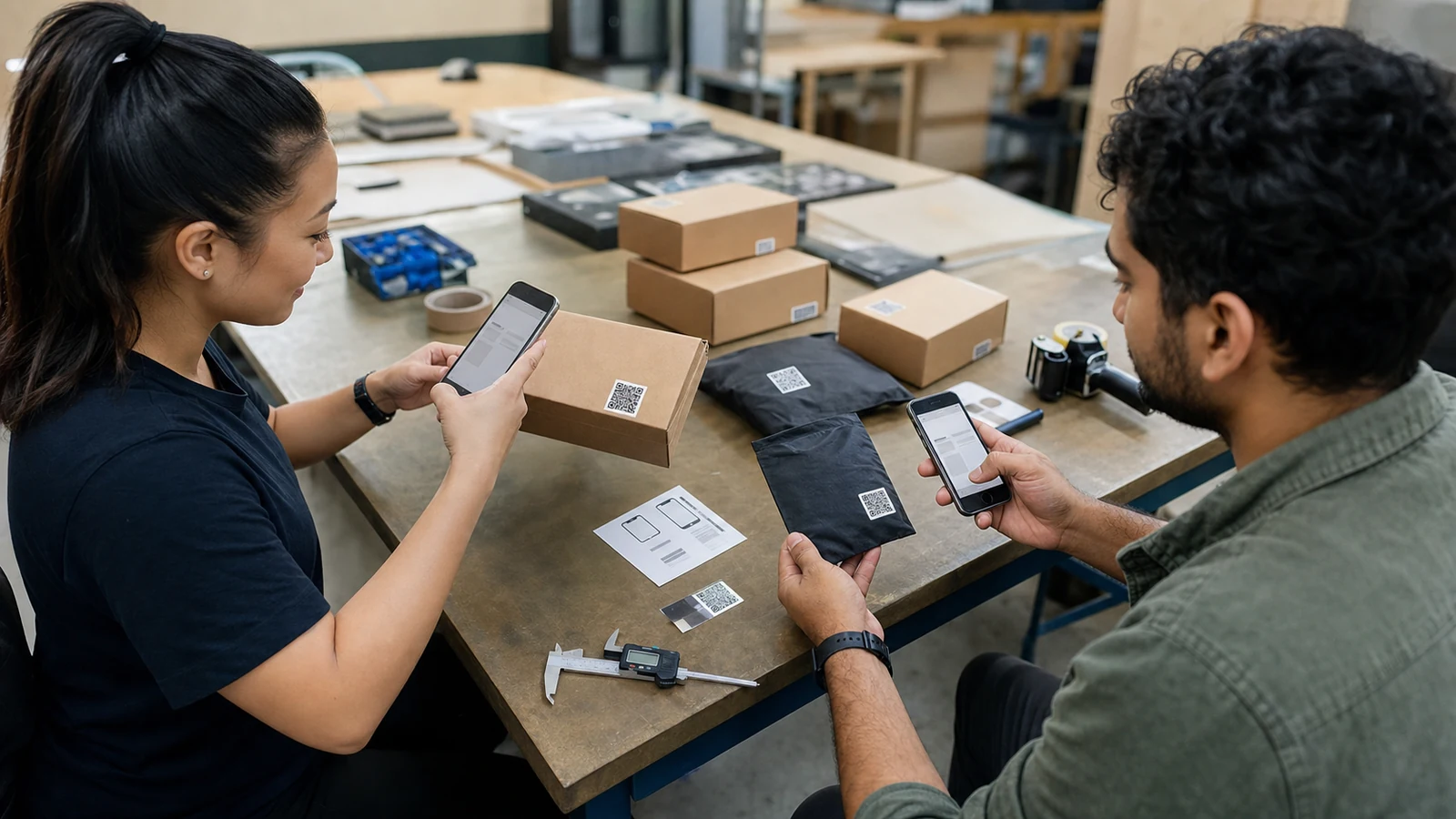
The strongest destination completes one clear post-purchase job and recognises the product without forcing the customer through a general navigation system.
Setup and care are common choices. A model-specific guide can show preparation, assembly sequence, ordinary use, cleaning, storage, and maintenance while retaining durable printed instructions. A troubleshooting page can help customers identify symptoms and the point at which they should stop and contact support. A replacement-parts route can show compatible public part information, but current stock and delivery dates need the live system or staff confirmation.
Support destinations solve different stages. A document centre can host manuals, specifications, certificates, and accessible formats. A warranty page can explain the process, evidence needed, expected review steps, and contact route without limiting consumer rights. Product registration may be useful for updates or support, but it should not gate public information or imply that automatic rights depend on registration. A recall or critical-update route needs accountable ownership and a reliable direct communication plan, not only passive QR discovery.
A public question page can help when customers phrase the same approved product questions in varied ways. It should identify the product context, use controlled sources, make uncertainty visible, and hand off final decisions. A community, marketing, or review destination may suit a separate campaign, but combining every goal behind one code produces a cluttered first screen. Give the packaging code one primary task and at most a few clearly related next steps.
| Destination | Best use | Boundary |
|---|---|---|
| Model-specific setup guide | Assembly and first use | Keep required and safety-critical instructions physically available |
| Care and maintenance | Cleaning, storage, routine upkeep | Do not overstate product life or performance |
| Troubleshooting | Common symptoms and safe checks | Stop and route safety or uncertain issues |
| Parts identification | Compatible public part information | Verify live stock and delivery separately |
| Document centre | Manuals, specifications, certificates, accessible formats | Control versions and confidential material |
| Warranty process | Claim preparation and contact route | Do not limit consumer guarantees |
| Product registration | Optional updates and support context | Do not gate basic help or automatic rights |
| Recall or update notice | Current accountable product communication | Use direct notice where required; do not rely only on scans |
| Public question page | Approved answers in varied wording | No unsupported live promises or final decisions |
| Human support route | Unresolved, unusual, or complaint matters | Publish staffed hours and response expectations |
Connect every answer to the correct model and source version
Packaging can remain in homes and warehouses for years, so the destination must distinguish model, region, revision, and source ownership over the full product life.
Create a destination register. Record the product family, model, variant, market, package revision, QR URL, current destination, code type, printed size, source documents, owner, approver, effective date, review date, and support-life expectation. Keep the mapping independent of an individual staff account. If the same package serves several models, make the first selection unambiguous and avoid asking the customer to identify technical details they cannot see.
Version the source, not only the webpage. A manual update should identify the affected models and effective date. Do not silently apply instructions for a new revision to an older product. Preserve prior approved versions when customers still own those products, and make the current model context visible on the page. If information is withdrawn because it is wrong, replace it with a clear hold and support route rather than a broken link.
Separate stable information from live operations. Setup steps and published specifications may be versioned documents. Current stock, shipping estimates, service appointments, claim status, and final remedies require a connected system or person. The destination can explain how to proceed and what details to prepare, but it should not convert historical patterns into a current promise.
- Maintain a product-to-QR-to-source register outside personal accounts.
- Record model, market, package revision, owner, and review date.
- Preserve approved instructions for supported older versions.
- Replace withdrawn information with a clear hold and support route.
- Keep live operational commitments in the source of truth.
Design for a customer holding the product and a phone
The destination should load quickly, identify the product, answer the promised task immediately, and remain usable without perfect vision, dexterity, language fluency, or connectivity.
Put the product name or recognisable model cue and the promised task on the first screen. Use one clear heading, a direct answer, descriptive subheadings, readable body text, strong contrast, large tap targets, and a simple back path. Do not hide essential instructions inside a video, image, app download, desktop-only menu, hover state, or large PDF. If a PDF is necessary, show a mobile summary, file type, size, model, and revision before download.
Offer several formats when they solve a real need: text, labelled photographs, captions, transcript, larger type, downloadable document, and appropriate translations. Keep exact technical meaning and review translated safety or compliance content with qualified people. Do not imply that automated translation is an approved product instruction. The physical package should point to a person-assisted route for customers who cannot use the digital destination.
Design for weak connections. Compress images, avoid autoplay video, keep the first answer in HTML, and make links resilient. A customer in a garage or regional area may have intermittent reception. Allow the guide to be printed or saved where appropriate. The short typed URL should be memorable enough to enter and should display the same trustworthy domain shown on the package.
- Identify the product and scan promise on the first screen.
- Keep the first useful answer in lightweight readable HTML.
- Provide captions, transcripts, larger text, and accessible alternatives.
- Label downloads with model, revision, type, and size.
- Print a short typed URL and a person-assisted support route.
Make the QR route easy to trust and hard to hijack
Customers cannot see a QR destination before scanning, so the package and page need visible domain cues, controlled redirects, protected accounts, and a recovery plan.
Cyber.gov.au describes quishing as phishing that uses QR codes to hide malicious destinations and notes that fake sites can imitate legitimate businesses. Print the expected business domain beside the code and use a recognisable short URL as a fallback. Avoid unexplained third-party shorteners, unexpected app downloads, broad device permissions, and login requests for public instructions. The phone preview and final page should show the domain the customer was told to expect.
Protect the accounts that control domains, redirects, QR services, and content with multifactor authentication, least privilege, and separate administrator roles. Record who may change a destination and require review for long-lived package codes. Keep an export of the destination register and a recovery plan if a vendor closes, an account is locked, a domain expires, or the service changes its terms.
A code on sealed packaging is less exposed to sticker replacement than a public sign, but counterfeit, relabelled, returned, or second-hand products can still create confusion. Give support staff a way to verify the official route and report suspicious packaging. Monitor for unexpected redirects and certificate or domain problems. Never use the QR itself as proof that a product or page is authentic.
- Show the expected business domain and typed fallback beside the code.
- Use HTTPS and protect domain and redirect accounts with multifactor authentication.
- Restrict and review who can change long-lived destinations.
- Maintain an export, recovery plan, and contract-exit route.
- Give customers and staff a way to report suspicious codes or packaging.
Show public help before collecting customer information
Setup, care, public documents, and general troubleshooting should usually be available without forcing registration or a marketing opt-in.
Separate public help from individual support. A customer reading setup instructions does not need to provide a name, email, phone number, exact address, account, or marketing consent. A warranty or support request may need product, purchase, contact, and problem details, but collect them only at the point where they are necessary. Explain the purpose beside each field and distinguish required from optional information.
The Privacy Act does not cover every Australian small business, but the OAIC explains that important exceptions apply and that covered businesses must comply with the Australian Privacy Principles. Business.gov.au notes obligations to protect customer information and destroy or de-identify it when no longer needed where the law applies. Determine coverage for the actual business and activity rather than assuming turnover settles every question.
Map analytics and vendors. A QR platform may receive IP address, device, time, location approximation, referrer, and scan identifiers before the customer submits anything. Record what is collected, why, who receives it, storage location, access, retention, deletion, and cross-border handling. Use aggregate task measures where they are enough. Do not fingerprint customers or combine scans with other profiles merely because the technology permits it.
| Customer task | Information usually needed first | Avoid |
|---|---|---|
| Read setup or care | Product or model context | Mandatory registration or marketing consent |
| Find a document | Model, language, and document type | Identity collection without a purpose |
| Ask a public product question | Question and product context | Account, exact address, payment details |
| Prepare support | Product, issue, preferred contact, relevant evidence | Sensitive or unrelated fields |
| Start a warranty process | Information required for the process | Wording that narrows consumer rights |
| Measure destination use | Aggregate task and outcome signals | Unnecessary cross-channel profiling |
Test the final code on production materials before printing
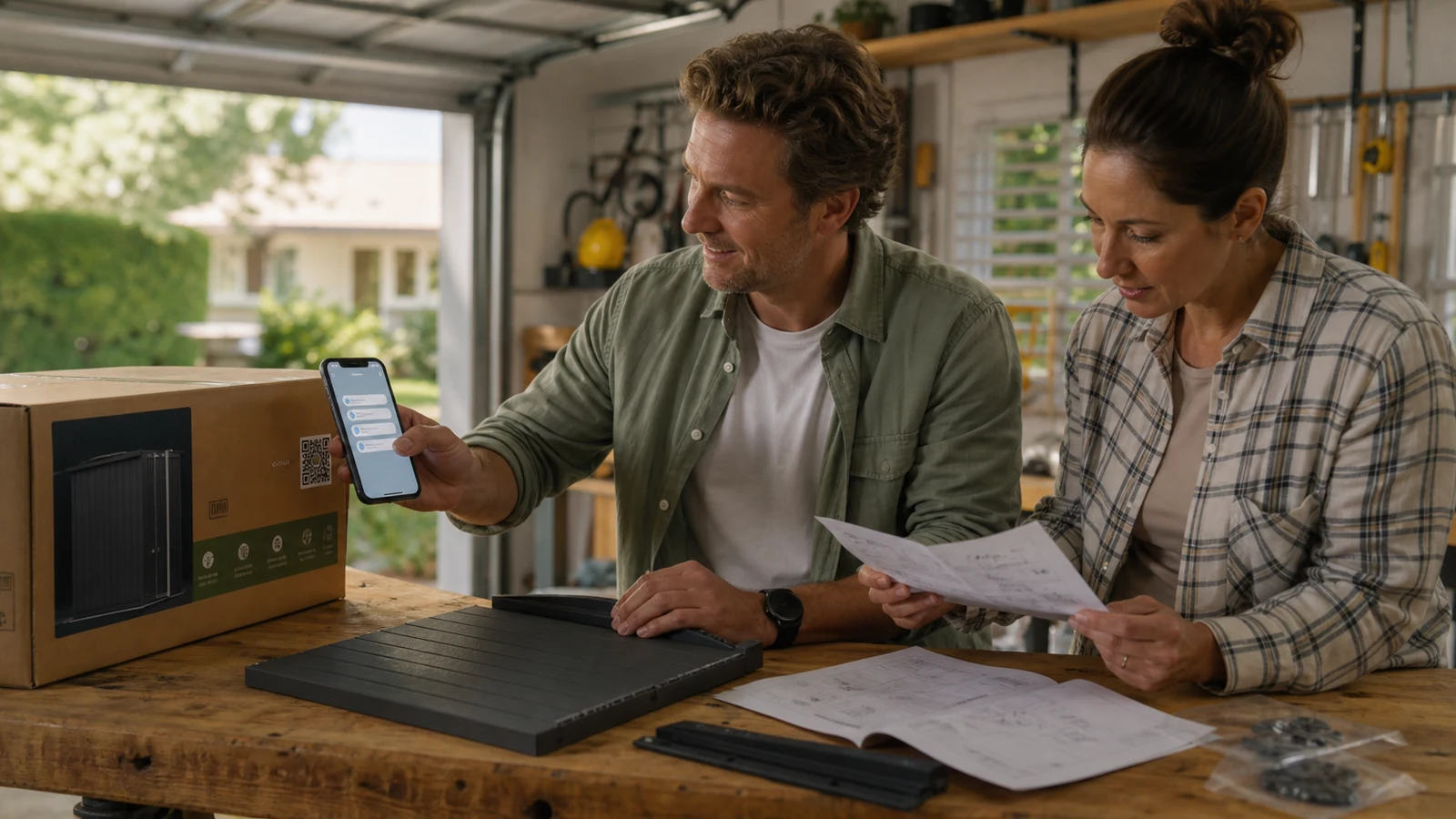
A QR image that works on a monitor can fail after it is resized, curved, laminated, folded, scuffed, placed near a seam, or printed with weak contrast.
Test the final artwork at final size on the actual substrate, colour, finish, and packaging shape. Check quiet space, contrast, curvature, reflections, folds, seams, transparent film, ink spread, and likely damage. Scan from the natural angle and distance with the built-in cameras on several current and older phones. Test under warehouse light, daylight, warm indoor light, and the low light in which customers may actually open the product.
Test the complete journey, not only recognition. Confirm the camera preview shows the expected domain, redirects are short, the page loads on mobile data, the correct model appears, the promised answer is visible, downloads work, required information remains physically available, and the human route reaches the correct queue. Use airplane mode or poor connectivity to verify what remains available and whether the typed fallback helps.
Set a release threshold and keep evidence. Sample units from the real print run, not only a design proof. Record device, distance, light, package surface, destination, tester, and result. Reject a run when the code scans only under ideal conditions or when a vendor app is required. Re-test after artwork, material, printer, domain, redirect, QR platform, content system, or model changes.
- Test final size, material, finish, curve, fold, seam, and lighting.
- Use built-in cameras across several phone generations.
- Verify preview domain, redirect, model context, first answer, and handoff.
- Sample real production units and retain test evidence.
- Re-test after any physical or digital dependency changes.
Measure whether the packaging destination helps
Scan count is an activity signal; useful outcomes include successful setup, document discovery, resolved questions, safe escalation, and fewer repeated support contacts.
Define the customer job before choosing a metric. For setup, measure guide completion signals, unresolved questions, and support handoff rather than time on page alone. For documents, measure successful model-document selection and failed searches. For parts, measure correct identification and handoff to the current system. For public questions, review recurring themes, source gaps, unsupported requests, corrections, and whether customers had to repeat the question to staff.
Use rates with clear denominators. Packages shipped, products registered, scans, unique sessions, questions, and support cases are not interchangeable. Segment by product, package revision, channel, and time only when the sample supports it. A scan drop may mean better physical instructions, lower sales, broken tracking, a failed code, or customer abandonment. Inspect customer examples and test the route before assigning a cause.
Protect privacy in measurement. Aggregate by product and task where possible, shorten retention, restrict raw logs, and avoid precise location or identity unless the stated purpose genuinely needs it. Question grouping and attribution are decision support rather than exact accounting. Use the findings to improve packaging, instructions, product design, source ownership, and support instead of rewarding a higher volume of contact.
| Measure | Useful question | Common misread |
|---|---|---|
| Successful destination load | Can customers reach the promised page? | Every load represents a satisfied customer |
| Task completion signal | Can the customer progress without another search? | Long time on page means engagement |
| Unresolved question rate | Where is the source or explanation missing? | More questions always mean more demand |
| Support handoff completion | Does context reach the correct owner? | Form submission equals resolution |
| Correction and stale-source rate | Is the information dependable over time? | A published page is current |
| Repeat-contact rate | Did the answer and expectation reduce repetition? | Lower contact always means success |
Run a 30-day pilot on one product family
A narrow pilot should prove that the physical code, approved source, mobile destination, support handoff, privacy controls, and maintenance owner work together.
Choose one low-risk product family with a clear post-purchase task and a manageable print run. Complete the product-standard and warranty review, identify information that must remain physical, define the scan promise, create the source register, approve the destination, map data and vendors, and test production samples. Include a short URL and support route. Do not pilot on a product where a failed digital route could hide safety-critical information.
Review weekly. Inspect scan failures, wrong-model landings, unanswered questions, accessibility problems, suspicious redirects, support handoffs, source corrections, and staff observations. Contact a small voluntary test group where appropriate and ask them to complete the task without coaching. Fix the source and packaging message together; do not patch a confusing promise by adding a longer digital answer.
At day 30, decide whether to stop, revise, or expand. Expansion requires reliable scans on production materials, a clear physical-information boundary, maintained source versions, useful customer outcomes, secure ownership, minimum-data collection, and a tested human route. Archive the decision, approved artwork, destination mapping, and test evidence so the next package revision does not restart from memory.
- Choose one low-risk product family and one customer task.
- Approve required physical information before designing the QR supplement.
- Test real print units, mobile destinations, and support handoffs.
- Review failures and corrections every week.
- Expand only after ownership, security, privacy, and useful outcomes are proven.
Sources and official guidance
- ACCC Product Safety: Product safety standards and how to comply
- ACCC: Warranties
- ACCC: Consumer rights and guarantees
- Cyber.gov.au: Quishing
- Business.gov.au: Protect your customers' information
- Office of the Australian Information Commissioner: Small business privacy guidance
This article is operational guidance, not legal, privacy, safety, or compliance advice. Check current requirements and professional obligations for the business, location, and customer journey before implementation.
FAQ
What should an Australian product-packaging QR code link to?
It should open the shortest trustworthy route for the post-purchase task: model-specific setup, care, troubleshooting, parts, documents, warranty process, product registration, updates, public questions, or human support. Give the code one primary job rather than a crowded menu.
Can a QR code replace mandatory labels or safety instructions?
Do not assume so. Product-specific mandatory standards and information requirements can govern packaging, labels, warnings, and instructions. Keep required and safety-critical information in the mandated or dependable physical form and use the QR as a supplement unless the applicable rule explicitly permits another approach.
Can warranty information be provided only through a QR code?
The ACCC states that required information for a warranty against defects must be available with the actual product; referring customers to a website or store is not enough. The online page can explain the process but must not limit consumer guarantees.
Should a customer have to register before reading product instructions?
Usually no. Public setup, care, documents, and general troubleshooting should be visible before optional data collection. Ask for identity and contact details only when the customer's requested support, registration, or claim step genuinely needs them, and explain the purpose.
Is a static or dynamic QR code better for packaging?
A controlled static URL can reduce provider dependency when the business owns a stable route. A dynamic service can help with long-lived packaging and destination changes but adds account, security, subscription, recovery, and vendor-exit dependencies. Choose based on print life, ownership, and failure recovery.
How often should packaging QR codes be tested?
Test final artwork on production material before printing, sample the real print run, test after launch, and repeat after changes to artwork, material, printer, domain, redirect, QR platform, content system, or product model. Long-lived products also need scheduled destination and source reviews.
Last updated
Last updated: 2026-07-23. Country, privacy, platform, and pricing details should be rechecked before implementation.
Compare more product-packaging destinations
Use the broader packaging guide to compare setup, support, warranty, registration, instructions, and post-purchase question destinations.