Answer at the right moment
Customers get useful answers while their interest is still fresh, even when you are busy.
 RealLink AI
Inquiry success story
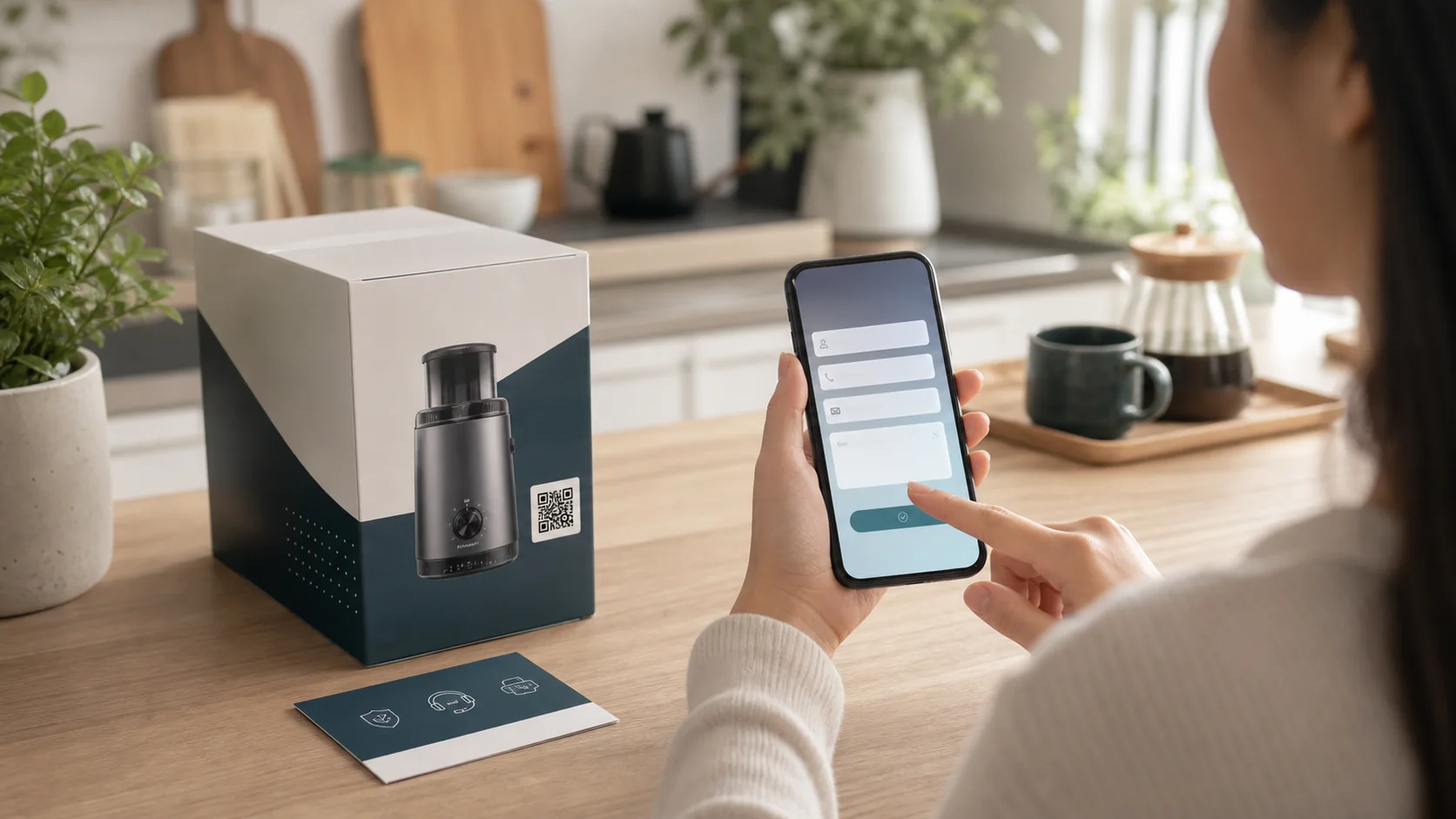
A product box can do more than show a QR code. It can answer setup, warranty, benefit, refill, and support questions, then collect a clean inquiry when the customer needs help.
At a glance
Customers get useful answers while their interest is still fresh, even when you are busy.
Guide people to the right link, inquiry, booking, or contact option without making them search.
Repeated questions show what to explain better on the page, in print, and in your service.
Point / Summary
Customers often scan packaging because they need help now: setup, usage, warranty, replacement parts, benefit application, or product questions. RealLink AI answers the common parts first, then asks only for the details needed to handle the inquiry.
Fit
Use this for consumer goods, appliances, cosmetics, health products, B2B equipment, manuals, warranty cards, refill products, sample kits, and event giveaways.
Collect model, issue, photos note, purchase date, and contact details.
Guide customers to provide the minimum information needed for follow-up.
Let customers apply for gifts, discounts, or member benefits from the product QR.
Answer product usage questions and point to the right reorder path.
Flow
Customer scans the QR printed on the product box, label, manual, or warranty card.
The AI answers setup, usage, safety, warranty, and benefit questions.
If help is needed, the inquiry form asks for model, contact, request type, and a short note.
The owner reviews the inquiry with product context and sees which QR source created it.
Example
A realistic product support moment after opening the box
Hi. You can ask about setup, cleaning, warranty, replacement parts, and support requests for this product.
The filter light turned on. What should I do?
Please turn the device off first, remove the filter cover, and check whether the filter is seated correctly. If the light stays on, leave a support inquiry with your model and purchase date.
Can I request support here?
Yes. Please submit your name, contact method, product model, purchase channel, and a short description. The support team will review it with this question.
Analytics
Which products create the most questions after purchase.
What instructions should be clearer on the box or manual.
Which QR placements create benefit applications or reorder interest.
Repeated issues that should inform future product and manual updates.
FAQ
No. It can handle support, warranty, benefit applications, reorder questions, and product education.
No. Ask only for the details needed to respond: model, contact, request type, and a short note.
It can reduce repeated basic questions and make the remaining inquiries easier to understand.
Next step
Place the QR where the question happens and let customers ask before they submit the form.
Create an inquiry AI page