Answer at the right moment
Customers get useful answers while their interest is still fresh, even when you are busy.
 RealLink AI
Lead conversion
RealLink AI's AI employee can set up reservation and inquiry form pages. This example shows how a short notice and a practical benefit above the form help visitors understand why to submit.
At a glance
Customers get useful answers while their interest is still fresh, even when you are busy.
Guide people to the right link, inquiry, booking, or contact option without making them search.
Repeated questions show what to explain better on the page, in print, and in your service.
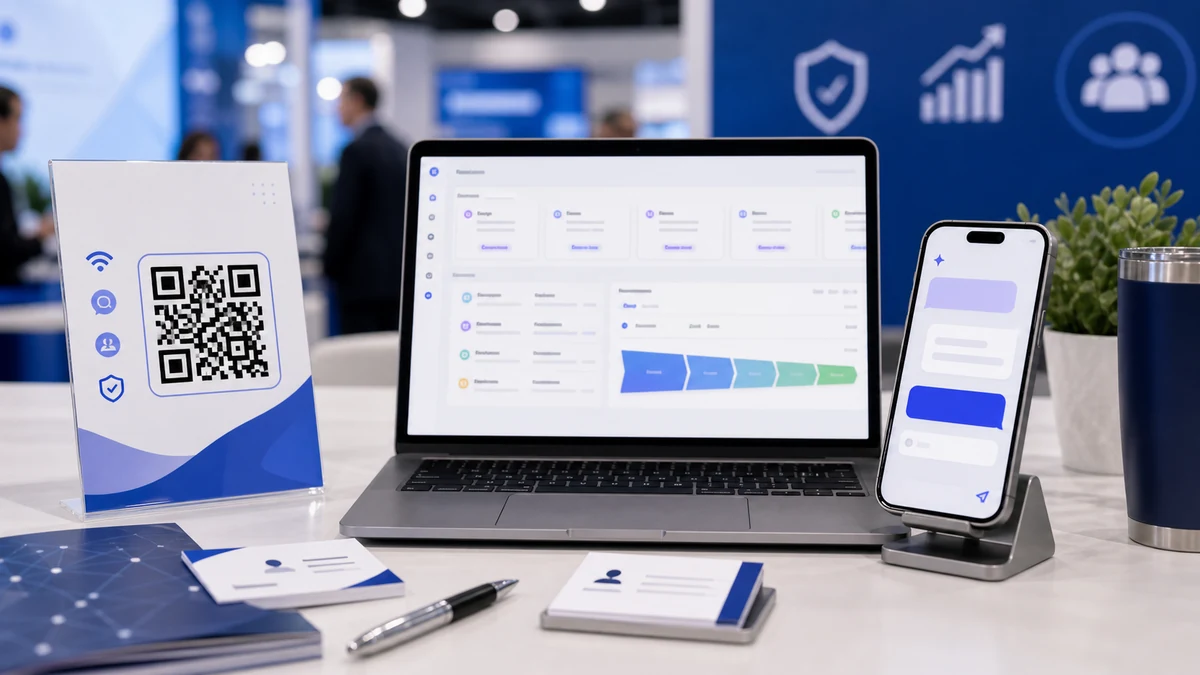
AI employee form feature
RealLink AI's AI employee is not only a public answer page. In the owner settings, a business can set up a reservation form page and an inquiry form page. Visitors ask questions first, then submit the right form when the next step is clear.
Lead conversion
Visitors are more willing to submit when they know how the business will respond, what they should prepare, and what they get by taking action now.
Notice
Place one plain sentence above the form: reply time, confirmation process, cancellation rule, required preparation, parking, event limit, or support handling rule. If details are longer, show the first line and let visitors open the full notice.
Use a benefit when it helps the visitor decide: first consultation, sample, checklist, early booking discount, limited event gift, priority callback, or setup guide. Do not promise anything the business cannot provide.
A class studio can show: “Requests are checked within 2 hours.” Under it, the benefit can say: “Book this week and receive the beginner checklist.” The visitor understands the process and gets a small reason to choose a time.
A product package QR can show: “Please keep the model number ready.” Under it, the benefit can say: “Submit a support request and receive the care guide link.” The form collects cleaner information and feels less demanding.
Flow
Visitor scans a business card, poster, menu, package, or event QR.
The AI answers the question and shows the inquiry or reservation button.
The form shows one notice line and one benefit line before asking for details.
The owner reviews the request and sees which QR source created it.
Analytics
Compare business card, booth, menu, package, and poster QR performance.
See what people asked before submitting.
Track inquiry and reservation submissions like conversion events.
Turn repeated questions into better AI answers, notices, benefits, or QR placement.
FAQ
No. Use it only when the business can provide a real benefit. A clear notice alone is often enough.
Yes. Reservations benefit from confirmation and preparation notices. Inquiries benefit from response-time and support-process notices.
No. A benefit can be a guide, checklist, priority callback, sample, or clearer next step.
Next step
A small notice and a useful benefit can make QR traffic feel guided, safe, and worth acting on.
Create AI page