Answer at the right moment
Customers get useful answers while their interest is still fresh, even when you are busy.
 RealLink AI
Sales lead capture
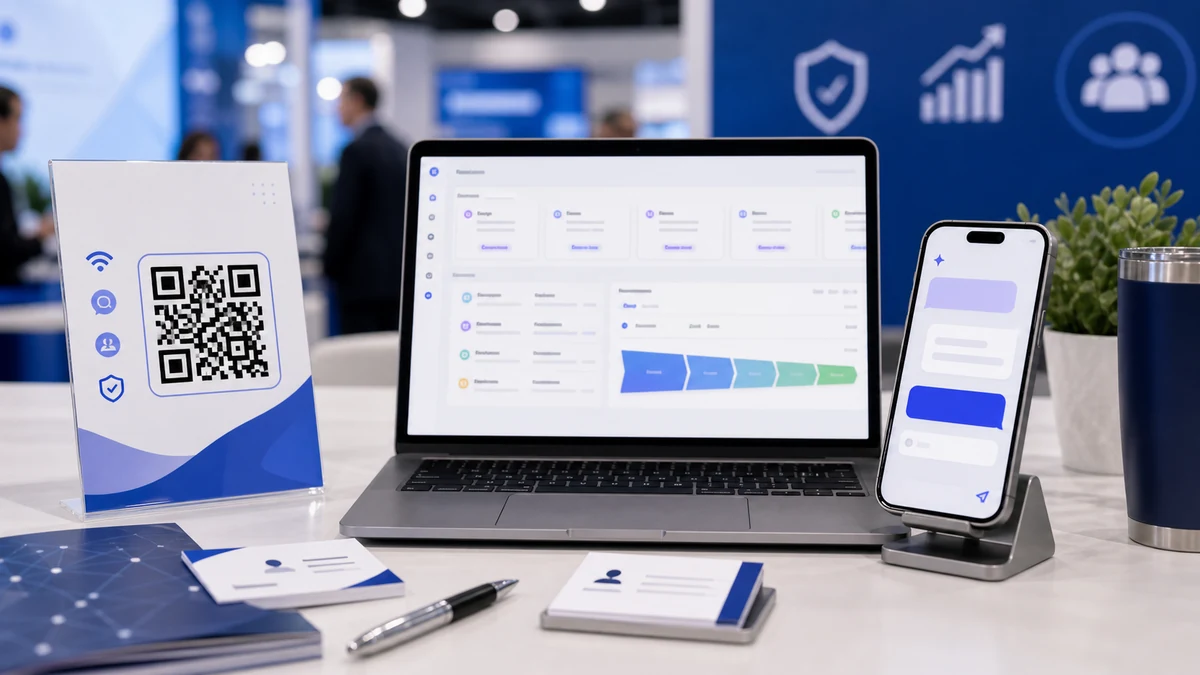
Cards, flyers, booth signs, brochures, packaging inserts, and public AI links can do more than send buyers to a homepage. Let buyers ask first, get approved answers, see useful links or video, and submit a short inquiry with context.
At a glance
Customers get useful answers while their interest is still fresh, even when you are busy.
Guide people to the right link, inquiry, booking, or contact option without making them search.
Repeated questions show what to explain better on the page, in print, and in your service.
Point / Summary
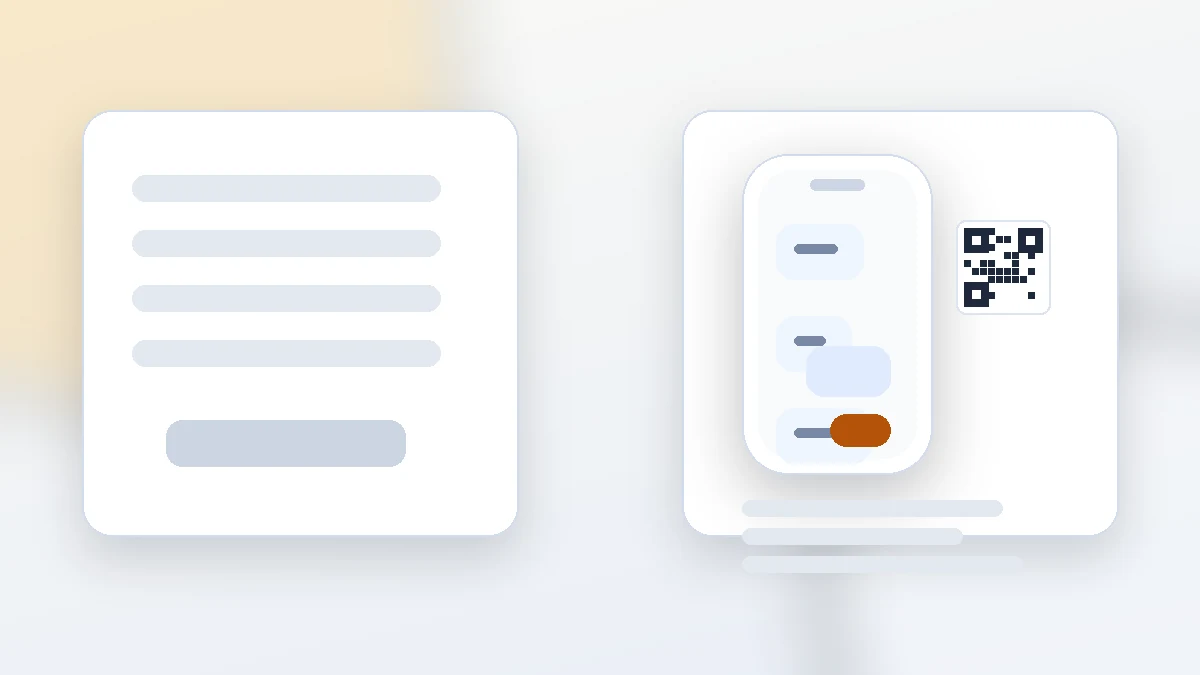
A plain form collects contact details. A RealLink AI answer page can also capture the question, hesitation, product interest, source, and next-step intent that came before the form. That context helps the salesperson write a better first reply.
Where it works
This works on business cards, booth banners, catalogs, brochures, direct mail, product packaging, QR stickers, email signatures, social bios, landing pages, and sales decks. The destination should match the moment: answer the first question, then collect the next step.
Collect demo and catalog requests after a quick booth conversation.
Answer product fit, pricing range, implementation, and buyer-role questions.
Use QR cards or flyers after visits, showrooms, and local meetings.
Let buyers ask about specs, options, MOQ, warranty, delivery, and samples.
Before vs after
Buyer questions
Flow
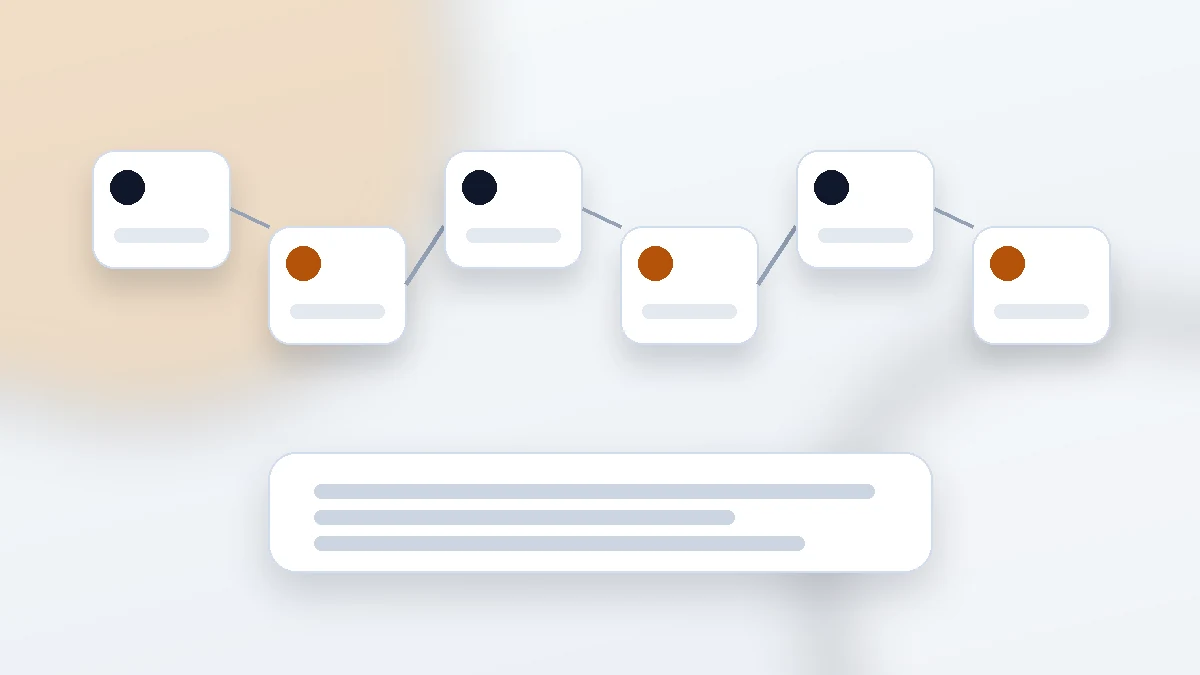
A buyer scans a QR on a card, banner, flyer, catalog, package, or website.
They ask about fit, price, catalog, demo, sample, timeline, or contact.
The AI answers from approved product and sales information.
The form collects contact details, request type, timeline, and notes.
The salesperson reviews the inquiry with question context.
Repeated questions improve sales copy, handouts, and follow-up.
Smart inquiry button
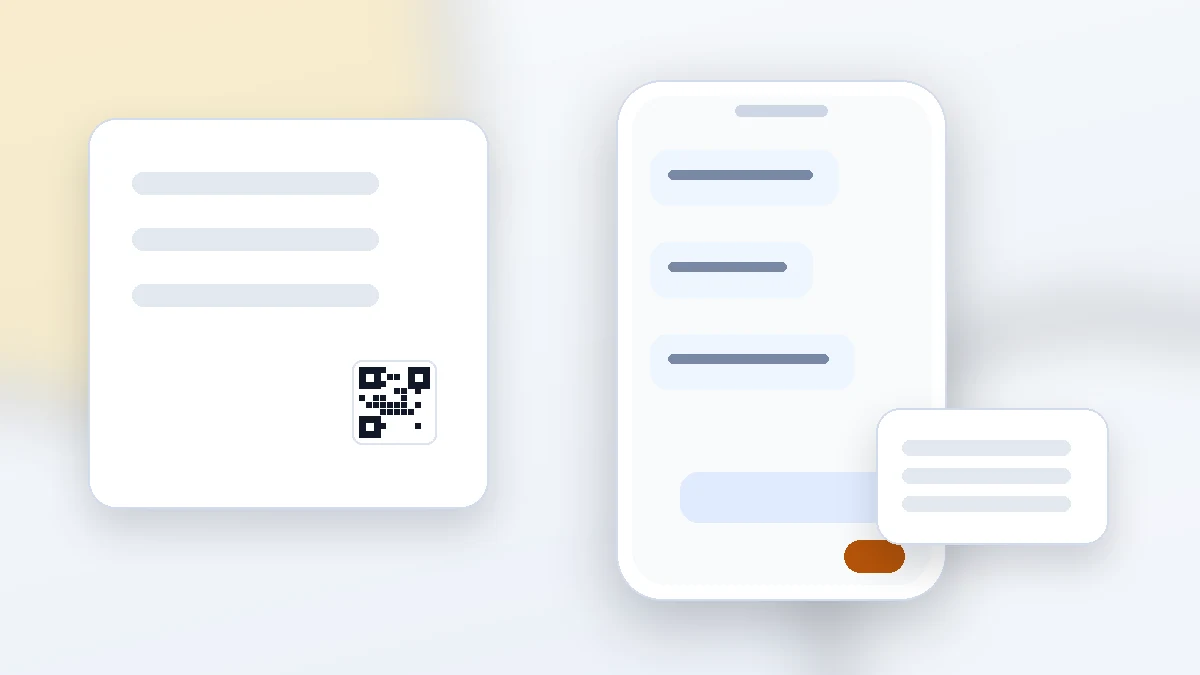
Tell RealLink AI what the inquiry form is for, such as a quote, sample, design request, order question, or another purpose that fits the business.
When a visitor asks about that need, the AI shows an inquiry button. The form opens only after the visitor chooses the button, so unrelated conversations continue without interruption.
Example conversation
Hi. I can answer questions about CeraNova cookware exports: product lines, MOQ guidance, catalog links, demo videos, and how to send an inquiry.
Do you support private label orders?
Yes. Private label is available for selected cookware lines. Buyers usually confirm target market, order quantity, preferred color, package style, and logo requirements before a quote.
Can I see a demo video?
Yes. Here is a sample product video inside the answer: https://www.youtube.com/watch?v=7AZpQqQOty0
I want a quote.
Please leave your name, company, country, email, product interest, estimated quantity, and target delivery month. The sales owner will review your inquiry with this conversation context.
Lead fields
Do not ask for too much. Start with enough detail to route the inquiry and write a useful reply.
Name, company, email, phone, and preferred contact method.
Demo, quote, sample, catalog, partnership, support, or reseller inquiry.
Country, industry, role, product interest, quantity, timeline, or use case.
Include a clear consent line before collecting personal data.
Analytics
Quote, demo, sample, and catalog questions often show stronger buying intent.
Repeated price, MOQ, setup, delivery, or warranty questions reveal friction.
Compare questions from cards, booths, brochures, packages, and website links.
Use real questions to improve emails, call scripts, landing pages, and handouts.
FAQ
No. It answers simple questions and collects inquiry details. Sales judgment, negotiation, contracts, and final commitments still belong to people.
Usually no. For many sales moments, answering one useful question first makes the inquiry feel more natural.
Yes. Official links, YouTube videos, TikTok videos, maps, and other supported links can appear inside answer bubbles when useful.
Then the page should not invent one. It should answer from trained information and route to the available inquiry form or human contact path.
Next step
Capture more useful sales context from the same QR codes, cards, brochures, and public AI links.
Create an AI lead capture page