Answer at the right moment
Customers get useful answers while their interest is still fresh, even when you are busy.
 RealLink AI
Business card inquiry
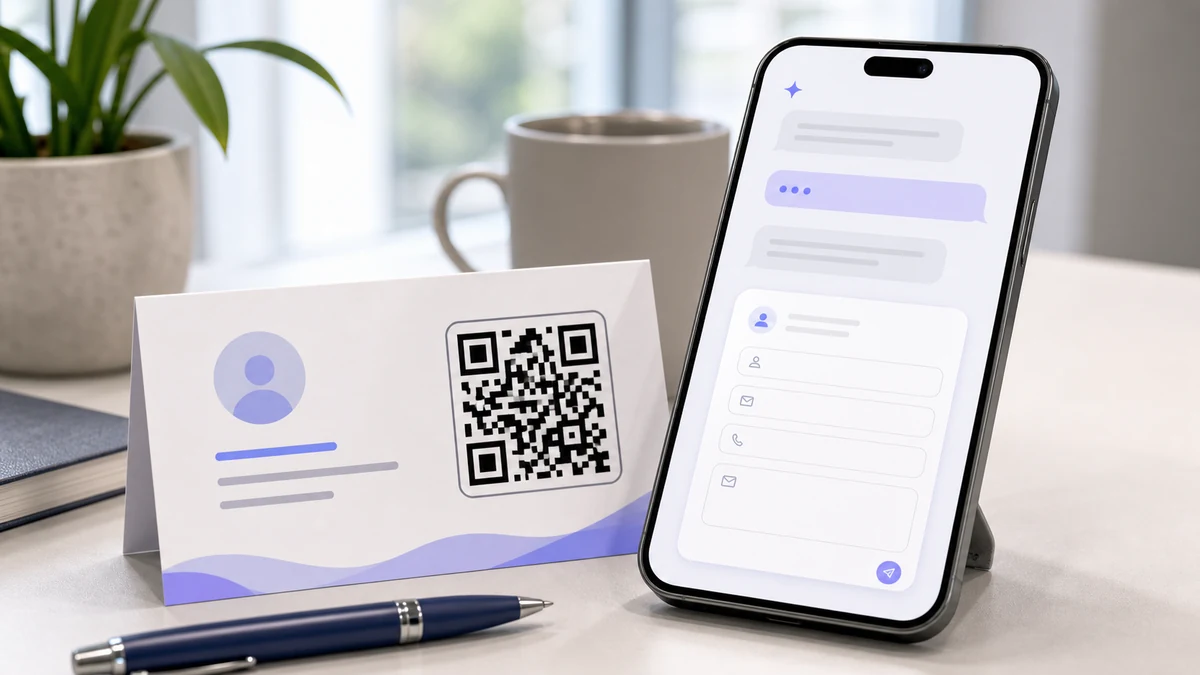
A business card should not stop at a phone number. Add a QR code that lets the person ask simple follow-up questions, watch a short proof video when useful, and leave a short inquiry form when they are ready to be contacted.
At a glance
Customers get useful answers while their interest is still fresh, even when you are busy.
Guide people to the right link, inquiry, booking, or contact option without making them search.
Repeated questions show what to explain better on the page, in print, and in your service.
Point / Summary
Most people do not submit a form the moment they receive a card. They first wonder whether you handle their type of request, what the starting price looks like, where you work, whether you have proof, or how fast you can respond. RealLink AI lets them ask those light questions first, then submit a short inquiry when the timing feels right.
Where it fits
Use this for consultants, agents, clinics, coaches, designers, local services, professional services, B2B sales reps, showroom staff, and solo founders. It works best when a buyer needs a few answers before they are comfortable sending a request.
Explain scope, intake process, location, and what information to prepare.
Answer product fit, catalog, meeting, pricing range, and next-step questions.
Show portfolio context, service packages, booking rules, and sample work links.
Collect visit requests, estimates, service area questions, and contact preferences.
Before vs after
What people ask
Flow
The scan starts with a question, not a demand for personal information. The form appears as the natural next step after the visitor understands fit.
The person scans your card QR or opens the public AI link.
They ask about service fit, examples, pricing range, or availability rules.
The AI answers from your approved training text and official links.
The inquiry form collects name, contact method, request type, timing, and notes.
You see the inquiry with the question context in your dashboard.
Smart inquiry button
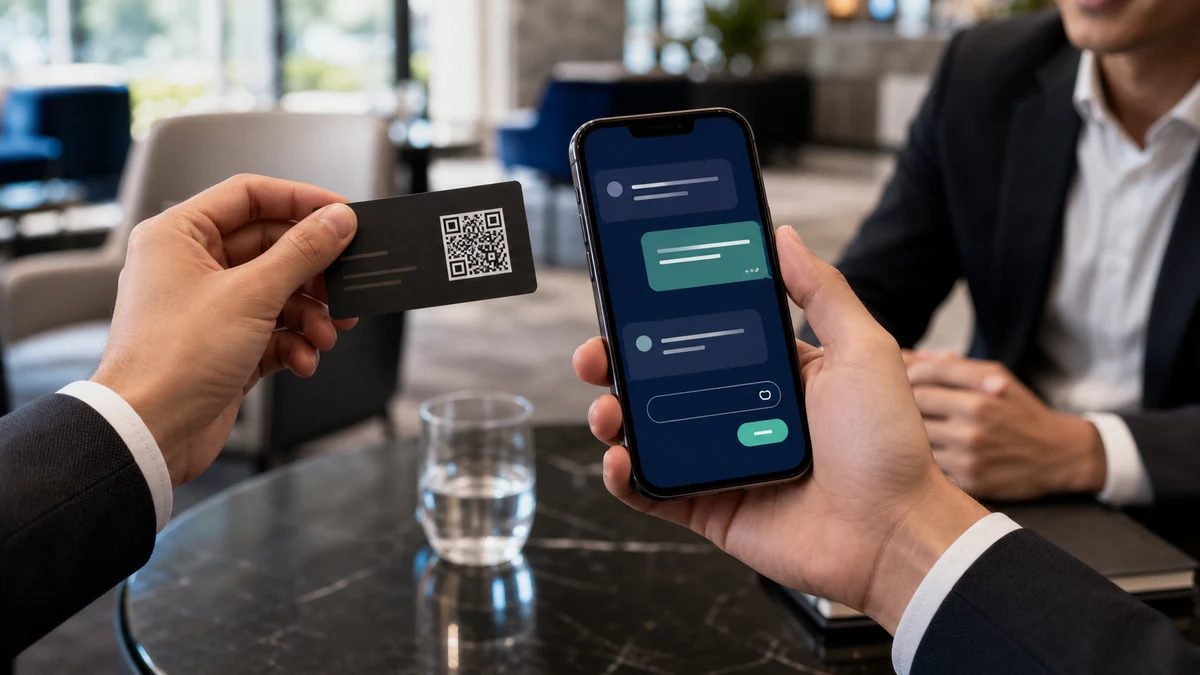
Tell RealLink AI what the inquiry form is for, such as a quote, sample, design request, order question, or another purpose that fits the business.
When a visitor asks about that need, the AI shows an inquiry button. The form opens only after the visitor chooses the button, so unrelated conversations continue without interruption.
Example conversation
Hi. I can answer questions about NovaPoint Advisory: service scope, typical project size, examples, and how to send a short inquiry.
I met you at the expo. Do you help early-stage exporters?
Yes. NovaPoint usually helps small exporters organize buyer follow-up, product documents, and first sales materials. For a quick overview, you can watch the short introduction video here: https://www.youtube.com/watch?v=7AZpQqQOty0
Can I ask for a follow-up?
Yes. Please leave your name, company, email, country, product category, and the question you want to discuss. The owner will review it with your earlier question so the reply starts with context.
Form setup
Keep it short. The form should collect enough context for a good reply, not everything a salesperson might eventually need.
Name, email, phone, or preferred contact channel.
Consultation, quote, booking, demo, partnership, support, or other.
Company, location, timeline, product interest, service area, or budget range when appropriate.
Show a short personal-information consent notice before collecting contact details.
Analytics
Every question can reveal what the card, pitch, or website failed to explain. This is useful even when the visitor does not submit the form.
Booking, quote, price, demo, catalog, and contact questions often show stronger intent.
Questions about proof, examples, guarantees, or process show where buyers need confidence.
International contacts can ask in their own language when multilingual support is enabled.
Repeated questions can guide the next card design, QR label, and sales one-liner.
FAQ
No. It is a lightweight inquiry capture layer connected to the public AI page. Use your CRM for deeper pipeline management if needed.
Usually no. Let visitors ask simple questions first, then show the inquiry form as the next step when they want contact.
Yes. If a YouTube or TikTok link helps explain the offer, the answer bubble can include it.
Final quotes, contracts, legal or regulated advice, sensitive details, and custom commitments should go to a person.
Next step
Give people a place to ask first and leave contact details when they are ready.
Create a business card AI page