
Google Business Profile links
What Link Should You Add to Your Google Business Profile?
A practical guide to choosing the destination that helps local customers act instead of making them search again.
Summary
For most small businesses, the main website link should open a fast, location-specific page that answers the first questions a Google Search or Maps visitor has: what you offer, whether you serve them, when you are open, and what to do next. Do not automatically send everyone to a generic homepage.
Use dedicated action links when Google makes them available for your category, such as booking, reservations, menu, pickup, delivery, or ordering. Each action link should complete the action named by the button. Track the result for 30 days, then keep the link that produces useful customer actions rather than the most clicks.
The quick answer
Choose the page that completes the customer's most likely next step.
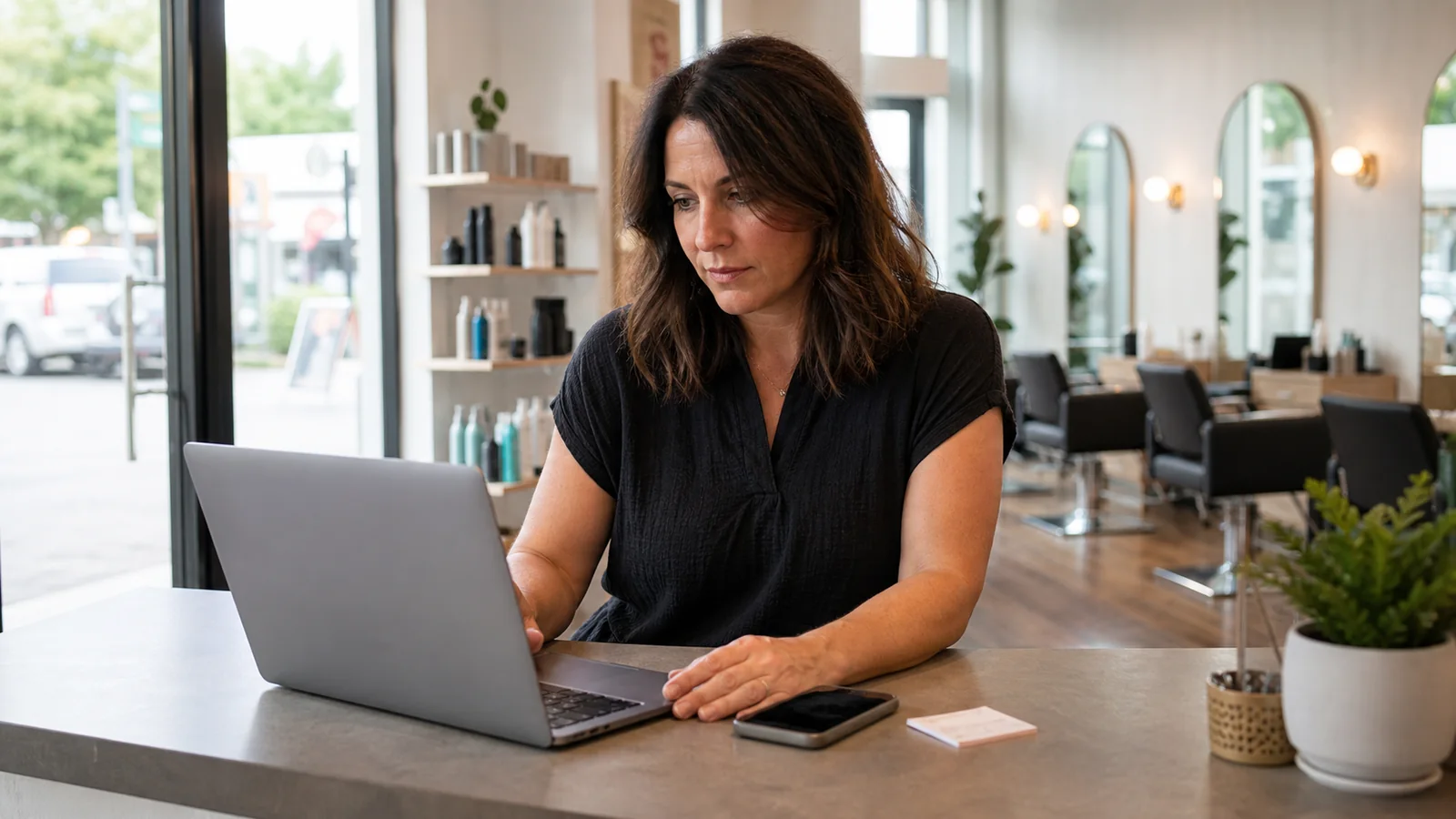
A customer opening your Business Profile is rarely browsing without a purpose. They may be checking whether you serve their area, comparing a menu, looking for an appointment, confirming parking, or deciding whether to call. The best link reduces the distance between that question and a useful action.
For a salon, that may be a booking page. For a restaurant, it may be the current menu or ordering flow. For a contractor, it is usually a location-specific service page with service area, job types, photo requirements, and a quote path. For a shop with many first-time questions, a concise customer-help page may work better than a promotional homepage.
Your website link and Google's category-specific action links do not have to do the same job. Keep the website link useful for broader evaluation, then use booking, menu, reservation, pickup, delivery, or order links for customers ready to act.
Know the difference between a website link and an action link
The website link explains the business; action links let customers finish a specific task.
The website field is the broad destination shown on your profile. It should help a new local visitor understand the location and choose a next step. Depending on category and region, a profile may also support links for menus, services, appointments, reservations, food ordering, pickup, or delivery. Availability differs, so work with the fields shown in your verified profile instead of assuming every business gets every button.
Google's business-link rules are strict about intent. An order link should let a customer place an order. A booking link should lead to a booking flow. A menu link should show the menu. Do not use a social profile, app-store page, link shortener, or generic link hub as a substitute for a direct action page where Google requires action completion.
Treat each field as a promise. The button label sets an expectation before the click. If the destination makes the customer start over, search for the location, or call just to complete the named action, the link is doing less work than it should.
| Profile field | Best destination | Avoid |
|---|---|---|
| Website | Location-specific overview with answers and clear next steps | A slow corporate homepage with no local details |
| Appointments or booking | The correct location's live booking flow | A contact page that only says to call |
| Menu | Current menu for that location | An old PDF or social feed |
| Ordering, pickup, delivery | A page where the customer can complete that action | A homepage or unrelated marketplace page |
| Services | A clear service list with scope and next steps | A vague brand story |
Use this decision rule
Pick one primary customer job, then choose the shortest trustworthy path to complete it.
Start with the searches that produce your profile. A branded search often comes from someone confirming details. A category search such as plumber near me, walk-in haircut, or lunch nearby comes from someone comparing options. Your link needs to support both, but one customer job usually matters most.
Write the top five questions people ask before they visit, book, order, or request a quote. Then open the proposed destination on a phone and try to answer those questions in 30 seconds. If the page cannot, either improve it or choose a more useful destination.
Finally, count the steps from click to completion. A good path is not always the shortest possible path; customers still need enough information to trust the action. The goal is the shortest trustworthy path, not a button that rushes people into a form without context.
- Name the primary job: visit, book, order, request a quote, compare services, or ask a question.
- Use a page for the exact location shown in the profile.
- Answer price context, hours, service area, eligibility, or preparation before the main action when they affect the decision.
- Keep one obvious next step above the mobile fold.
- Test the destination while signed out and on cellular data.
Best link by business type
The right destination changes with the customer's job, not with a universal SEO rule.
Restaurants should usually make the menu, hours, location, and ordering options effortless. Salons, clinics, trainers, and appointment businesses should reduce uncertainty around availability, service selection, preparation, cancellation, and booking. Home-service companies need service-area clarity, job fit, trust details, and an efficient quote path.
Retailers may send visitors to a location page with hours, directions, featured categories, pickup details, and current inventory guidance without pretending that live stock is guaranteed. Professional services often need a focused local page that explains who the service is for, what the first conversation covers, and how to request it.
If the same location serves several high-value customer jobs, keep the website page as the useful overview and use dedicated action fields for the rest. Do not force one URL to behave like a menu, booking tool, service catalog, FAQ, and contact form all at once.
| Business | Strong website destination | Useful action link |
|---|---|---|
| Restaurant or cafe | Location page with hours, parking, menu context, and contact | Menu, reservation, order, pickup, or delivery |
| Salon or spa | Service and location page with price ranges and preparation | Booking |
| Home services | Service-area page with job types, proof, and quote requirements | Quote or contact path on your own page |
| Clinic | Location page with services, access, preparation, and privacy-safe contact | Eligible appointment flow |
| Retail store | Store page with categories, pickup guidance, hours, and directions | Shopping or pickup when available |
| Consultant or professional | Local service page with fit, process, and first-step expectations | Consultation request |
Why a generic homepage often underperforms
A homepage asks a local visitor to repeat work Google already helped them do.
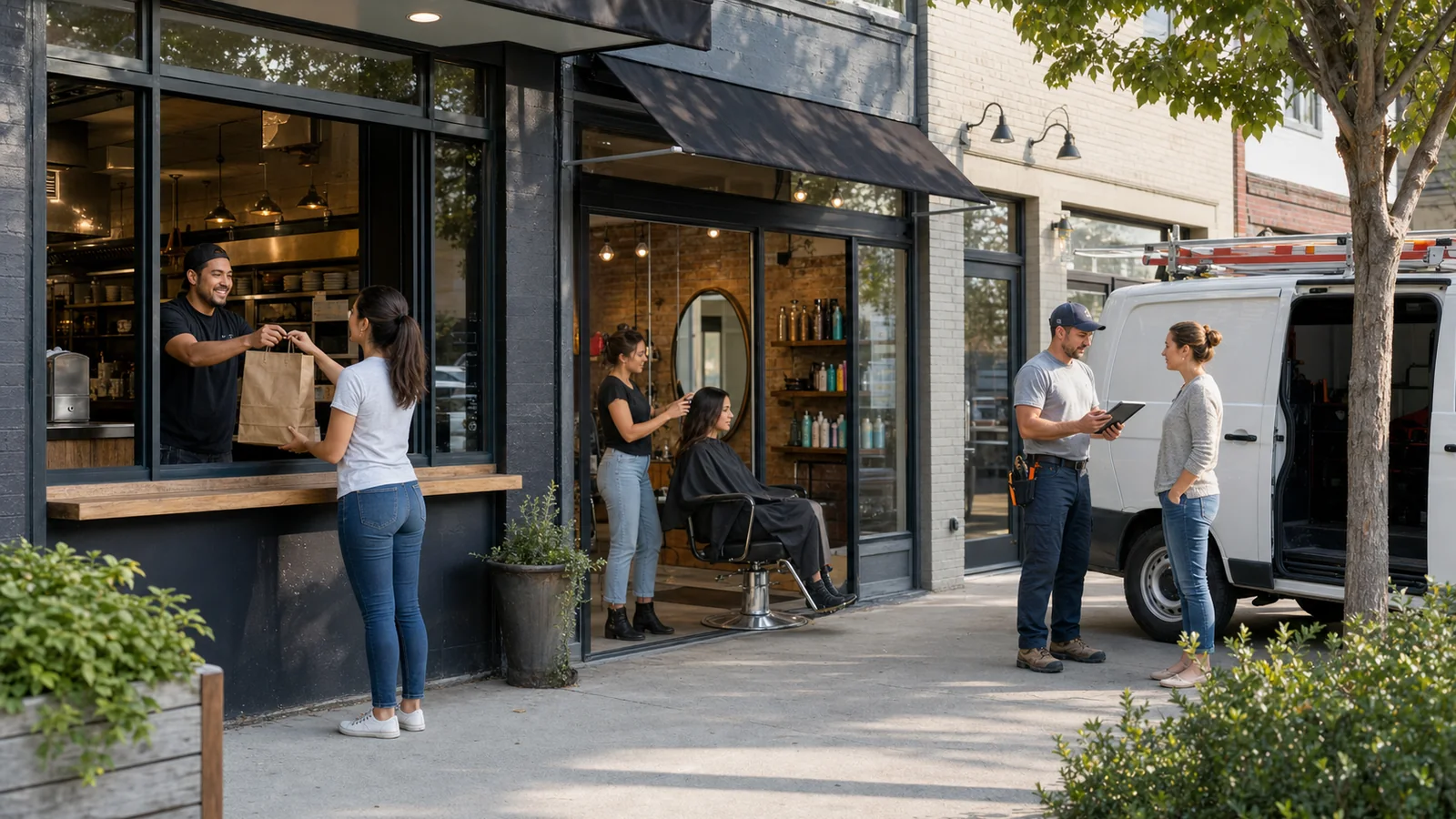
A visitor already knows your business name, approximate location, rating, and category from the profile. Sending that person to a broad homepage that repeats a slogan but hides hours, service area, menu, booking, or location details adds another search step.
This is especially painful on mobile. Large hero media, popups, location selectors, and slow scripts can bury the answer. A location page does not need to be dull, but it should lead with practical information. Put brand storytelling after the customer can confirm that the business fits.
A homepage is still reasonable for a single-location business when it already functions as a strong local landing page. The test is not the URL name. The test is whether the page immediately answers the questions that brought the visitor from Search or Maps.
Build a better destination page
A useful Business Profile landing page confirms fit, removes doubt, and offers one clear next step.
Start with the exact business and location. Show the service area or address, current hours, phone, and the primary action near the top. Add the information that changes the customer's decision: price ranges or quote factors, appointment requirements, parking, accessibility, preparation, pickup rules, turnaround expectations, or what to bring.
Use real photos of the location, team, work, food, or products when they help a visitor inspect the business. Keep policies accurate. If availability, inventory, or pricing changes, explain the boundary instead of making a promise the page cannot verify.
End with a human fallback. A page can answer routine questions without trapping someone whose case needs judgment. Show when to call, what information to send, and what response time to expect.
- Business name and exact location or service area
- Current hours and special-hour guidance
- Core services, menu, or product categories
- Price context or the factors that change a quote
- Primary action and a plain contact fallback
- Parking, accessibility, preparation, pickup, or arrival details
- Privacy and safety boundaries for sensitive requests
When a customer question page is the better link
Use an answer page when customers need clarity before they can choose the right action.
Some local businesses do not have one dominant transaction. A contractor may need photos before quoting. A specialty retailer may need compatibility questions. A venue may need to explain parking, group size, accessibility, and event rules. In those cases, a focused help or answer page can be more useful than a generic contact form.
The page should answer from approved business information and point to official next steps. It should not claim to check live stock, confirm a reservation, approve a refund, or make a regulated decision unless a connected system genuinely supports that action.
Keep the question page specific to the location and customer journey. A public answer page is useful when it helps visitors choose between booking, calling, visiting, ordering, or sending details. It is not useful when it becomes another vague chatbot that delays contact.
Make the link acceptable and crawlable
Use a direct, public, location-specific URL that works for customers and Google's verification crawlers.
Google says local business links should lead to a dedicated landing page for the business and, for multi-location companies, to the specific location. The page must support the action connected to the field. Links may be checked automatically or manually, and an inaccessible or noncompliant destination can be removed.
Test the URL in a private browser window. It should load without an employee login, app installation, geographic block, broken redirect, or consent wall that makes the core action impossible. Keep robots and firewall rules from blocking legitimate verification crawlers.
Avoid unnecessary redirect chains and shorteners. Use HTTPS, a stable final URL, accurate canonical tags, and a mobile layout that keeps the main action readable. If a third-party booking or ordering provider appears automatically, review which link is preferred and remove obsolete providers through the available profile controls.
Measure the link after you change it
Judge the destination by completed customer actions, not clicks alone.
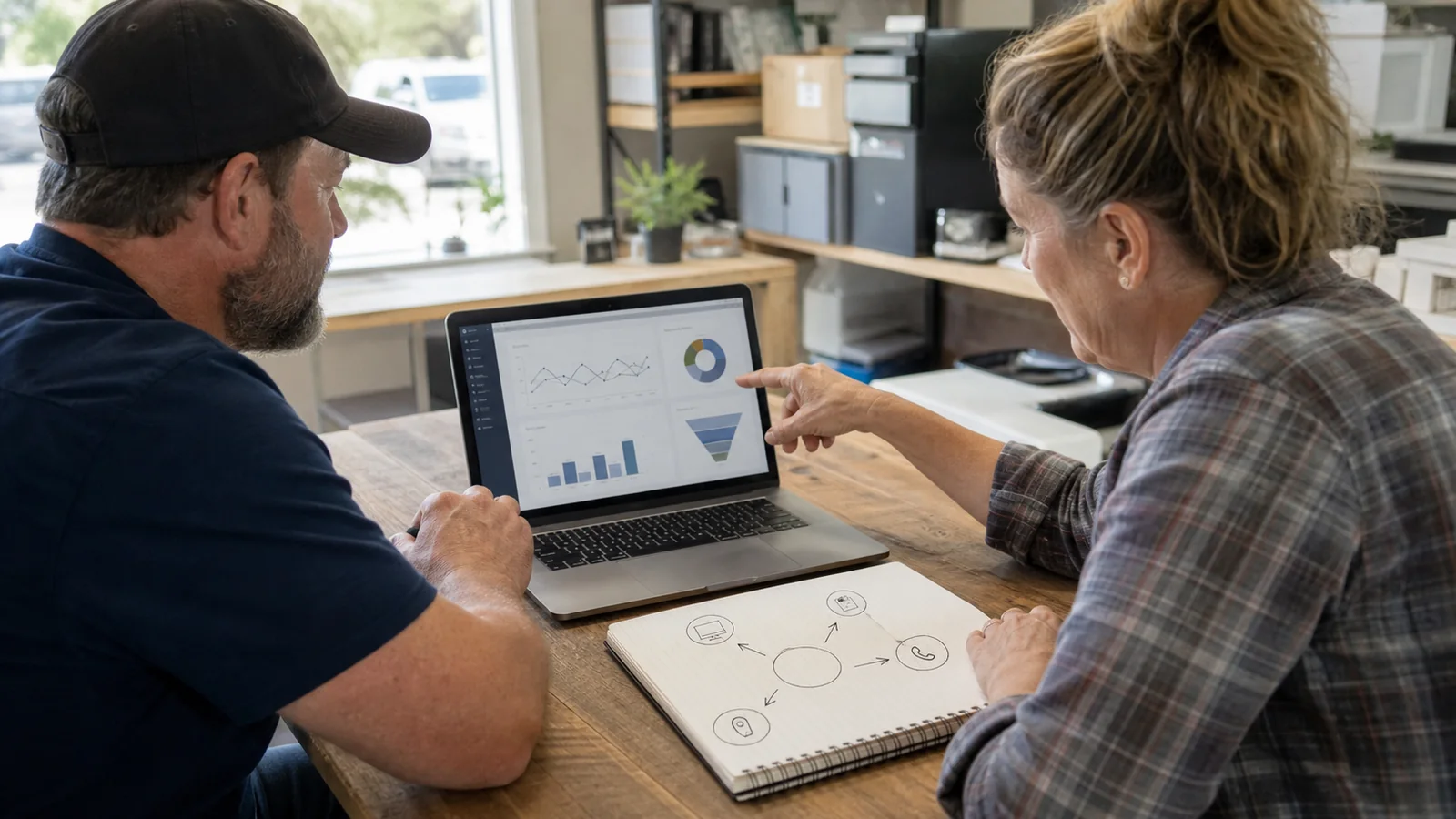
Record a baseline before changing the link: profile website clicks, calls, direction requests, bookings, menu views, orders, contact forms, and qualified inquiries that your systems can measure. Google Business Profile performance can show profile interactions, while your website analytics can show what happened after the visit.
Use a consistent campaign URL when appropriate, such as utm_source=google, utm_medium=organic, and utm_campaign=gbp. Keep names lowercase and stable. Do not put customer names, phone numbers, email addresses, or other personal information in tracking parameters.
A destination with fewer clicks can be better if more visitors book, request a relevant quote, get directions, or find the answer without calling. Review quality as well as volume: wrong-location inquiries, accidental calls, abandoned forms, and repeated questions all reveal friction.
Run a 30-day link test
Change one important destination, document the date, and review a full customer cycle before deciding.
On day one, verify the profile, destination, mobile speed, forms, booking flow, hours, and location details. On days two through seven, ask staff what customers still mention or cannot find. Fix broken information before interpreting conversion data.
At the two-week mark, compare profile interactions with website behavior. Look at the primary action, but also inspect calls, directions, question themes, and drop-off. If traffic is low, do not declare a winner from a handful of visits; use the month to gather operational evidence too.
After 30 days, keep the destination, revise it, or test a clearer alternative. Document the winning link for every location so a future site redesign, agency change, or profile edit does not silently send customers back to a generic homepage.
| Check | Signal | Possible response |
|---|---|---|
| Clicks rise, actions do not | The page attracts attention but creates friction | Clarify the first screen and action |
| Calls repeat the same question | An important answer is missing or hidden | Add the answer near the action |
| Wrong-location inquiries | The destination is not location-specific enough | Use the exact location page |
| Bookings improve | The link matches customer intent | Keep it and monitor quality |
| Low traffic | The sample is too small | Extend the test and use staff observations |
Common mistakes to avoid
Most link problems come from mismatch, stale information, or too many choices.
Do not link every location to the same corporate homepage. Do not label a page as booking when it only collects a generic message. Do not send customers to an outdated PDF menu, a private social post, or a link hub with ten unrelated buttons.
Do not change the URL without testing redirects, analytics, forms, and mobile behavior. Do not assume that a visually impressive page is useful from a Business Profile. Local visitors are often close to acting and notice friction quickly.
Finally, do not treat the profile link as a one-time SEO setting. It is part of customer service. Recheck it whenever hours, services, providers, menus, locations, booking tools, or policies change.
Sources and current Google guidance
- Google Business Profile Help: Manage local business links
- Google Business Profile Help: Business links policies and guidelines
- Google Business Profile Help: Changes to chat and call history
- Google Business Profile Help: Understand profile performance
- Google Analytics Help: Collect campaign data with custom URLs
- Google Business Profile Help: Guidelines for representing your business
FAQ
Should my Google Business Profile link go to my homepage?
Only when the homepage already works as a strong local landing page. Otherwise, use a location-specific page that shows hours, services, fit, and the next step.
Can I add more than one link?
Depending on category and region, verified profiles may offer website, menu, service, booking, reservation, ordering, pickup, or delivery fields. Use only the fields available to your profile.
Can I use a social media or link-in-bio page?
Google's direct action-link policies do not allow social pages, app-store pages, messaging links, or link shorteners as substitutes for some local business actions. A direct business page is safer and clearer.
Should I add UTM parameters?
UTM parameters can help identify traffic from the profile. Use consistent source, medium, and campaign values and never include personal customer information.
What replaced Google Business Profile chat?
The former Business Profile chat and call-history features ended on July 31, 2024. Customers can still use website links, phone calls, directions, and eligible action or messaging options shown on the profile.
How often should I review the link?
Check it monthly and whenever hours, services, booking providers, menus, policies, or locations change.
Last updated
Last updated: 2026-07-11.
Next guide
If your destination needs to answer common questions, build the self-service workflow before choosing more software.